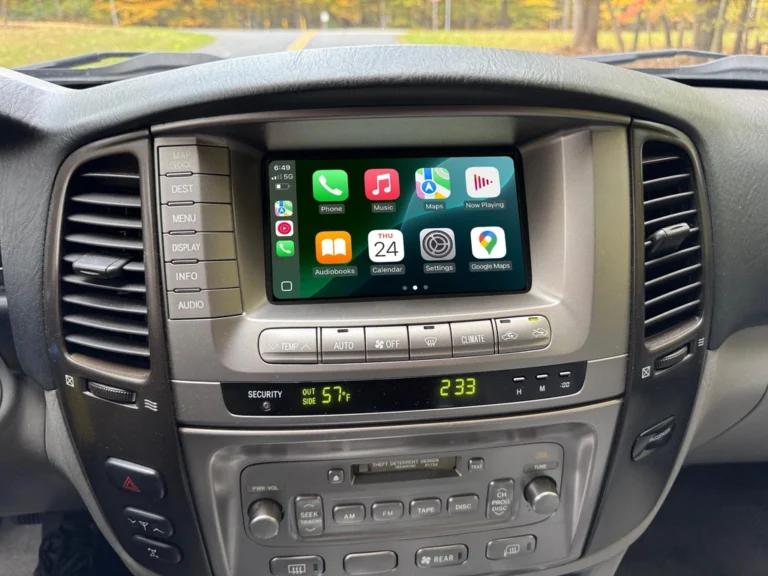
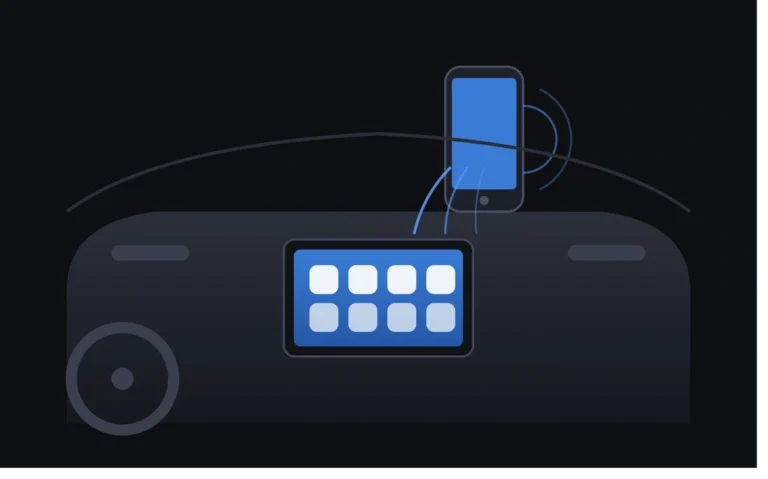
2008–2012 Toyota Crown GRS204/GWS204: Upgrade Your Factory Screen with Wireless CarPlay – The Complete Guide
For owners of the 13th‑generation Toyota Crown (2008–2012, chassis codes GRS204 and GWS204), this car is nearly perfect – the 3.5L V6 2GR‑FSE engine delivering 232kW, rear‑wheel drive, and luxury‑level appointments make it a true JDM icon. But there’s one obvious shortfall: the factory head unit is stuck in the pre‑smartphone era – outdated navigation, no CarPlay, and an interface that feels disconnected from modern driving needs.
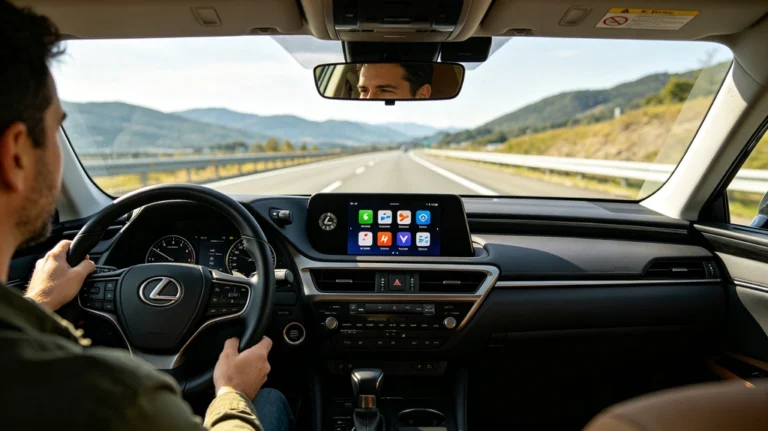
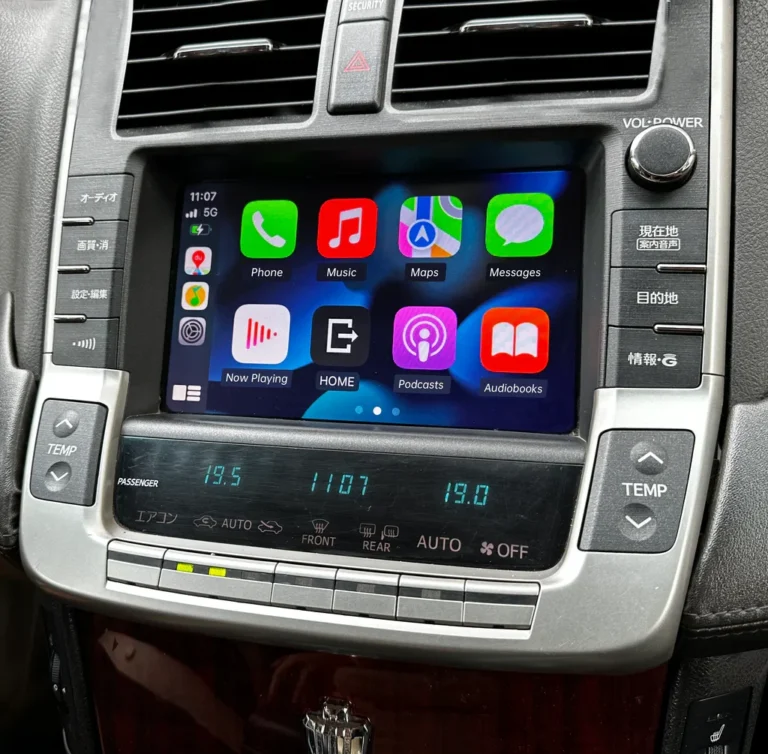
The good news is that you can add wireless Apple CarPlay and Android Auto without replacing the factory screen or cutting any wires. This guide walks you through the entire solution, helping you choose the right version for your needs.
Why Choose a Factory‑Screen Upgrade?
Common aftermarket approaches – replacing the entire head unit with a Chinese Android screen, or mounting a separate display on the dash – often come with drawbacks:
- Loss of factory functions – climate controls, reverse camera, steering wheel buttons may become laggy or stop working
- Ruined interior aesthetics – cheap‑looking screens clash with the Crown’s elegant cabin
- Complex installation – cutting and splicing wires introduces safety risks
This plug‑and‑play integration module avoids all of that. Installed discreetly behind the factory head unit, it connects via OEM‑matching harnesses – no wire cutting, no splicing. Every original feature remains intact: climate control, reverse camera, steering wheel volume/track buttons, parking sensors – all work exactly as before.
Key Features at a Glance
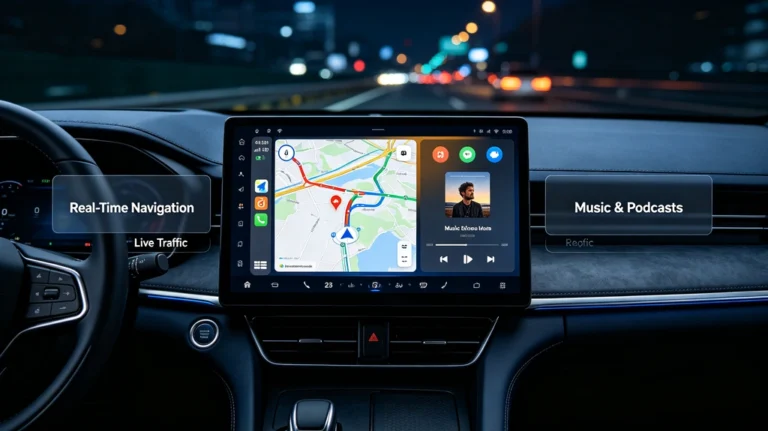
This upgrade brings modern smartphone connectivity to your Crown, including:
- ✅ Wireless Apple CarPlay – navigation, music, calls, and Siri, all cable‑free
- ✅ Wireless Android Auto – seamless integration for Android users
- ✅ Huawei HiCar – dedicated support for Huawei smartphone users
- ✅ Screen Mirroring – project your phone’s display onto the factory screen
- ✅ Dedicated Bluetooth & Wi‑Fi system – stable, low‑latency wireless performance that doesn’t interfere with the car’s factory Bluetooth
- ✅ Linux‑based OS – fast boot‑up, responsive operation, no freezes
- ✅ Multi‑language menu – supports English, Chinese, and more
Two Versions – Which One Is Right for You?
The system is available in two variants. The only difference is whether they include a built‑in FM/AM radio tuner.
Version 1: Built‑in Radio Chip Edition (Recommended for Local FM listeners)
The Japanese‑market (JDM) factory radio is hard‑limited to FM frequencies below 90MHz. In countries like Australia, the US, and Europe, most local FM stations broadcast above 90MHz (e.g., 104.1, 106.5) – meaning you simply cannot tune into them with the stock unit.
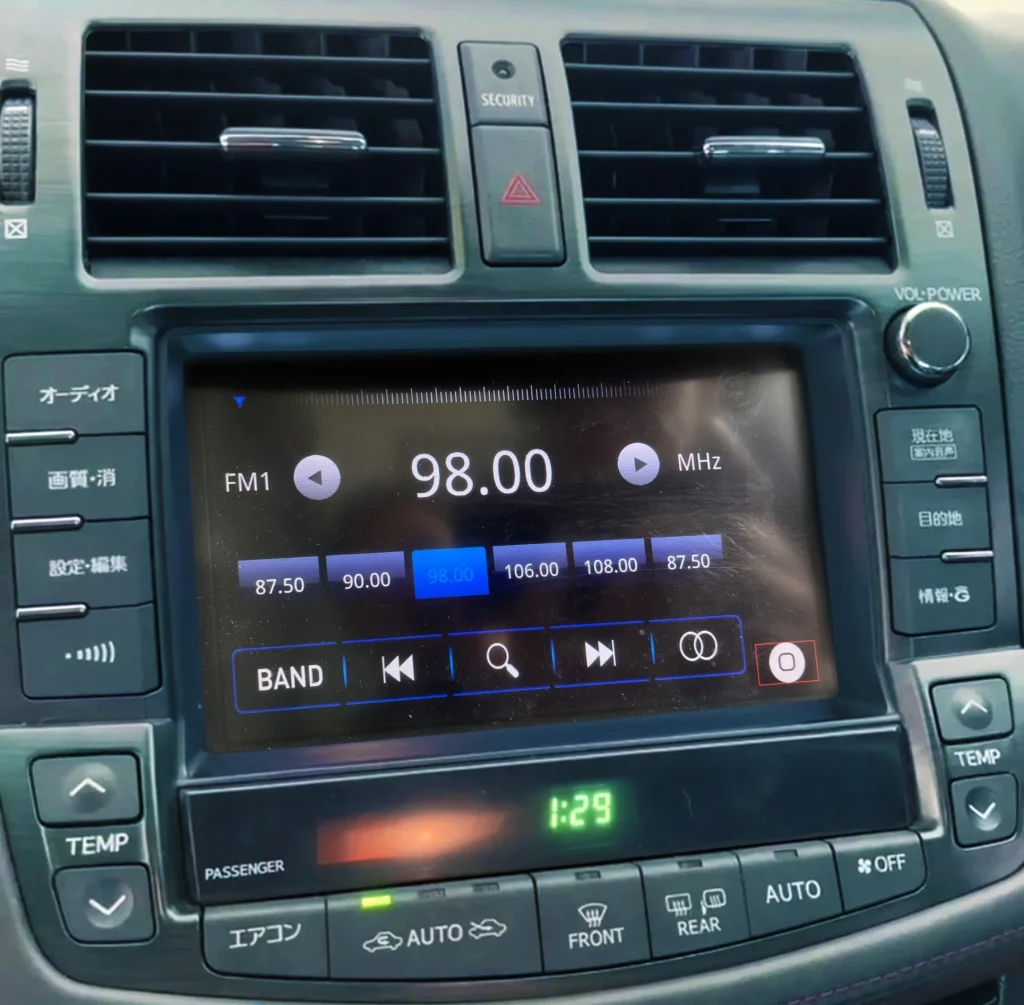
The Built‑in Radio Chip Edition solves this completely:
- Includes a dedicated FM/AM radio chip that can search and play all frequencies up to FM 108MHz+
- Adds a separate Radio app directly in the CarPlay home interface – no phone connection required
- Delivers clear, stable reception without consuming mobile data
- Perfect for daily commuters who enjoy local news, traffic updates, or classic FM stations
Version 2: Regular Edition (Ideal for Streaming‑First Users)
- No built‑in radio tuner – relies entirely on smartphone radio apps via CarPlay/Android Auto (e.g., ABC Listen, TuneIn, iHeartRadio)
- Best suited for users who primarily stream music, podcasts, or use digital‑only stations
- More affordable, with no compromise on CarPlay/Android Auto performance
Our recommendation: If you regularly listen to local FM broadcasts (traffic reports, talkback, or music stations), choose the Built‑in Radio Chip Edition. It’s a small extra investment that delivers a truly localised driving experience.
How Easy Is Installation?
This system is designed with DIY owners in mind. The installation process is straightforward:
- No screen replacement – the module mounts behind the factory head unit
- Plug‑and‑play harnesses – all connectors are OEM‑matching; no cutting, no soldering
- Installation time – approximately 15 minutes to 1 hour, depending on your confidence level
You’ll receive:
- A detailed printed installation manual
- Access to video walkthroughs
- One‑on‑one online technical support – real‑time assistance if you get stuck
For those who prefer professional help, paid installation services are available in most major Australian cities.
Frequently Asked Questions
Q: Will I lose any factory features after installation?
A: Not at all. Climate controls, reverse camera, steering wheel buttons, and the original settings menu all work perfectly. You can switch between the CarPlay interface and the factory system at any time.
Q: Which Crown models are compatible?
A: This kit fits 2008–2012 Toyota Crown GRS204 and GWS204 variants with a factory screen – including Royal Saloon, Athlete, and Hybrid models. Some GRS200/GRS202/URS206 models may also be compatible – please check with us.
Q: Is the wireless connection stable?
A: Yes. The module uses independent Bluetooth and Wi‑Fi chips optimised specifically for wireless CarPlay/Android Auto. You’ll experience stable connections with minimal latency.
Q: Do the steering wheel controls work with CarPlay/Android Auto?
A: Fully supported. Volume up/down, track skip, and call answer/end buttons all control the CarPlay/Android Auto interface seamlessly.
Final Thoughts
The 13th‑generation Toyota Crown is a car worth keeping for the long haul. With this plug‑and‑play upgrade, you preserve its classic character and every factory function – while adding the modern wireless connectivity that today’s drivers expect. You don’t need a new car to enjoy the latest tech.
If you have any questions about installation or which version suits you best, feel free to leave a comment below – we’re here to help! 🚗
This guide is based on official product information. For the most accurate specifications, please refer to the actual product documentation.