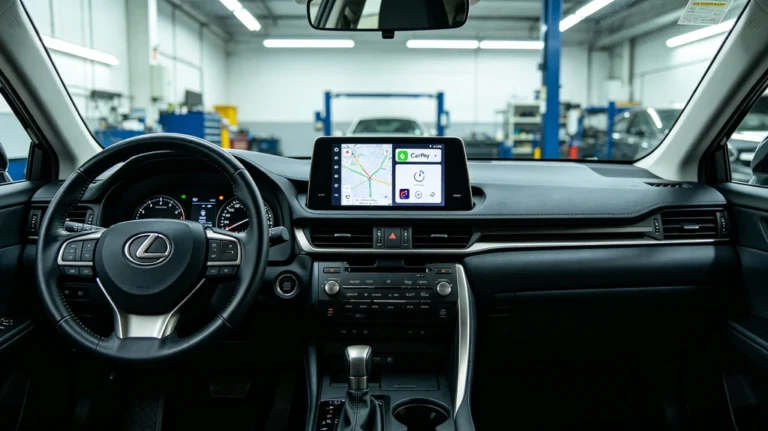
How to Add Wireless CarPlay to Toyota Crown JZS171 & Mark II JZX110 Without Losing AC Controls
For owners of late-90s and early-2000s JDM legends, getting a Toyota Crown JZS171 updated with CarPlay options has always been a nightmare. Whether you drive a Crown Athlete or a Mark II JZX110, these silk-smooth inline-six cruisers drive like a dream even today.
However, stepping inside reveals a frustrating time capsule: the infamous factory EMV (Electronic Multi-Vision) touchscreen. You want modern navigation and Spotify, but standard double-DIN head units create the ultimate roadblock—losing your climate controls.
You want modern navigation. You want Spotify. You need Wireless Apple CarPlay and Android Auto. But if you’ve researched standard double-DIN aftermarket head units, you’ve run into the ultimate JDM roadblock: If you remove the factory EMV screen, you lose your Air Conditioning (AC) climate controls completely.
In this technical guide, we will look at why traditional screen replacements ruin these classic interiors, and how the AUVETO OEM-Integration Method allows you to add seamless Wireless CarPlay while retaining 100% factory AC functionality.
The JDM Dilemma: Why a Standard JZS171 & JZX110 CarPlay Upgrade
On the Toyota Crown (170-series) and Mark II (110-series), the factory navigation screen is not just a radio—it is the brain of the dashboard.
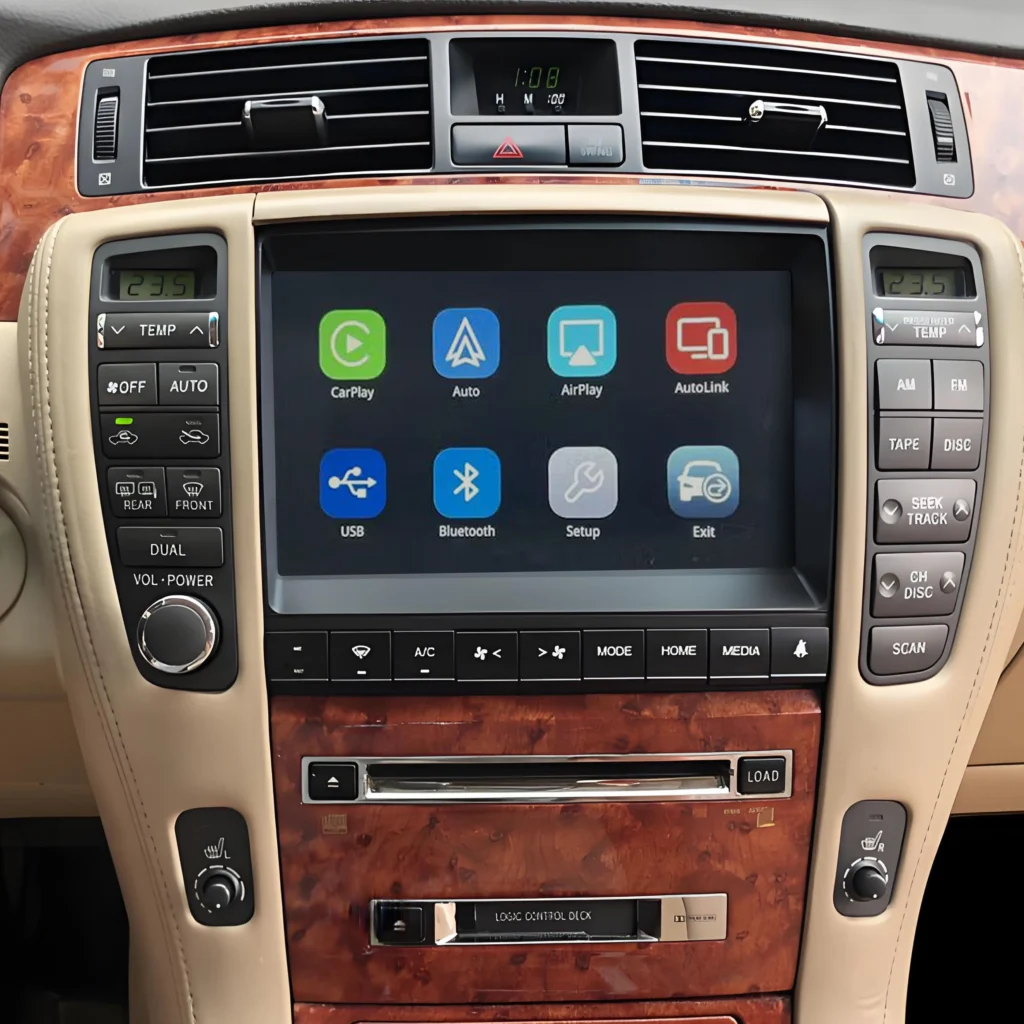
If you unplug the factory screen to install a generic Android head unit or a standard double-DIN dash kit:
- The Gateway Error: The M-AV Lan communication loop breaks.
- AC Failure: You lose the touch-screen climate control interface. Your AC will either lock up entirely or stick to the last temperature setting before disassembly.
- Ruined Aesthetics: The pristine, luxury JDM dashboard layout is replaced by cheap, ill-fitting aftermarket plastic.
Many owners resort to messy workarounds, like relocating the factory circuit board into the glove box just to keep the AC running. It’s unpolished, complex, and ruins the car’s premium feel.
The Solution: How AUVETO Fixes the JZX110 & JZS171 CarPlay Conflict
You do not need to cut wires, and you do not need to sacrifice your climate control. The AUVETO Wireless CarPlay Integration Module acts as a smart bridge between the Toyota legacy analog architecture and modern digital smartphone systems.
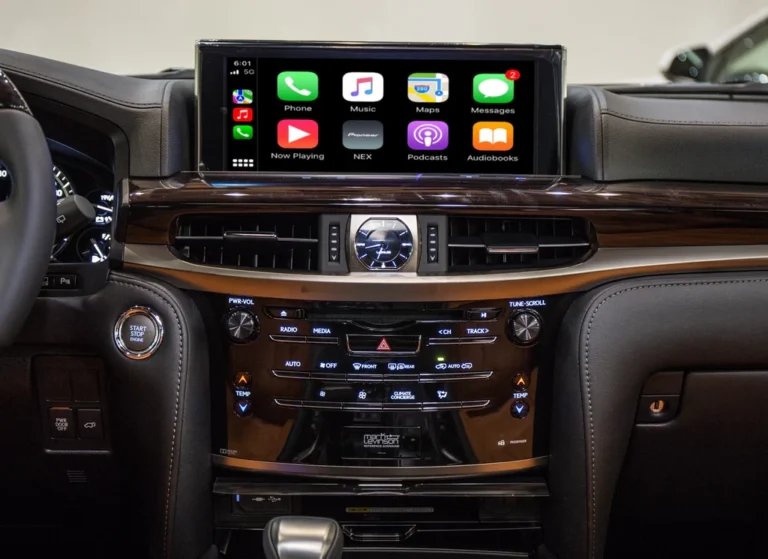
Instead of replacing the screen, AUVETO intercepts the factory video signal and overlays a high-definition, responsive CarPlay/Android Auto interface directly onto your OEM setup, or through a dedicated, non-destructive high-res display swap that plugs directly into the factory loom.
Key Benefits of the AUVETO Solution:
- 100% Factory AC Retention: Keep full control of your climate, fan speeds, and swinging vents via the original hardware buttons and touch protocols.
- Plug-and-Play Wire Harness: No cutting, splicing, or pinning. The kit matches the original Toyota multi-pin connectors.
- Lossless Audio Quality: Signals run directly through the factory amplifier system, maintaining the original premium sound staging.
- Instant Wireless Hookup: Jump into your JZS171 or JZX110, and your iPhone automatically boots into CarPlay within 5 seconds of turning the ignition key.
Step-by-Step Overview: How It Works
While every AUVETO kit comes with a specific vehicle manual, here is how the non-destructive upgrade process bypasses the classic JDM roadblock:
Step 1: Accessing the Factory Stack
Carefully unclip the wood-grain or silver trim surrounding the gear shifter and center console of your Crown or Mark II. Remove the 10mm bolts securing the factory EMV head unit.
Step 2: Tapping the M-AV Communication Loop
Unplug the factory wiring harnesses from the back of the OEM unit. Plug them directly into the AUVETO custom T-harness. This harness splits the data: it routes the climate control signals perfectly back to the vehicle’s ECU while feeding the audio/video signals into the AUVETO controller.
Step 3: Placing the Module
The compact AUVETO interface module tucks neatly behind the dashboard stack or above the passenger footwell cavity. No cutting of internal dash plastic is required.
Step 4: Booting Up Modern Tech
Reassemble the dash. Turn on the car. Hold down the factory “NAV” or “OFF” button for 2 seconds. The screen instantly switches from the retro Japanese maps to a beautiful, modern Wireless CarPlay/Android Auto interface.
Frequently Asked Questions
Q: Will this drain my car battery or cause electrical dashboard errors? A: No. The AUVETO system features an intelligent sleep-wake protocol that matches the vehicle’s accessory (ACC) power state. It draws 0.00A when the ignition is switched off, ensuring your battery stays completely safe.
Q: My Crown/Mark II has a factory backup camera. Will it still work? A: Yes. The AUVETO module senses reverse gear engagement automatically. When you shift into Reverse, it seamlessly overrides CarPlay to show the factory backup camera feed, then switches back to your navigation when you shift to Drive.
Q: Can I control Siri or Google Assistant using voice? A: Absolutely. The kit includes a high-sensitivity external microphone that integrates subtly near the steering column or rearview mirror for crystal-clear hands-free calling and voice navigation.
Bring Your Classic JDM into 2026
You don’t have to choose between a roasting/freezing cabin or living without modern maps and music. Treat your 1JZ cruiser to the tech upgrade it deserves.
Maximize your JDM driving experience while preserving its resale value and factory aesthetics. [Check out the AUVETO Toyota Crown/Mark II Wireless CarPlay Integration Kit here] and breathe new life into your classic cockpit.