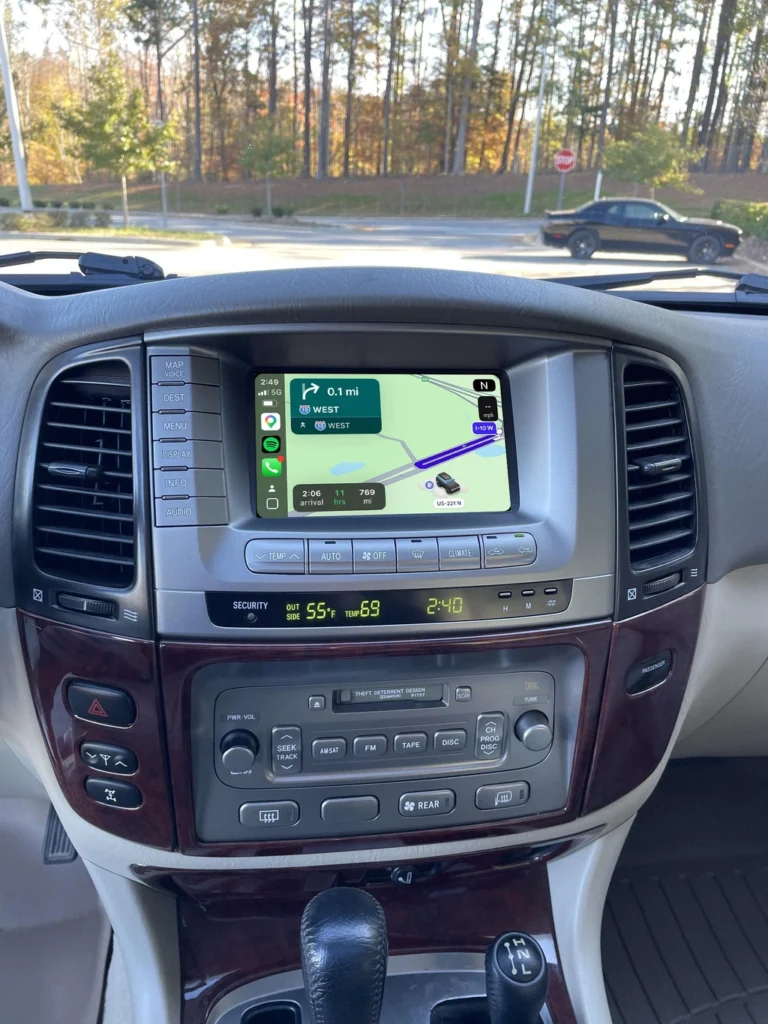
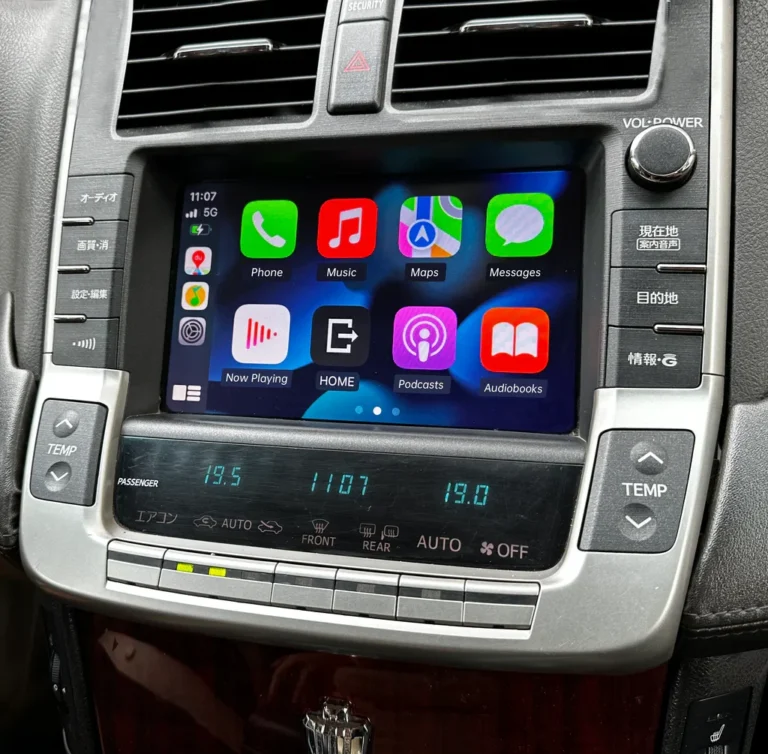
Will CarPlay work with my factory backup camera?
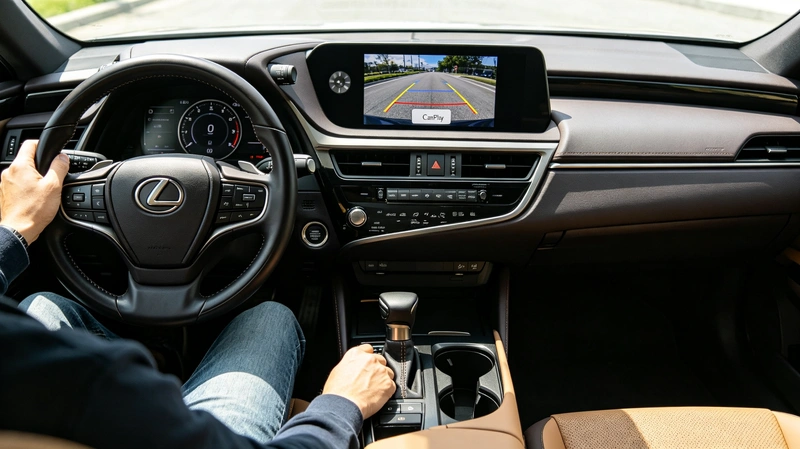
In most cases, yes. When you shift into reverse, the screen switches to the camera view, and it returns to CarPlay when you leave reverse. With an interface module, the exact behavior depends on the kit and on your car’s camera system, so check compatibility before you order. Some kits do not support multi-view or 360-degree cameras.
Key takeaways
- The car’s reverse signal takes priority over CarPlay, so the camera image appears when you shift into reverse.
- A standard factory rear camera is usually the simplest case, while 360-degree and multi-view systems need a compatibility check.
- Aftermarket cameras have different setup requirements from factory cameras.
- If the camera image does not appear after installation, the cause is often a configuration or installation issue rather than a faulty camera.
How CarPlay and the backup camera work together
When you put the car in reverse, most vehicle systems automatically override other inputs and show the camera video. When you leave reverse, the display goes back to CarPlay. The camera image temporarily replaces the CarPlay interface, so you never have to open a menu to see behind you.
Plug-in wireless adapters only replace the cable in a car that already has wired CarPlay, so the car’s own system keeps handling the camera. An interface module is different. It connects to the factory head unit and adds CarPlay to a screen that never had it, so camera compatibility depends on the kit and on your car.
Which camera do you have?
| Camera type | What to check |
|---|---|
| Standard factory rear camera | The simplest case. Confirm your model and year are listed for the kit you want. |
| 360-degree or bird’s-eye view system | Some kits do not support these systems. Confirm support for your vehicle before ordering. |
| Multi-terrain or multi-view cameras | Compatibility varies by kit and by model. |
| Aftermarket rear camera | Settings differ from a factory camera, so ask before you install. |
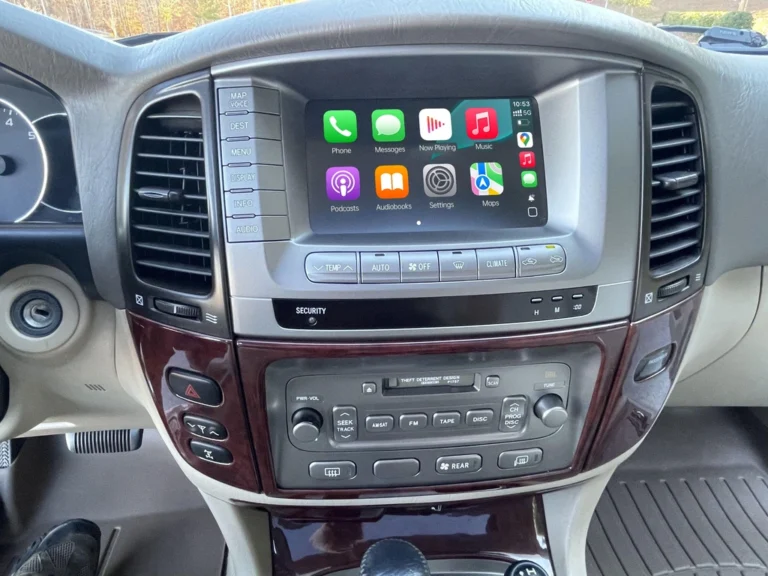
AUVETO’s kit for the 1999 to 2021 Lexus LX is described as compatible with the original factory multi-terrain and 360-degree panoramic cameras. For other models, check the product page or ask the team about your car.
What to expect after installing an interface module
The original screen, dashboard look and steering wheel controls stay in place, and the camera image appears when you shift into reverse. Features that depend on your car’s camera system, such as on-screen guidelines or multi-view modes, vary by model and kit, so ask about them if they matter to you.
What if the camera image doesn’t appear?
Start with the camera type, because the settings differ between a factory camera and an aftermarket one.
- Confirm that the camera worked on the factory system before installation, so you know the starting point.
- Check that the kit you bought is listed for your model, year and camera system.
- Recheck the installation and the connections behind the head unit.
- Contact the seller’s support with your vehicle details and a description of what happens when you shift into reverse.
AUVETO includes 1-on-1 remote tech support with every kit, so you can walk through the steps with the team instead of guessing.
A note on safety
A backup camera helps, but it does not replace looking around the car. Check your mirrors and surroundings before and while you reverse.
Before you order: a quick checklist
- Write down your make, model, year and trim.
- Note whether you have a standard rear camera, a 360-degree system or an aftermarket camera.
- Check whether the car already has wired CarPlay, because that changes the product you need.
- Send those details to the team for a fitment check.
Not sure your vehicle is compatible?
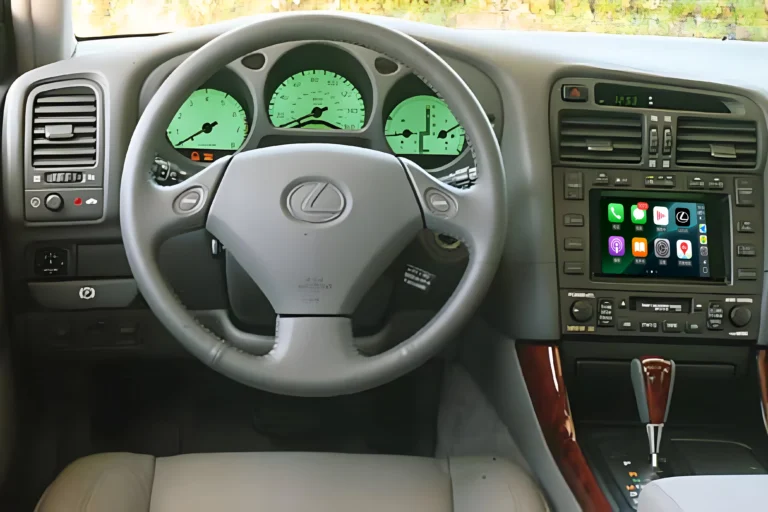
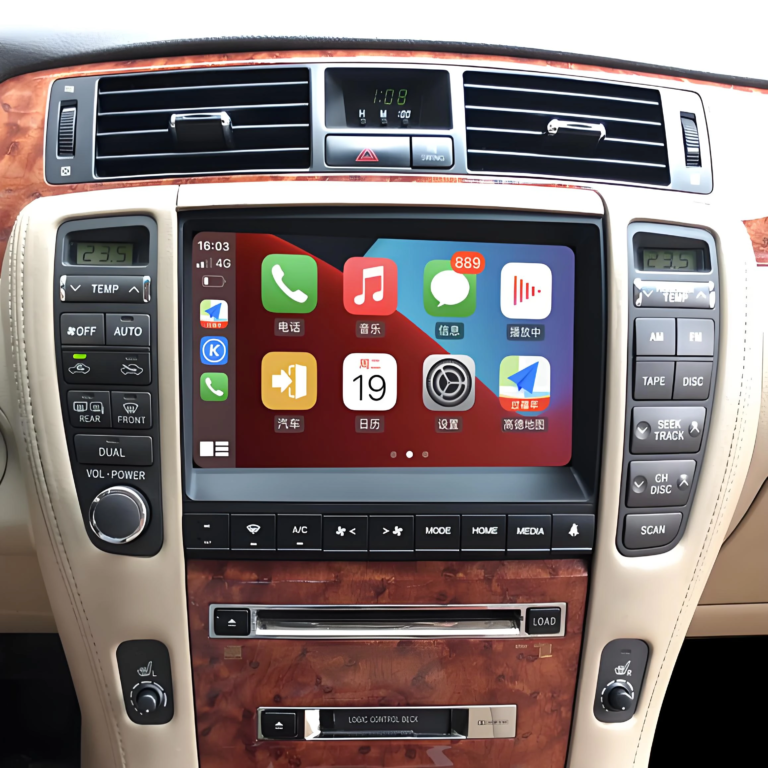
Toyota and Lexus screens vary by model, market and software version. Browse the AUVETO collection for your vehicle, or contact the team for a fitment check before you order.
FAQ
Will CarPlay work with my factory backup camera?
In most cases, yes. When you shift into reverse, the display switches to the camera view and returns to CarPlay afterward. With an interface module, confirm that the kit supports your model and camera system.
Does a wireless CarPlay adapter affect my backup camera?
No, in most cars. An adapter replaces the cable in a car that already has wired CarPlay, so the car’s own system keeps handling the camera.
Will a CarPlay module work with a 360-degree camera?
It depends on the kit and the vehicle. Some kits do not support 360-degree or bird’s-eye view systems, so check compatibility first. AUVETO’s Lexus LX kit is described as compatible with the factory multi-terrain and 360-degree cameras.
Can I use an aftermarket backup camera with a CarPlay module?
Often, but the settings differ from a factory camera. Ask the seller how to configure it before you install.
Why doesn’t my backup camera show after installing a CarPlay module?
Common causes are a kit that does not support your camera type, a connection that needs rechecking behind the head unit, or a configuration issue. Contact support with your vehicle details.
Do the guidelines on the camera image still appear?
That depends on your car and the kit. Ask the team about your specific model if the guidelines matter to you.