Does wireless Android Auto work without USB?
Yes. Wireless Android Auto works without a USB cable as long as your phone and your car both support it. The phone needs Android 11 or later and 5GHz Wi-Fi, and the car needs wireless Android Auto built in or added through an adapter or interface module. After setup, the phone connects on its own when you start the car.
Key takeaways
- Wireless Android Auto needs no cable in normal use, but the phone and the car must both support it.
- Most phones need Android 11 or later and 5GHz Wi-Fi.
- Bluetooth starts the connection and Wi-Fi carries the data, so both have to stay on.
- A car without built-in wireless support can add it with an adapter or an interface module.
How wireless Android Auto works
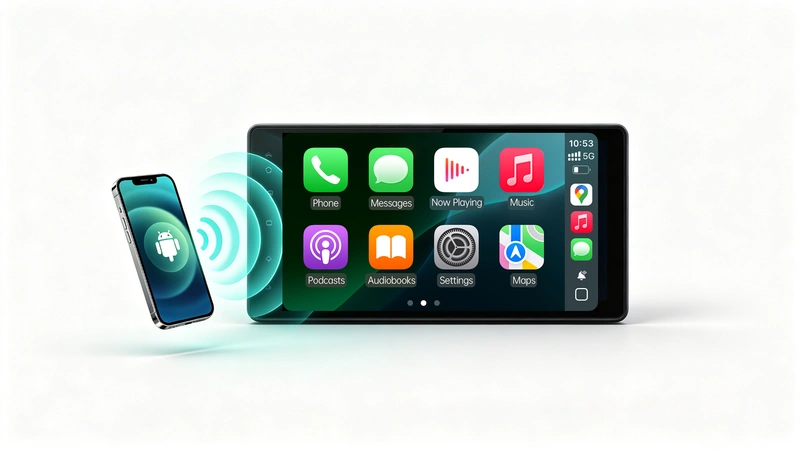
Bluetooth handles the initial handshake and authentication, then the connection switches to 5GHz Wi-Fi for the data stream. Turning off either one breaks the link. On the phone, Bluetooth, Wi-Fi and Location should all be on.
First-time setup varies by car. Many setups use a one-time Bluetooth pairing, and some ask you to plug in a cable once. After that, the phone joins automatically each time you get in.
What you need
| Requirement | Details |
|---|---|
| Phone | Android 11 or later on most phones, with 5GHz Wi-Fi support. Some older Pixel and Samsung Galaxy models had wireless support on earlier Android versions. |
| Car | A head unit with wireless Android Auto support, a compatible aftermarket unit, or a wireless adapter or interface module. |
| Phone settings | Bluetooth, Wi-Fi and Location turned on. |
| Setup | A one-time pairing, and in some cars a cable for the first connection. |
A phone that works with Android Auto over a cable may still fail the wireless requirements, so check your Android version in the About section of Settings before you buy anything.
What if my car only supports wired Android Auto?
You can usually add wireless with a plug-in adapter. The adapter goes into the USB port that already handles wired Android Auto and creates the wireless link to your phone. It only works in cars that already have Android Auto.
What if my car has no Android Auto at all?
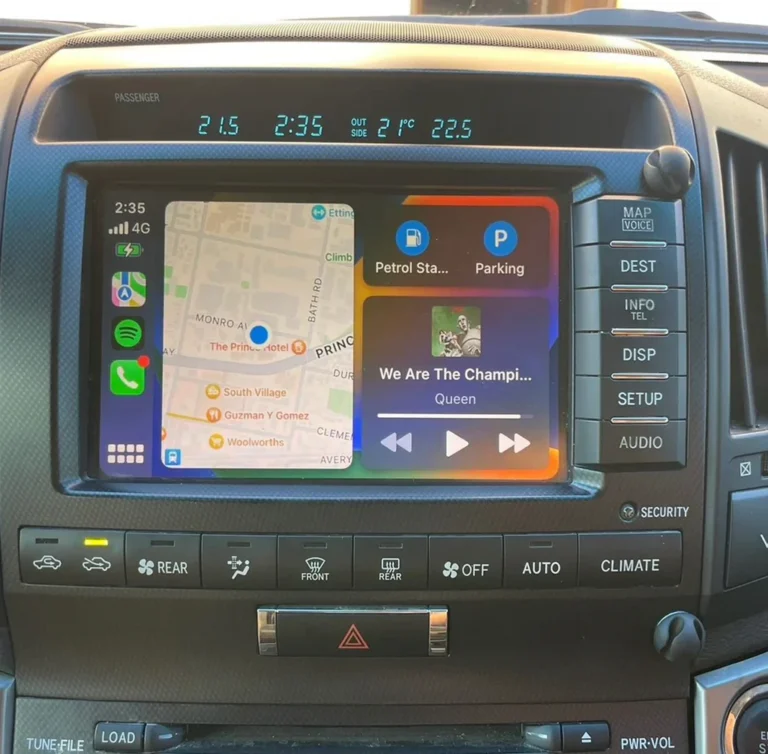
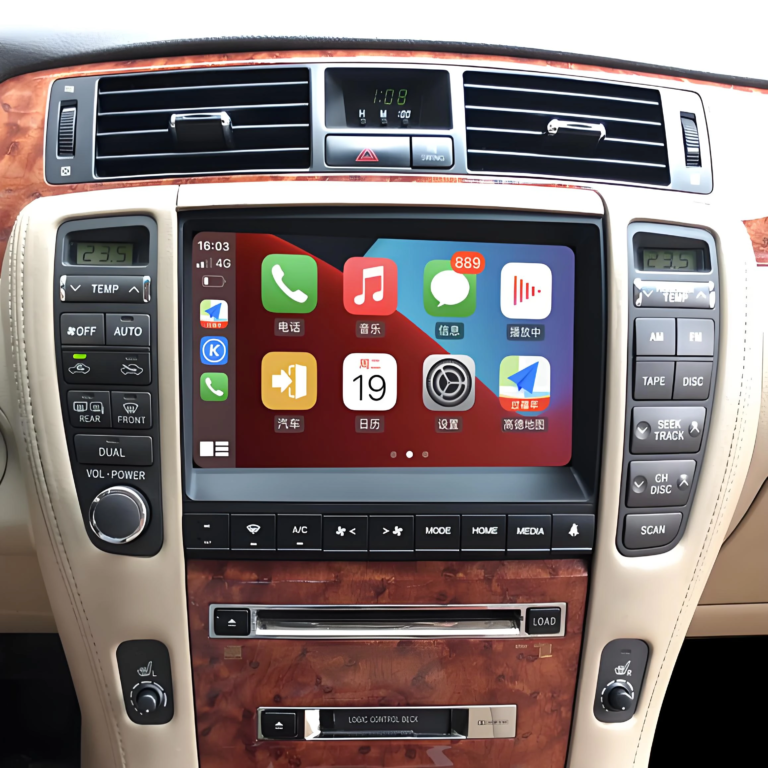
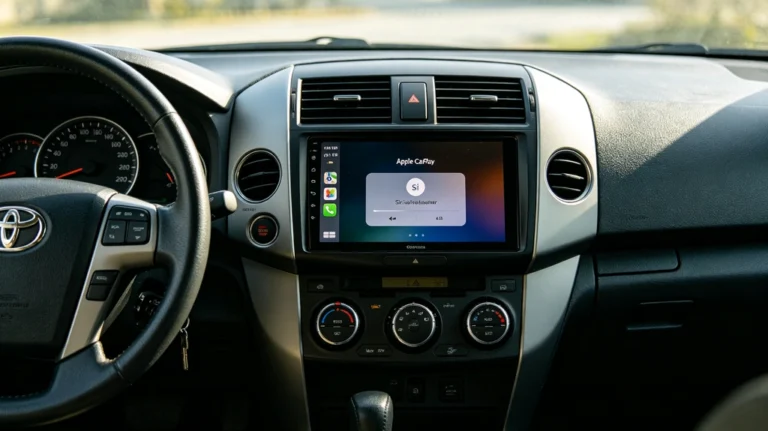
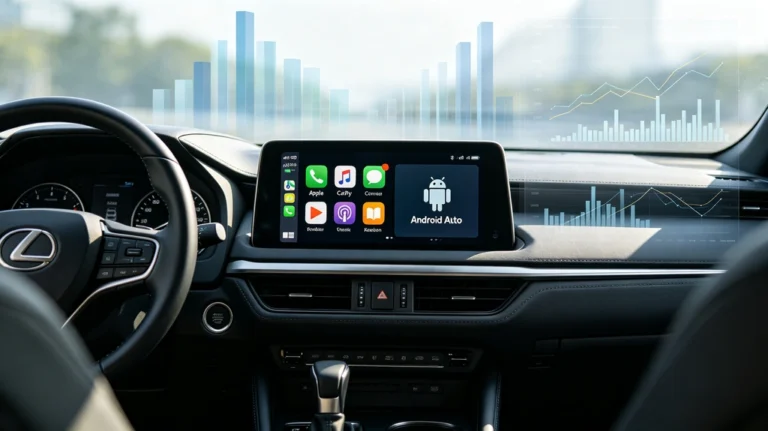
Many older Toyota and Lexus models never had Android Auto, so a plug-in adapter has nothing to connect to. In that case you need an interface module that connects to the factory head unit and adds CarPlay and Android Auto to the original screen.
AUVETO modules work this way. They keep the original screen, dashboard look and steering wheel controls, and installation takes roughly 1 to 2 hours. After installation the phone pairs automatically over 5GHz Wi-Fi and Bluetooth when you start the engine. Kits come with manuals and step-by-step video guides, and 1-on-1 remote tech support is included. Check the product page for your model to confirm the wireless Android Auto details for your vehicle.
What you give up by going wireless
The main cost is charging. Wireless Android Auto does not charge the phone, so a wireless charging pad or a second USB port helps on longer drives. Crowded Wi-Fi areas such as dense parking lots can make the link less stable, and older or budget phones may lack 5GHz Wi-Fi or Android 11.
If wireless Android Auto will not connect
- Confirm the phone runs Android 11 or later and supports 5GHz Wi-Fi.
- Check that Bluetooth, Wi-Fi and Location are all on.
- Update the phone’s operating system, the Android Auto app and any head unit or module firmware.
- Forget the car on the phone and pair it again from scratch.
- Check that the phone is not defaulting to a saved 2.4GHz network instead of joining the car’s 5GHz link.
If the connection connects but keeps dropping, our guide to wireless CarPlay disconnects covers interference, heat and software causes that apply to wireless Android Auto too. For a comparison of the two connection types, see our wireless vs wired CarPlay guide.
Not sure your vehicle is compatible?
Toyota and Lexus screens vary by model, market and software version. Browse the AUVETO collection for your vehicle, or contact the team for a fitment check before you order.
FAQ
Does wireless Android Auto work without USB?
Yes. It runs over Bluetooth and 5GHz Wi-Fi, so no cable is needed in normal use. Both the phone and the car (or an adapter) must support it.
What do I need for wireless Android Auto?
A phone running Android 11 or later with 5GHz Wi-Fi, and a car or head unit with wireless Android Auto support. A wireless adapter or interface module can add support to a car that lacks it.
Does wireless Android Auto use my home Wi-Fi or mobile data?
The Wi-Fi link is a direct connection between the phone and the car, not your home network. Navigation and streaming still use your phone’s mobile data as usual.
Does wireless Android Auto charge my phone?
No. Plug the phone into a charger or use a wireless charging pad if you need power on a long drive.
Can I add wireless Android Auto to a car that only has wired?
Yes, in most cases. A plug-in wireless adapter works with the car’s existing wired Android Auto port.
Can I add Android Auto to an older Toyota or Lexus that doesn’t have it?
In many cases, yes. An interface module connects to the factory head unit and adds Android Auto and CarPlay to the original screen. Check compatibility for your model and year before ordering.