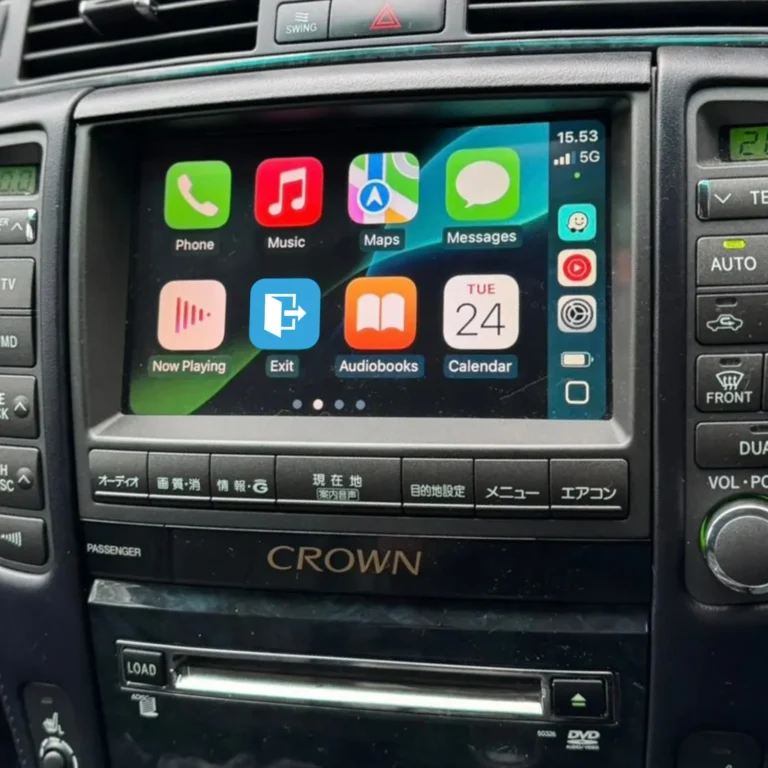
Does wireless CarPlay disconnect? Causes and fixes
Yes, wireless CarPlay can disconnect, but it should not happen often. An occasional drop after a phone update or in a spot with heavy radio interference is common. Repeated drops usually trace back to interference, outdated software, heat, a damaged pairing record or a low-quality adapter, and most of these can be fixed at home.
Key takeaways
- One-off disconnects happen on wireless connections. Frequent drops point to a fixable cause.
- The pattern of the drops tells you where to look: the same spot on your route, long drives, or the day after an iOS update each suggest a different culprit.
- Testing the same phone on a wired connection quickly shows whether the problem is the wireless link.
- Older Toyota and Lexus head units sometimes need a software update or a better interface module to stay stable.
Why wireless CarPlay can disconnect
Wireless CarPlay uses two radios. Bluetooth sets up the initial connection, then Wi-Fi carries most of the data for navigation, music, calls and Siri. Because two wireless systems have to work together, wireless CarPlay can be affected by things that never touch a cable. Interference, phone software, head unit firmware and heat can each break the link.
Reading the pattern of your disconnects
When the drops happen is the best clue to why.
| What you see | Likely cause | First thing to try |
|---|---|---|
| Drops at the same spot on your route | Radio interference or a Wi-Fi handoff | Turn off nearby Wi-Fi and Bluetooth devices in the car |
| Drops after a long drive or in hot weather | Phone or module getting too warm | Move the phone out of direct sun and remove a thick case |
| Started after an iOS update | Software compatibility | Restart, update iOS and any module firmware, then re-pair |
| Repeated pairing prompts | Damaged pairing record | Forget the car on the phone and pair again |
| Wireless drops but wired is fine | The wireless link or the adapter | Check for firmware updates and interference |
Eight common causes
- Interference. Dash cams, wireless charging pads, aftermarket Bluetooth transmitters and other Wi-Fi devices in the cabin can disrupt the connection.
- Outdated iPhone software. Old iOS versions cause dropouts, and a bad update can too. A bug in one iOS 18 release caused some cars to connect and disconnect in a loop across many brands, and a later update addressed it.
- Older head unit firmware. Some older units need a software update to keep CarPlay stable.
- A damaged pairing record. A half-corrupted pairing between the phone and the car behaves a lot like a frayed cable does on a wired connection.
- Heat. Disconnects that only appear after a longer drive can point to device temperature or a sustained wireless workload.
- A thick phone case. A case can weaken the signal enough to matter in a marginal setup.
- A low-quality adapter or module. Cheap Wi-Fi modules and outdated adapter firmware are a frequent source of drops. Aftermarket modules can also be sensitive to the iOS version they were built for.
- Phone settings. Wireless CarPlay needs Bluetooth and Wi-Fi on, CarPlay Auto-Join enabled, and no Screen Time restriction blocking CarPlay.
How to fix wireless CarPlay disconnects
Stop the car before you touch the phone. Trying to fix a drop while driving is unsafe and illegal in many places.
- Confirm Bluetooth and Wi-Fi are on and that CarPlay Auto-Join is enabled, then restart both the phone and the car.
- Forget the car in Settings > General > CarPlay and in your Bluetooth settings, then pair again from scratch.
- Update iOS, the vehicle’s infotainment software and any interface module firmware. Restart the phone after each update.
- Unplug or switch off dash cams, wireless charging pads and Bluetooth transmitters to see whether the drops stop.
- Check Settings > Screen Time > Content & Privacy Restrictions > Allowed Apps and make sure CarPlay is allowed.
- Remove a thick case, keep the phone out of direct sunlight and place it somewhere open.
- Test the same phone over a wired connection. If wired stays stable and wireless does not, the wireless link or adapter is the problem.
- If the drops began right after an iOS update, look for reports from other drivers and install the next patch when it arrives.
Do older Toyota and Lexus vehicles disconnect more?
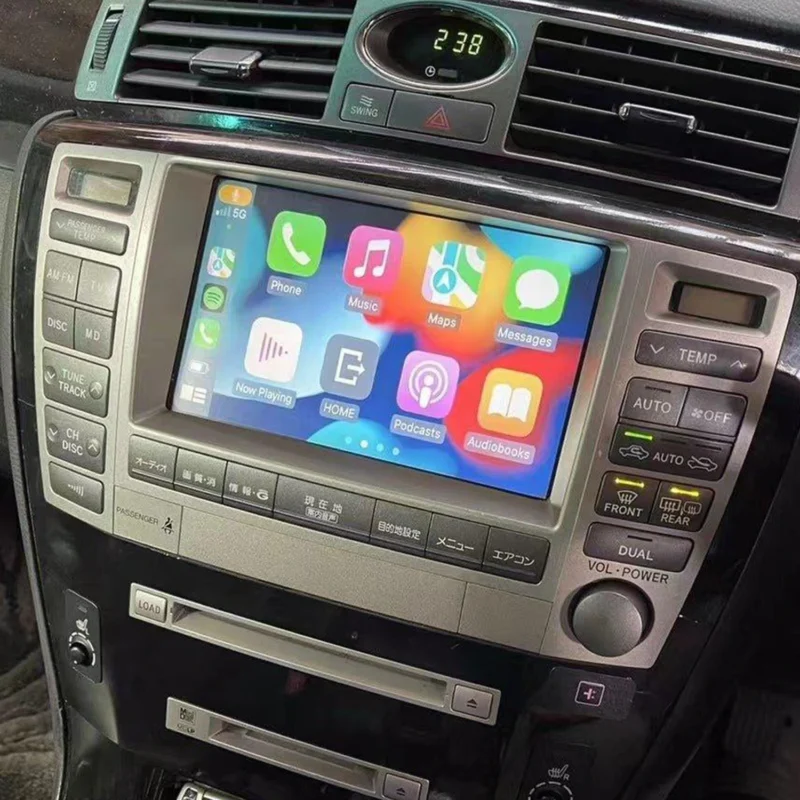
They can, because a stable wireless connection depends on the head unit’s software and on the quality of the interface module, and older factory systems leave less margin for error.
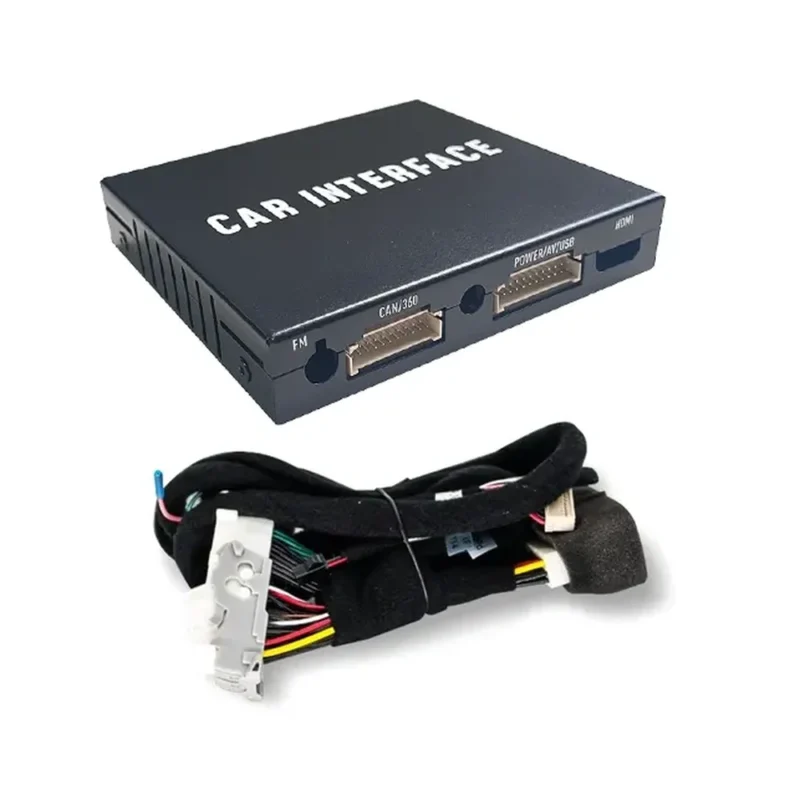
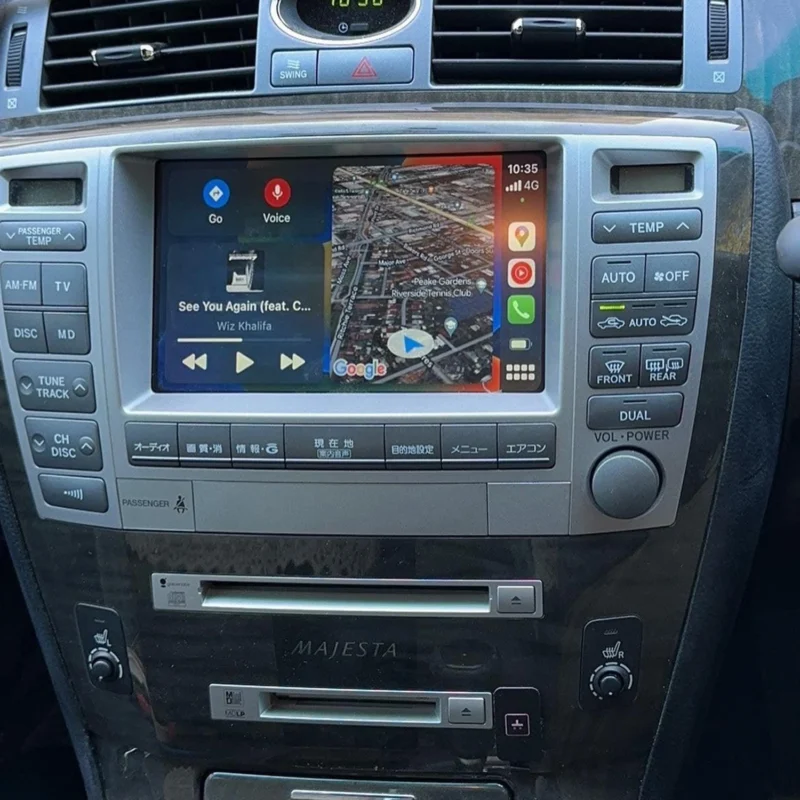
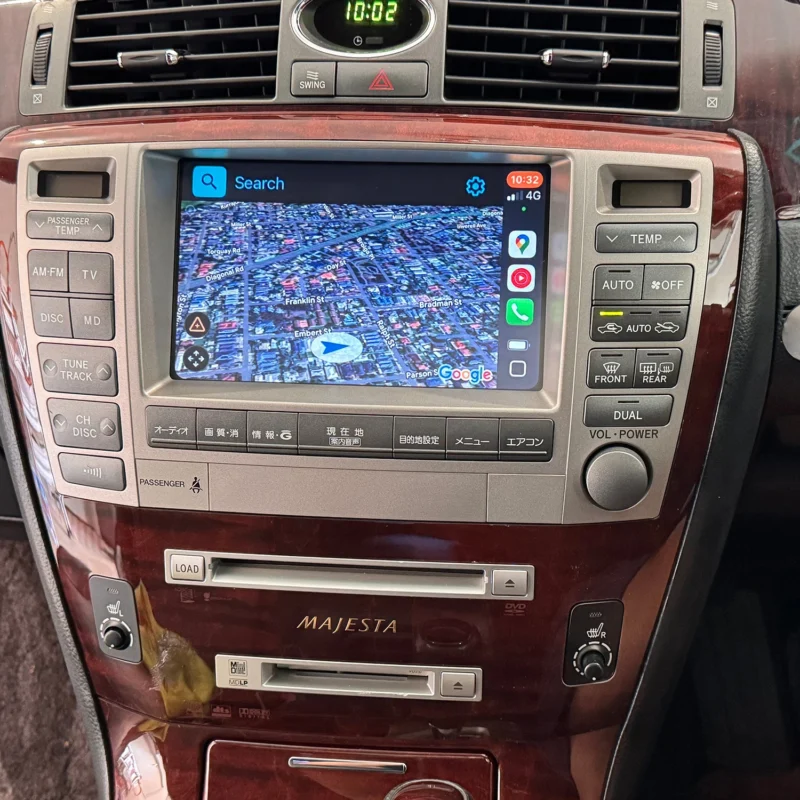
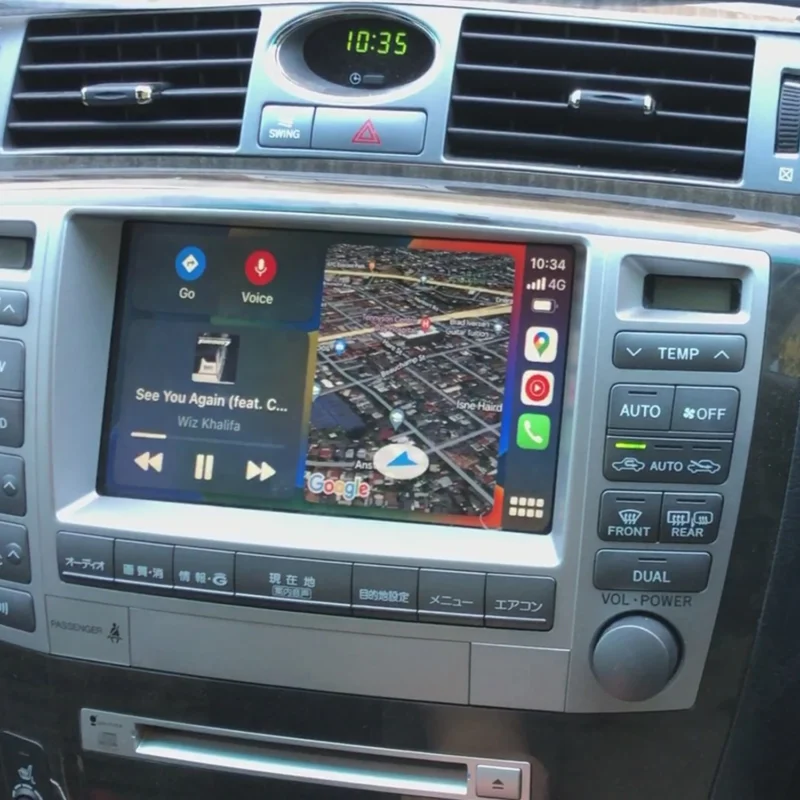
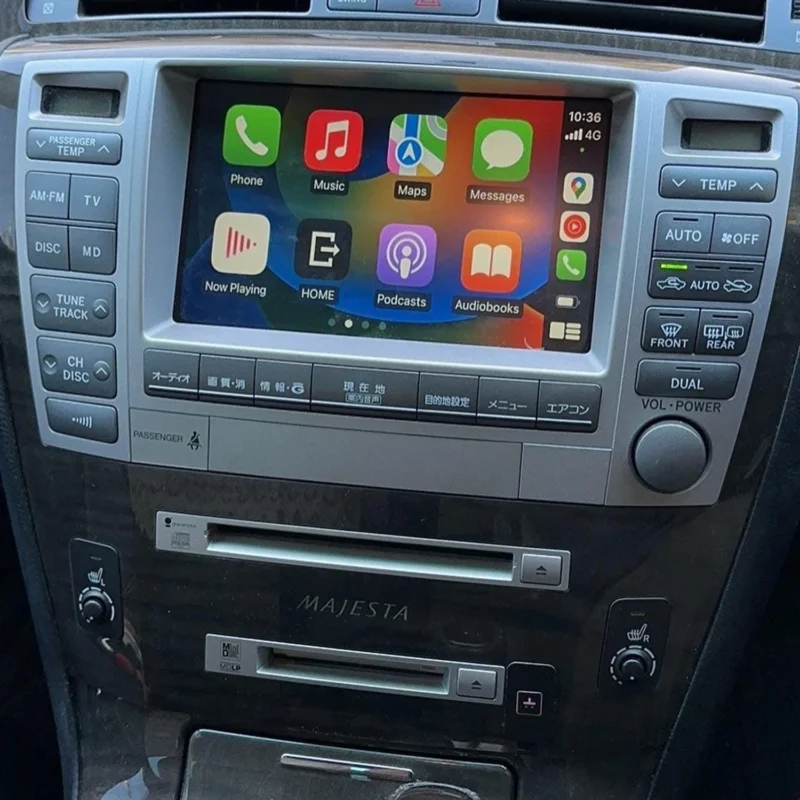
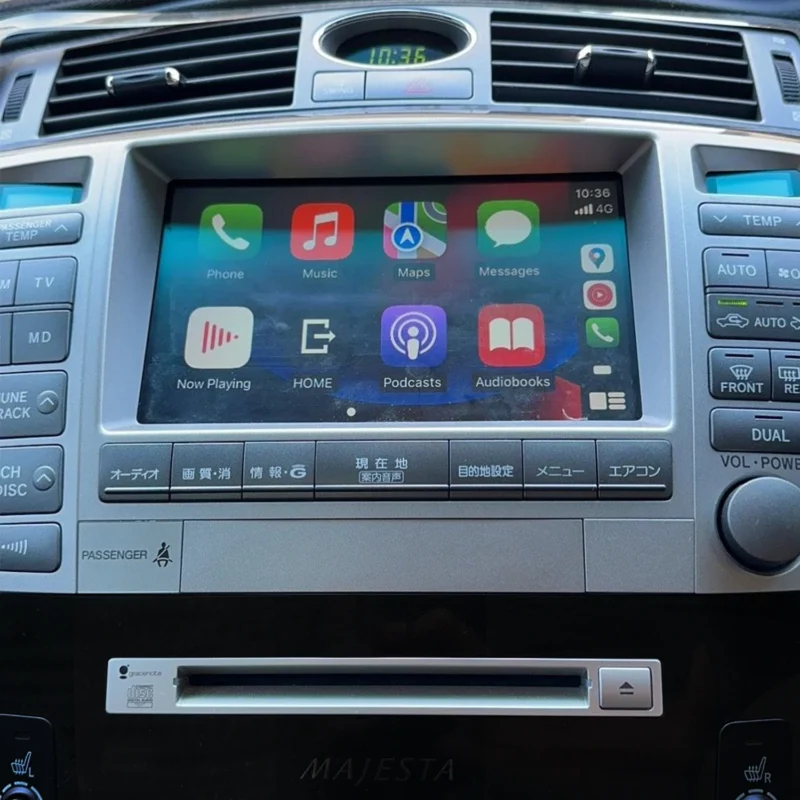
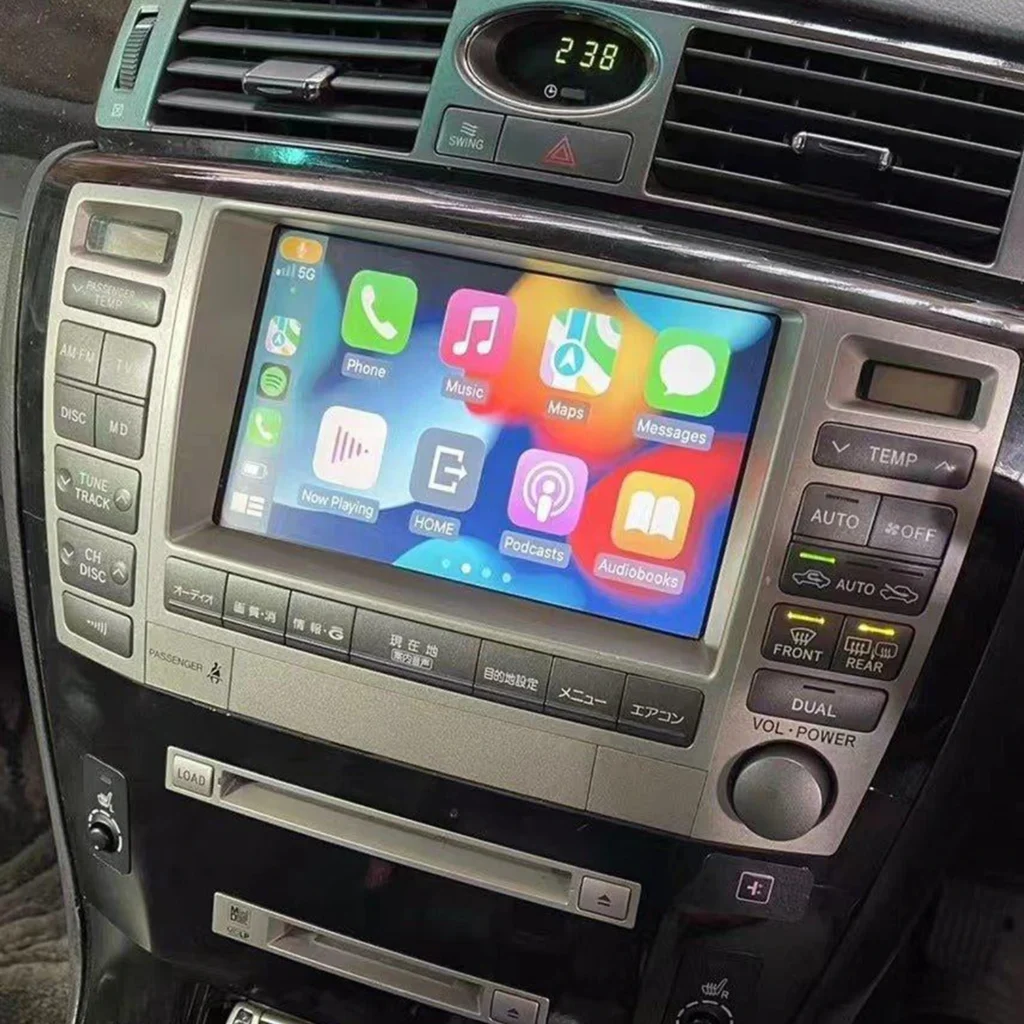
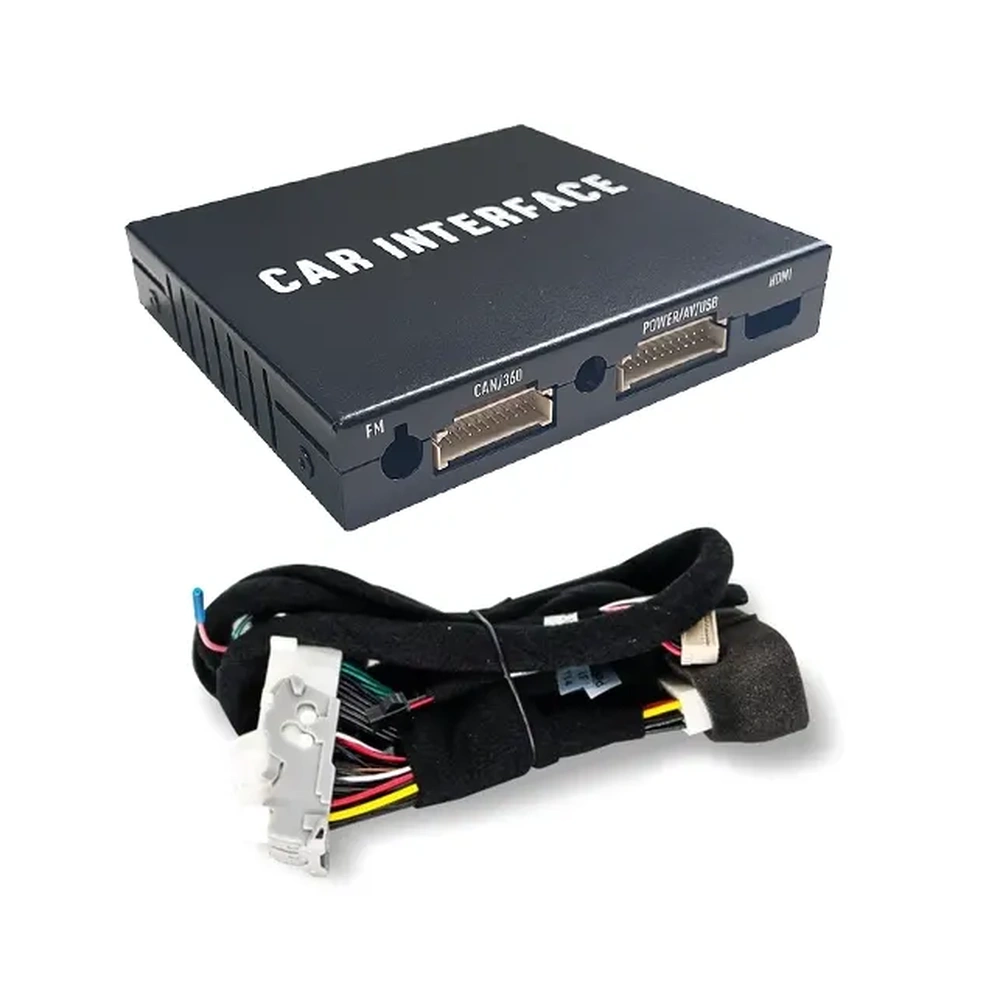
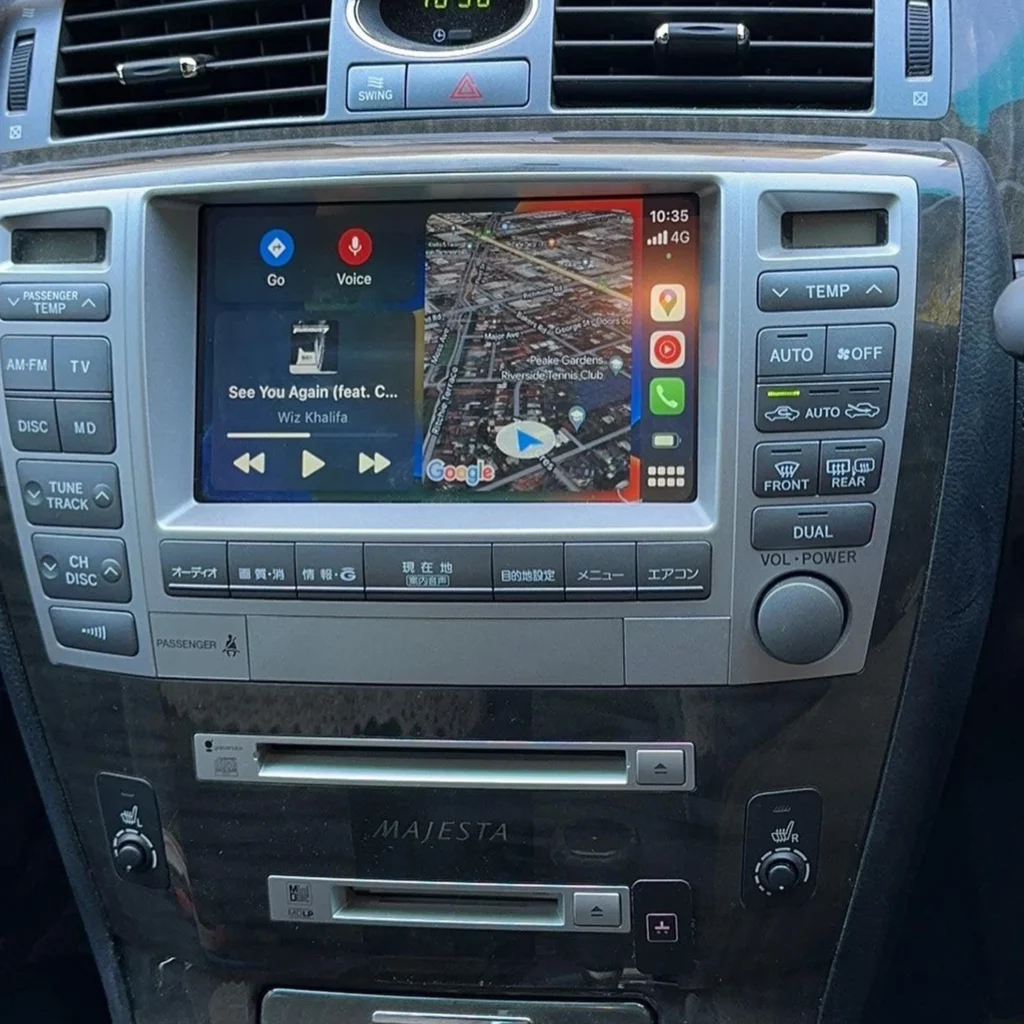
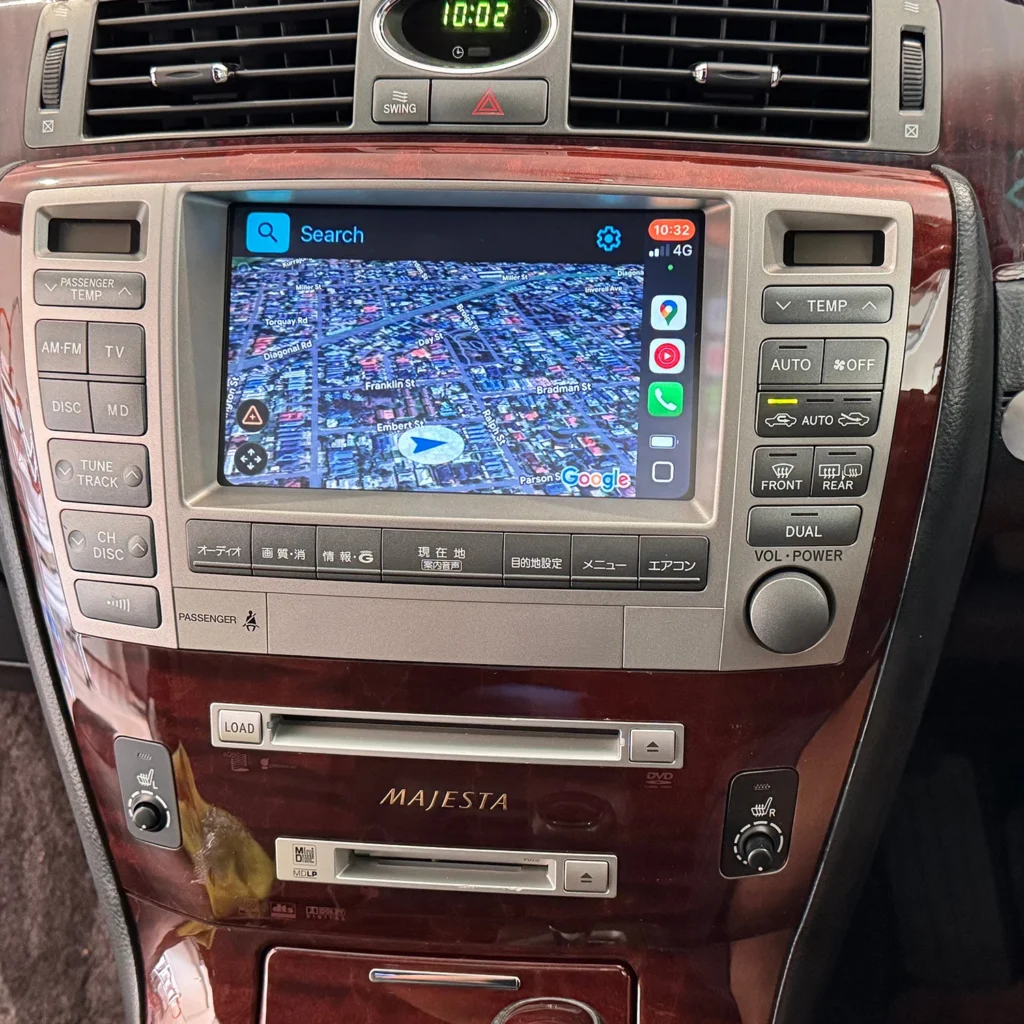
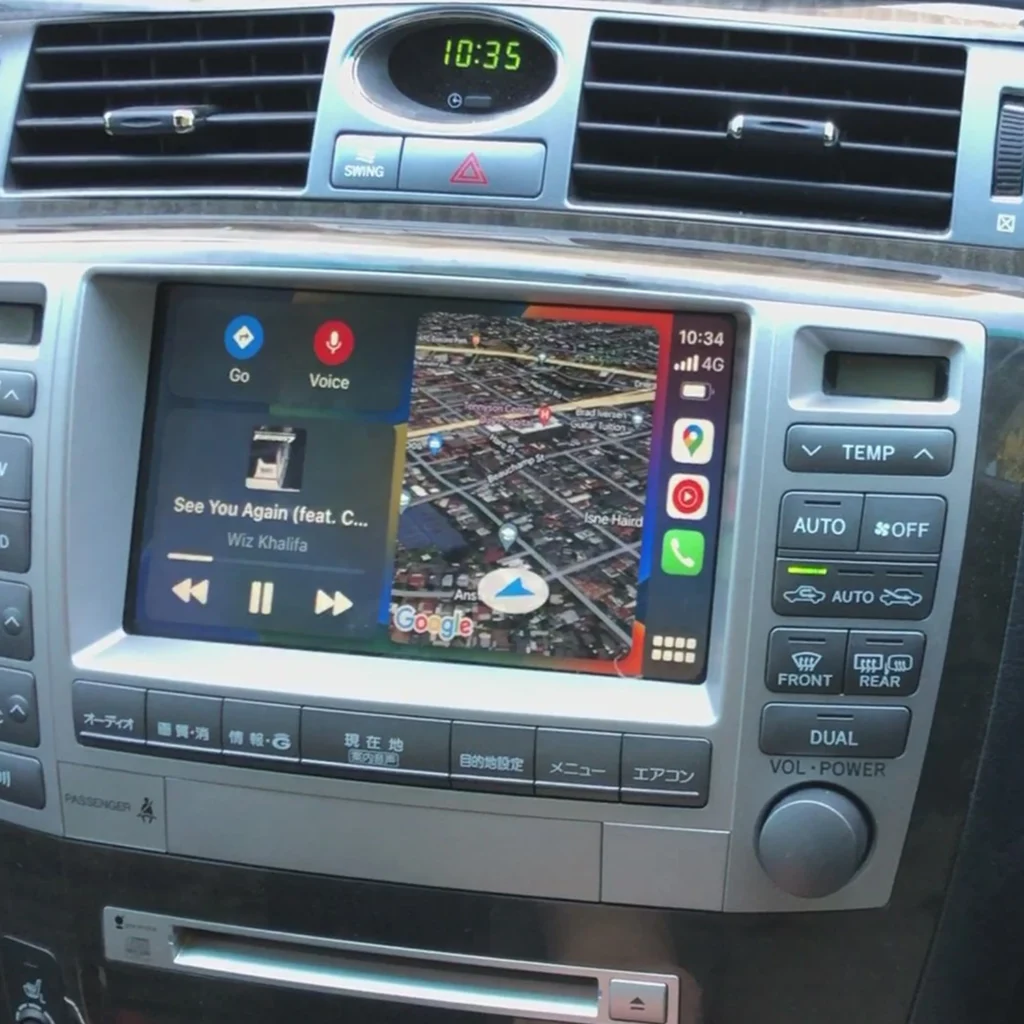
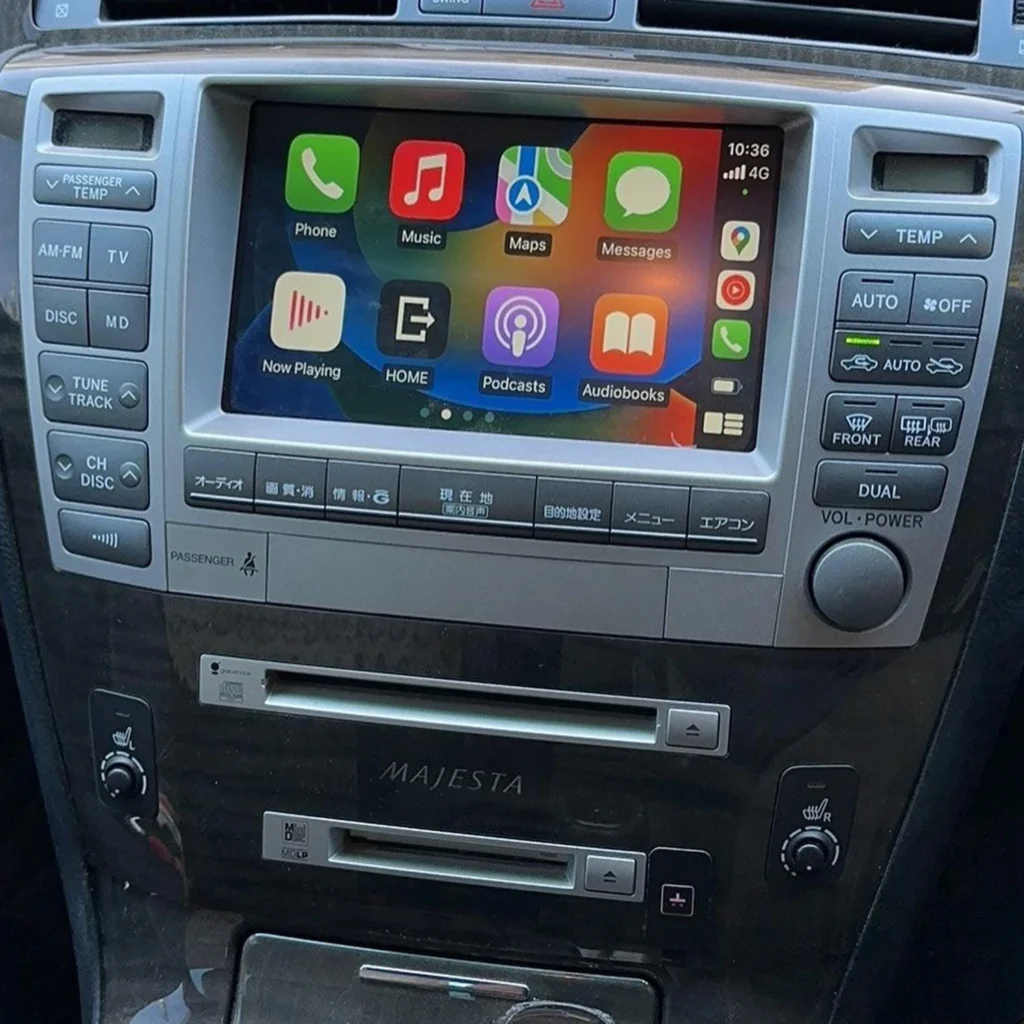
AUVETO modules connect to the factory head unit and keep the original screen and steering wheel controls. After installation, the phone pairs automatically over 5GHz Wi-Fi and Bluetooth when you start the engine. Kits ship with manuals and step-by-step video guides, and 1-on-1 remote tech support is included. If you contact the team about a disconnect, have your vehicle model, year and iPhone software version ready. They speed up the diagnosis.
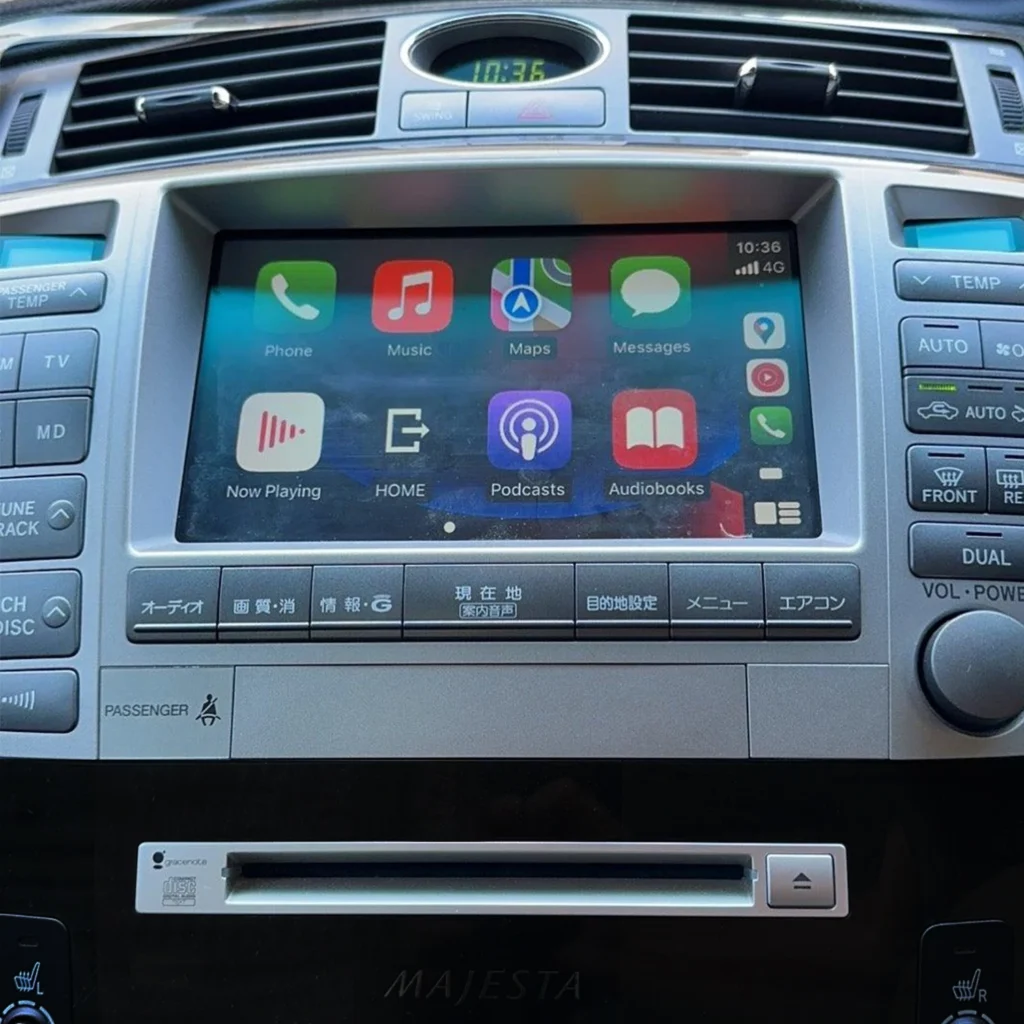
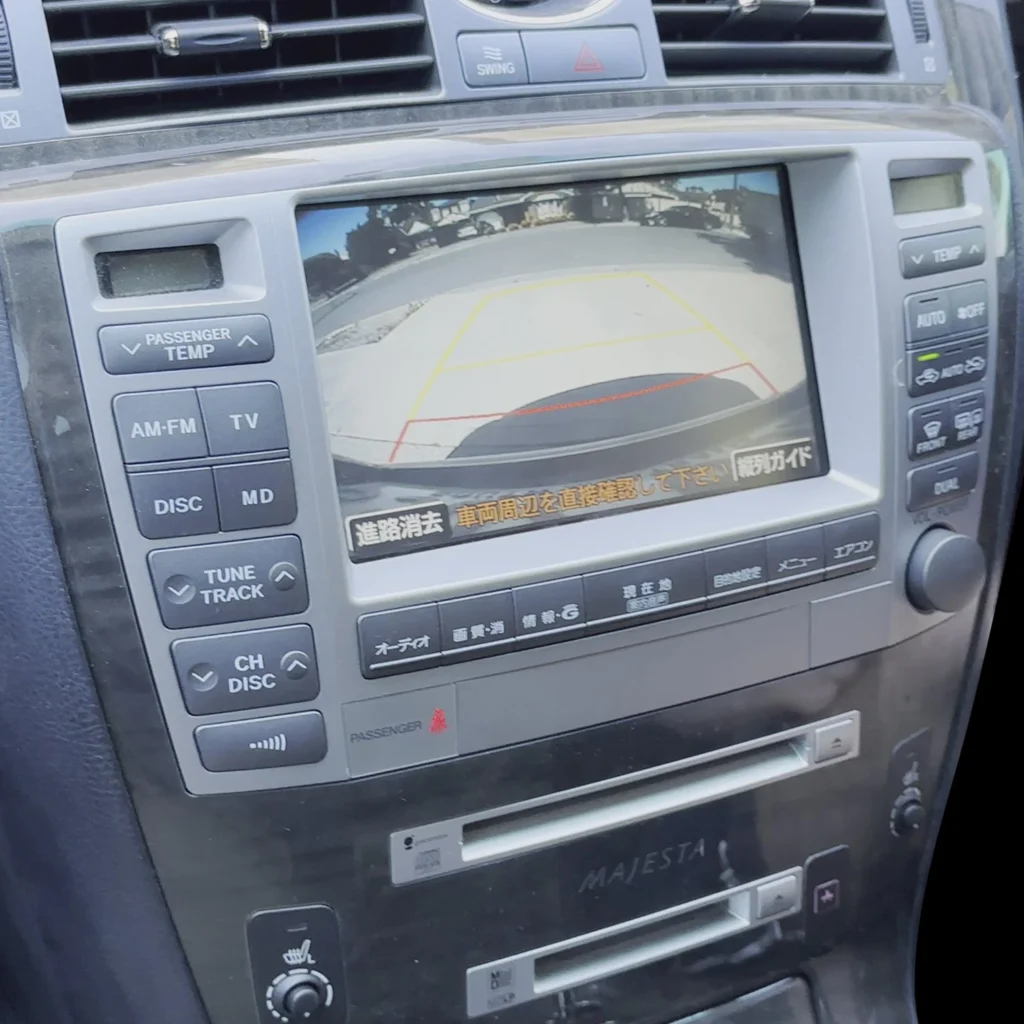
Not sure your vehicle is compatible?
Toyota and Lexus screens vary by model, market and software version. Browse the AUVETO collection for your vehicle, or contact the team for a fitment check before you order.
FAQ
Does wireless CarPlay disconnect?
It can. Occasional drops happen on any wireless connection, but frequent disconnects are not normal and usually have a fixable cause such as interference, outdated software or heat.
Why does my wireless CarPlay keep disconnecting?
The usual causes are interference from dash cams or other wireless devices, outdated iOS or head unit software, a damaged pairing record, a hot phone and low-quality adapter hardware.
How do I stop wireless CarPlay from disconnecting?
Restart the phone and car, forget the car and pair again, update iOS and firmware, remove interference sources, keep the phone cool, and check that Auto-Join is on and CarPlay is not blocked in Screen Time.
Can an iOS update make CarPlay disconnect?
Yes. Some iOS releases have caused connection problems, and later updates have fixed them. If drops start right after an update, restart, re-pair and install the next patch when it is available.
Is wired CarPlay more stable than wireless?
Wired CarPlay avoids radio interference, so it is often the more stable option. It can still fail because of a worn cable or a dirty USB port.
How can I tell whether the phone or the adapter is the problem?
Try the same phone on a wired connection. If wired works and wireless disconnects, look at the wireless link, adapter firmware and interference. If both drop, look at the phone or the head unit.