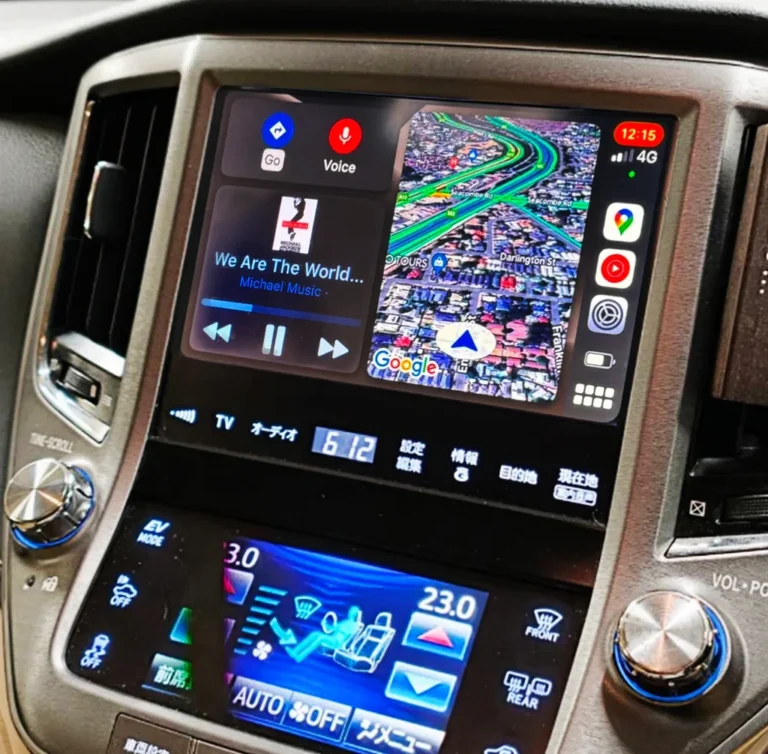
Is Wireless CarPlay Actually Stable? What Toyota & Lexus Owners Say After Real Road Trips
If you’ve spent any time researching wireless CarPlay, you’ve probably come across a familiar warning: wireless connections drain your phone’s battery faster, and on long drives or in areas with weaker signal, a wired connection is still considered the safer bet. It’s a fair concern, and it’s not made up — it comes from a real, ongoing debate in the industry about whether wireless smartphone integration can genuinely match wired reliability over hours behind the wheel.
So is it true? The honest answer is: it depends heavily on the hardware doing the work. Let’s break down where the concern comes from, and what actually happens when the hardware is built specifically to solve it.
Where the “Wireless Isn’t Reliable” Concern Comes From
The skepticism around wireless CarPlay isn’t baseless. A few real, well-documented issues explain why it exists:
- Battery drain is real. Wireless CarPlay and Android Auto keep both Wi-Fi and Bluetooth radios active for the entire drive, which does consume more battery than a wired connection that’s also charging your phone at the same time. This is simply physics, not a flaw specific to any one product.
- Older wireless implementations earned the reputation. Early wireless setups — particularly those from around 2020–2021 — were genuinely prone to slower connection times and occasional mid-drive dropouts, which is exactly why some drivers went back to wired connections and never looked back.
- Not all hardware is built the same. Generic, low-cost dongles often rely on a car’s original, aging processing hardware to manage the more demanding wireless protocol — which is where lag and disconnects tend to creep in on longer drives.
These are legitimate, well-founded concerns. But they describe a specific category of problem: hardware that wasn’t purpose-built to sustain a wireless connection over time. That distinction matters enormously once you look at what a dedicated, model-specific integration module is actually built to do differently.
The Difference Purpose-Built Hardware Makes
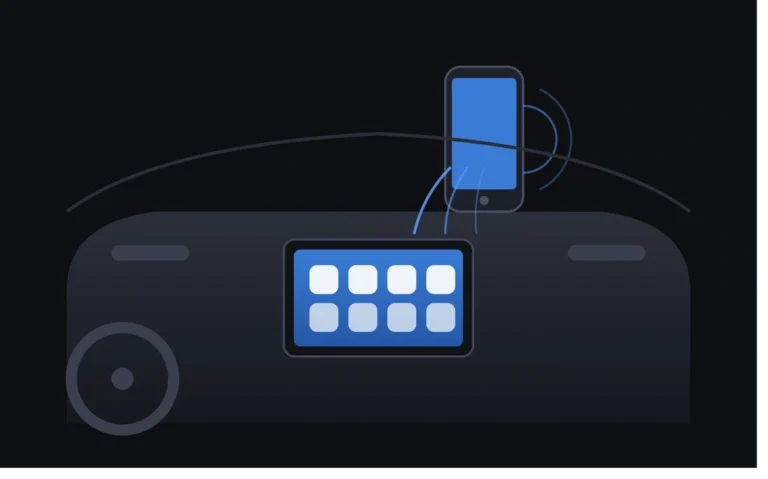
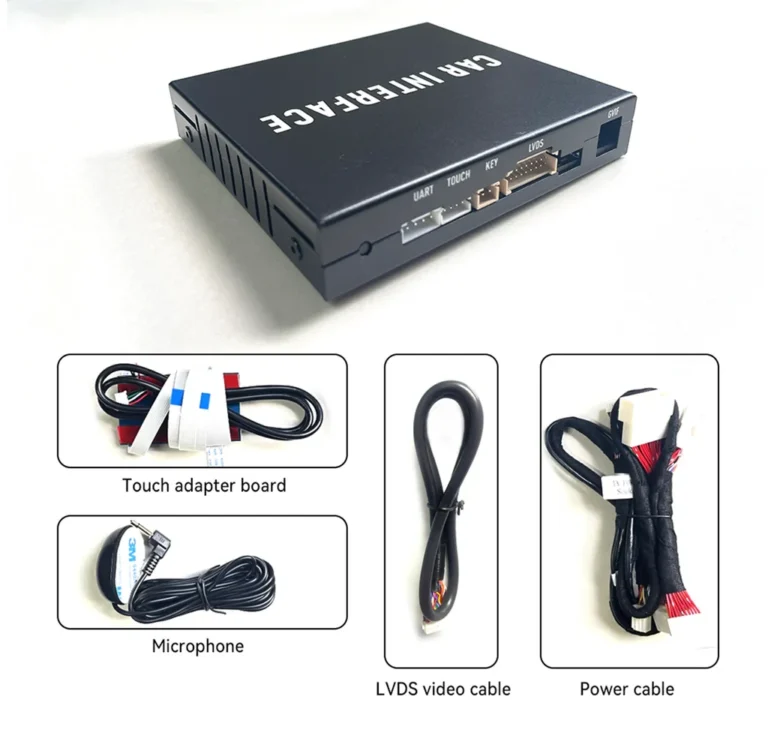
The stability problems associated with wireless CarPlay generally trace back to one root cause: asking old or generic hardware to do a modern job. A dedicated wireless integration module solves this at the source, with:
- An independent, dedicated Bluetooth and high-speed Wi-Fi module — rather than routing wireless traffic through the car’s original, years-old head unit hardware
- Model-specific engineering, tuned to the exact wiring and screen behavior of that vehicle rather than a generic, one-size-fits-all approach
- A lightweight, purpose-built operating system running the connection, instead of software bolted onto hardware that was never designed for it
This is the difference between “wireless CarPlay” as a general concept and “wireless CarPlay done properly” as an engineering outcome. The concern about instability is really a concern about the first category — and it’s exactly what dedicated hardware is designed to avoid.
What Real Owners Report After Actual Road Trips
Rather than relying on marketing claims, it’s worth looking at what AUVETO owners have reported after putting their kits through genuinely long drives — the exact scenario where wireless stability concerns are supposed to show up first.
Daniel M. described a direct, real-world stress test:
“Used for a 6-hour road trip over the weekend. No disconnections, no overheating, fast boot time. Excellent quality kit.”
Six hours is well past the point where a weak wireless implementation would typically start showing cracks — lag building up, the connection dropping and re-pairing, or the module overheating under sustained use. None of that happened here, which points directly to the value of dedicated Bluetooth and Wi-Fi hardware built to handle exactly this kind of sustained load.
Zihan Xu’s experience adds another dimension — build resilience even after a rough start:
“The unit is surprisingly well-built and robust. Though a few cables were slightly bent during transit, the seller provided clear guidance to set it up properly, and it has worked flawlessly with no connection issues ever since!”
Even after a shipping mishap, the connection itself remained stable once properly installed — a sign that the stability comes from the hardware design itself, not fragile conditions that only hold up under perfect circumstances.
And Ethan W.’s note on control responsiveness speaks to a related kind of reliability — consistency, not just connectivity:
“Skipping tracks and volume adjustments on the steering wheel work instantly just like original radio controls.”
Instant, consistent response to physical controls matters just as much as an unbroken Wi-Fi signal — it’s part of what “stable” actually feels like from the driver’s seat.
So, Should You Still Worry About Battery Drain?
It’s worth being straightforward here: yes, wireless CarPlay does use more battery than a wired connection, because it keeps Wi-Fi and Bluetooth active throughout the drive. That part of the concern is accurate and worth planning around — especially on longer trips.
The practical fix is simple and doesn’t require going back to a cable: keep a phone charger or wireless charging pad in the car for long drives. Most drivers find that a normal charging cable plugged into a USB port resolves the battery question entirely, while still enjoying a completely cable-free connection to the car itself. You get the convenience of wireless with none of the daily hassle of plugging and unplugging a CarPlay cable every drive.
The Real Takeaway
The “wireless isn’t reliable” concern is a legitimate one — but it’s a concern about hardware quality, not about wireless technology itself. Generic dongles asking a car’s original, dated hardware to process a modern wireless protocol are where that reputation comes from. A dedicated integration module, built with its own independent Bluetooth and Wi-Fi hardware and engineered for a specific vehicle, is designed to solve exactly that problem — and real six-hour road trips without a single disconnection are the result.
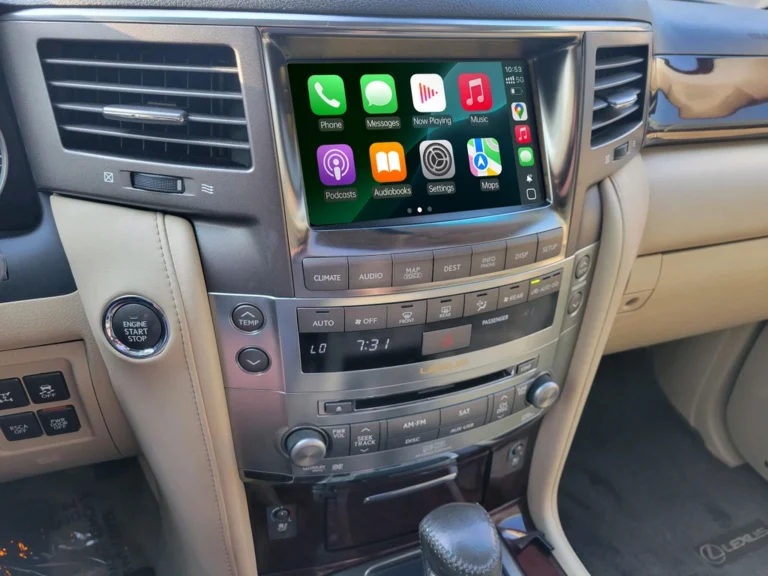
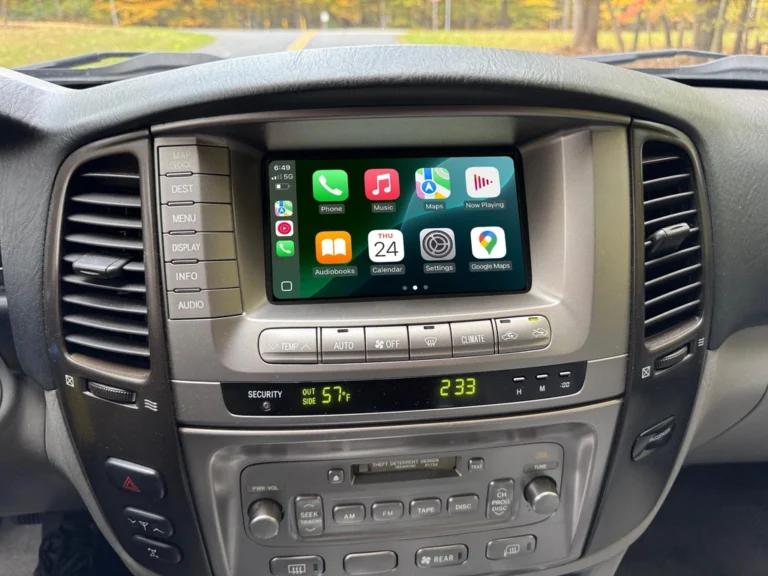
For Toyota Crown, Mark II/JZX110 Verossa VR25, Lexus GS300/GS430, and Lexus LX owners considering the upgrade, the question isn’t really “is wireless CarPlay stable?” — it’s “is the hardware behind it actually built for the job?”
Want to see if your specific model is supported? Browse the AUVETO Wireless CarPlay & Android Auto Retrofit Collection, or reach out via WhatsApp to confirm fitment before you order.