How to Add Wireless CarPlay to Toyota Crown
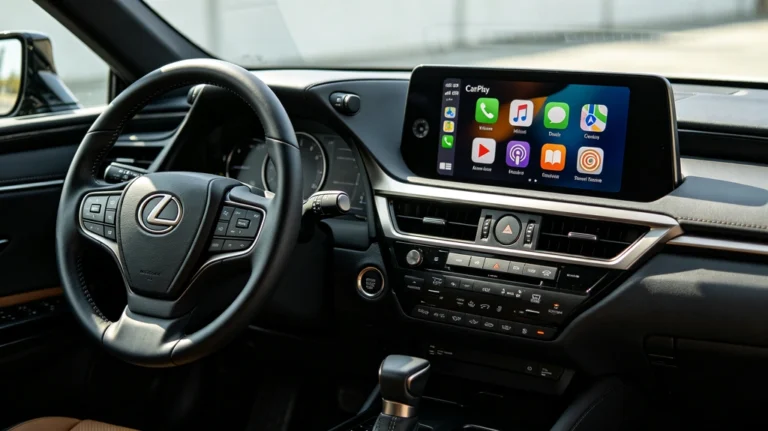
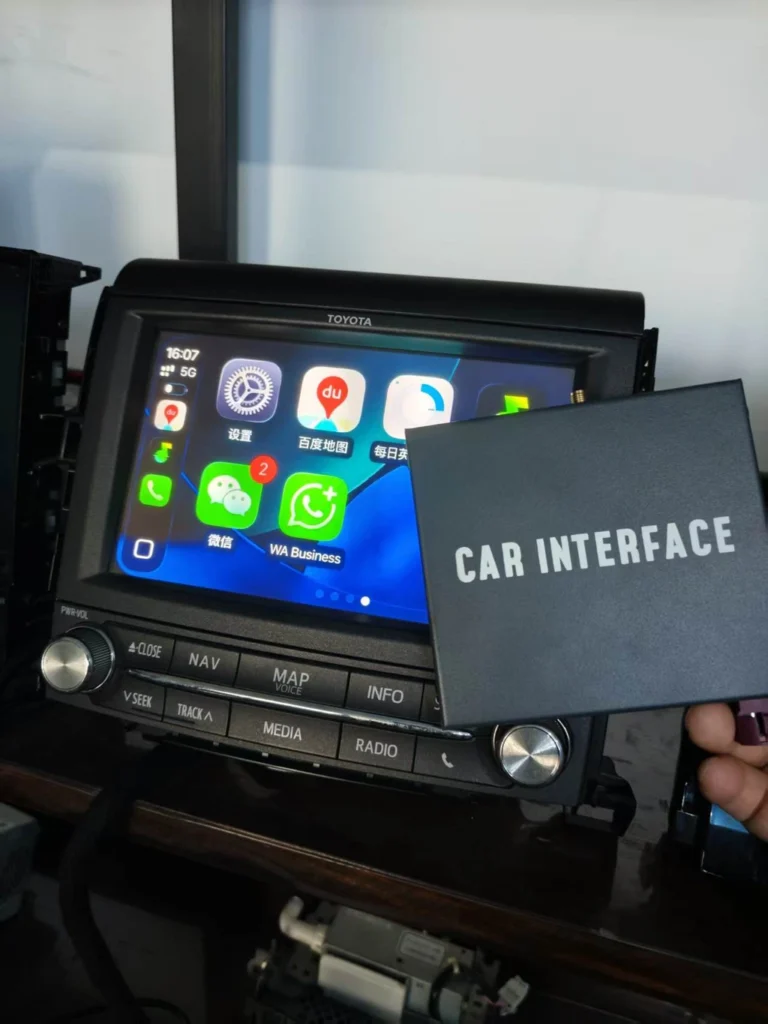
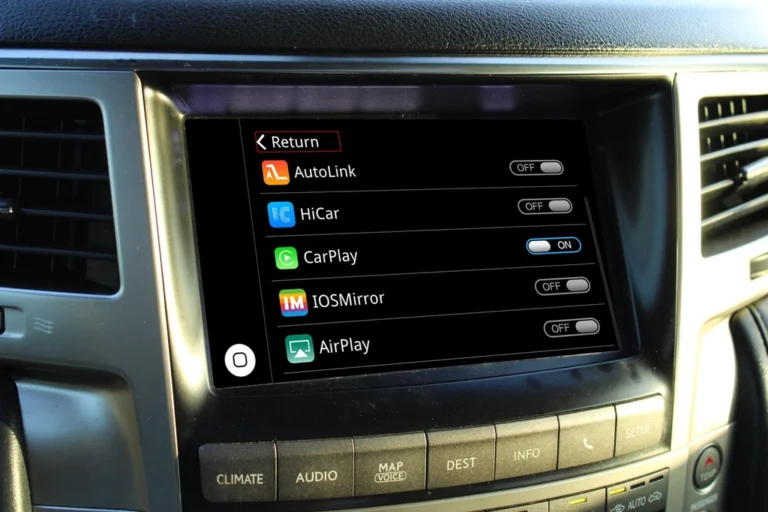
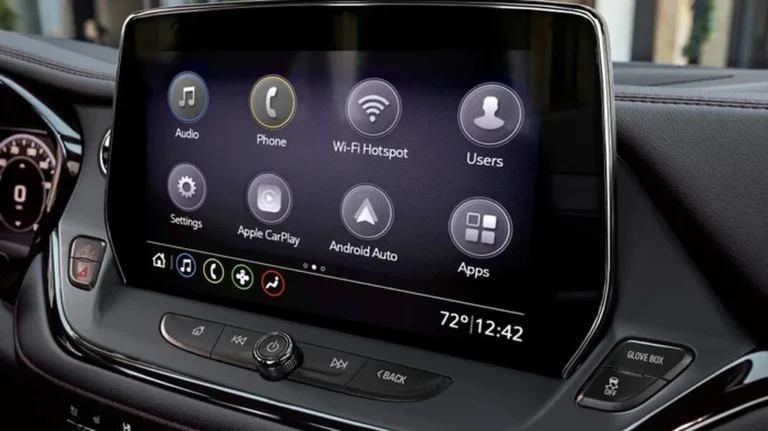
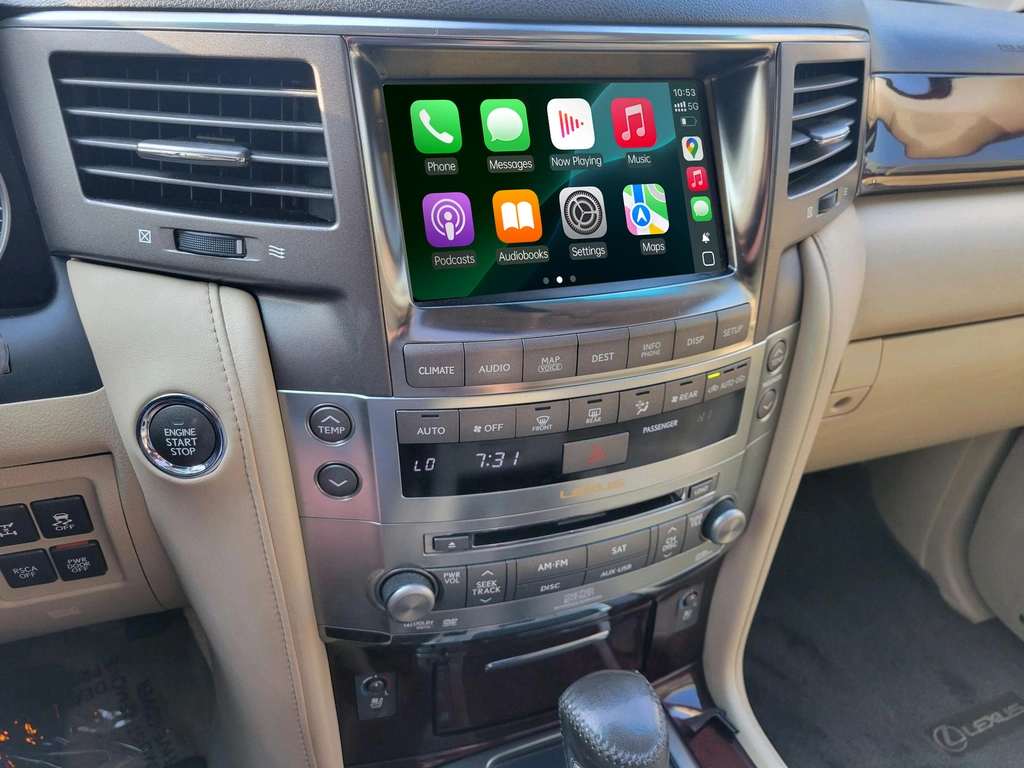
If your Toyota Crown does not have factory Apple CarPlay, you can add Wireless Apple CarPlay and Android Auto through a vehicle-specific retrofit interface. This type of upgrade can bring modern smartphone connectivity to the original infotainment system while preserving the factory screen, dashboard appearance, steering wheel controls, and backup camera—depending on the exact Crown model and head-unit configuration.
The key is choosing a Toyota Crown-compatible CarPlay interface, rather than assuming that every wireless CarPlay adapter will work with the factory system.
What Is a Toyota Crown Wireless CarPlay Retrofit?
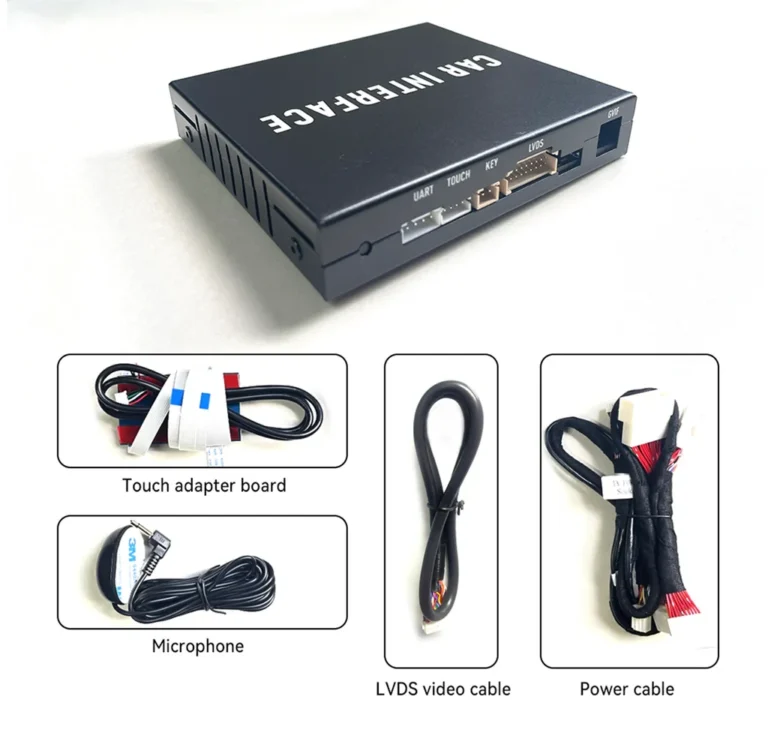
A Toyota Crown CarPlay retrofit is an integration module designed to add smartphone connectivity to the original factory infotainment system.
Instead of replacing the entire dashboard screen, the interface connects with the existing display and factory multimedia system. After installation, drivers can access supported smartphone functions such as:
- Wireless Apple CarPlay
- Wireless Android Auto
- Apple Maps, Google Maps, and Waze
- Spotify, Apple Music, and other music apps
- Hands-free phone calls
- Siri and Google Assistant
- Smartphone messages and voice commands
The exact features depend on the retrofit interface, vehicle configuration, and smartphone.
Can I Keep the Original Toyota Crown Screen?
In many compatible Toyota Crown applications, yes. A vehicle-specific CarPlay interface is designed to work with the original factory display, allowing you to modernize the infotainment system without installing a large aftermarket screen.
This approach can help preserve:
- The original dashboard design
- The factory screen position
- OEM-style interior appearance
- Existing vehicle menus
- Factory audio functions, where supported
- Original steering wheel controls, where supported
However, the screen resolution and display format remain limited by the original factory screen. An older Toyota Crown may not display CarPlay with the same sharpness as a modern high-definition aftermarket monitor.
Will Toyota Crown Steering Wheel Controls Still Work?
On a compatible retrofit system, many original steering wheel functions can continue to work, including:
- Volume up and down
- Track or song selection
- Phone-answer and phone-hang-up buttons
- Voice-control buttons
- Audio source controls
The available functions depend on the Crown’s original head unit and the specific integration module. Some older Japanese-market systems may use a rotary controller, joystick, or other factory input method instead of a touchscreen.
For this reason, compatibility should be checked using the vehicle’s exact factory screen and control layout.
Can I Keep the Factory Backup Camera?
A compatible Toyota Crown CarPlay retrofit may retain the original backup camera and reverse-view functionality. When the vehicle is shifted into reverse, the factory camera can continue to display the rear image through the original screen, provided that the retrofit interface supports the vehicle’s camera system.
Before purchasing, confirm whether your Crown has:
- A standard factory backup camera
- A 360-degree camera system
- Parking sensors
- A factory navigation display
- A camera connected through a vehicle-specific video interface
Camera compatibility can vary between model years, trim levels, and regional versions.
Wireless Apple CarPlay and Android Auto Features
After a successful installation, a compatible Toyota Crown can gain convenient access to smartphone applications without connecting a phone by USB every time.
Wireless Apple CarPlay
Wireless Apple CarPlay allows compatible iPhones to access supported applications through the vehicle’s infotainment screen, including:
- Apple Maps
- Google Maps
- Waze
- Apple Music
- Spotify
- Phone
- Messages
- Siri
Wireless Android Auto
Wireless Android Auto provides similar functionality for compatible Android smartphones. Drivers can use:
- Google Maps
- Waze
- Spotify
- YouTube Music
- Google Assistant
- Hands-free calls
- Supported messaging applications
Wireless connection performance depends on the phone, software version, vehicle interface, and surrounding wireless environment.
Toyota Crown CarPlay Retrofit vs. Screen Replacement
| Feature | CarPlay Retrofit Interface | Aftermarket Screen Replacement |
|---|---|---|
| Original factory screen | Usually retained on compatible vehicles | Usually replaced |
| Original dashboard appearance | Mostly preserved | May change |
| Factory controls | May be retained | Depends on installation |
| Factory backup camera | May be retained | Requires compatibility or an adapter |
| Installation | Often integrated behind the factory system | Requires removal and replacement of the screen |
| Vehicle-specific compatibility | Important | Important |
| Original audio system | May be retained | Depends on the replacement system |
A retrofit interface is often considered by owners who want modern smartphone connectivity without significantly changing the original Toyota Crown interior.
Which Toyota Crown Models Are Compatible?
Toyota Crown infotainment systems can differ significantly between generations, chassis codes, production years, markets, screen types, and factory head units.
Some aftermarket integration products are designed for selected Crown systems, including certain:
- S170 models
- S180 models
- S200 models
- Later Crown factory-screen configurations
However, Toyota Crown compatibility cannot be confirmed by model name or year alone. Two vehicles from the same production period may have different screens, connectors, video systems, or factory audio configurations.
Before ordering a Toyota Crown CarPlay interface, check:
- Toyota Crown model year
- Generation or chassis code
- Factory screen size and appearance
- Factory navigation or multimedia system
- Head-unit manufacturer, if known
- Connector layout behind the screen
- Factory audio system
- Backup camera and parking-camera configuration
- Japanese-market or other regional specification
A clear photograph of the dashboard and factory screen is often useful for compatibility verification.
Why Choose a Vehicle-Specific CarPlay Interface?
A generic wireless CarPlay adapter normally works only when a vehicle already supports wired Apple CarPlay. It usually cannot add CarPlay to an older factory infotainment system that never supported it.
A vehicle-specific retrofit interface is different. It is designed to integrate with a particular factory multimedia architecture and may provide:
- Original-screen integration
- OEM control retention
- Factory camera support
- Vehicle-specific wiring
- Compatibility with selected factory audio systems
- A cleaner installation than a universal external display
The correct solution depends on the Crown’s original infotainment hardware.
How to Check Compatibility Before Buying
To avoid ordering the wrong Toyota Crown CarPlay module, prepare the following information:
- Vehicle year and model
- Chassis code, if available
- A photo of the factory screen while it is switched on
- A photo of the center console and control buttons
- A photo of the factory head-unit connectors, if accessible
- Information about the factory navigation and audio system
If the vehicle has already been modified with an aftermarket head unit, compatibility may be different from a Crown with its original factory system.
Frequently Asked Questions
Can I add Wireless CarPlay to an older Toyota Crown?
Yes, some older Toyota Crown models can be upgraded with a vehicle-specific CarPlay interface. The exact solution depends on the original screen, head unit, connectors, and factory multimedia system.
Do I need to replace the original screen?
Not necessarily. Many retrofit interfaces are designed to work with the original factory screen. Compatibility must be confirmed before installation.
Will Wireless Android Auto also work?
Many modern retrofit interfaces support both Wireless Apple CarPlay and Wireless Android Auto. Confirm the supported smartphone systems for the specific product.
Will the factory radio still work?
On compatible systems, the original radio and factory media functions may remain available. The exact behavior depends on the interface and the Crown’s original infotainment configuration.
Is a universal USB CarPlay adapter suitable for my Toyota Crown?
A universal USB adapter generally requires the vehicle to already have wired CarPlay. If your Crown does not have factory CarPlay, you will normally need a vehicle-specific retrofit interface or another compatible upgrade solution.
Final Takeaway
The most practical way to add Wireless CarPlay to a Toyota Crown is to use a vehicle-specific retrofit interface compatible with the original factory infotainment system. This can add Apple CarPlay and Android Auto while helping preserve the factory screen, steering wheel controls, audio system, and backup camera.
Because Toyota Crown systems vary by generation, market, screen type, and head-unit configuration, always verify compatibility using the exact vehicle details and factory-screen photos before purchasing.
For compatible Toyota Crown systems, AUVETO provides retrofit solutions designed to bring modern smartphone connectivity into the original vehicle interior without automatically requiring a complete screen replacement.