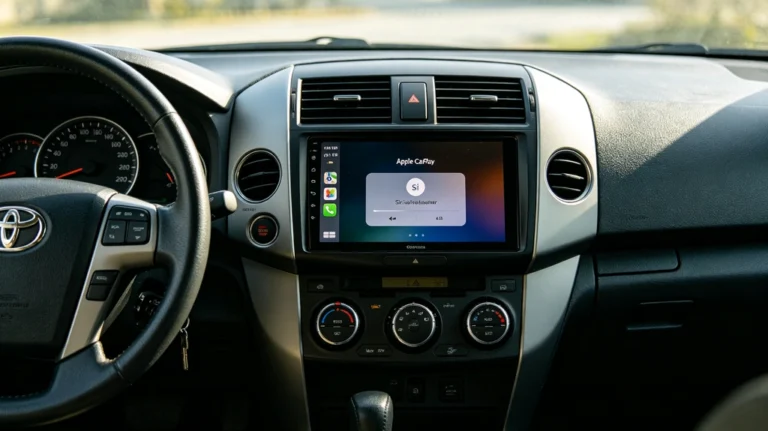
Best Practices for Maintaining Your Wireless CarPlay System in Toyota & Lexus
Once your AUVETO Smart Integration Kit is installed, it’s genuinely a “set it and forget it” system for the vast majority of drivers. But like anything electronic that lives in your car, a small amount of routine care goes a long way toward keeping it running exactly as well on year three as it did on day one. Here’s what we recommend.
🔄 1. Keep Your Phone’s Operating System Reasonably Current
CarPlay and Android Auto are, at their core, an extension of your phone’s software. When Apple or Google pushes a major iOS or Android update, it occasionally changes how the CarPlay/Android Auto protocol handshakes with connected hardware.
Best practice: You don’t need to update the moment a new version drops, but avoid running a phone OS more than one or two major versions behind. If you do notice a connection change right after updating your phone, that’s the first thing worth checking, not the module itself.
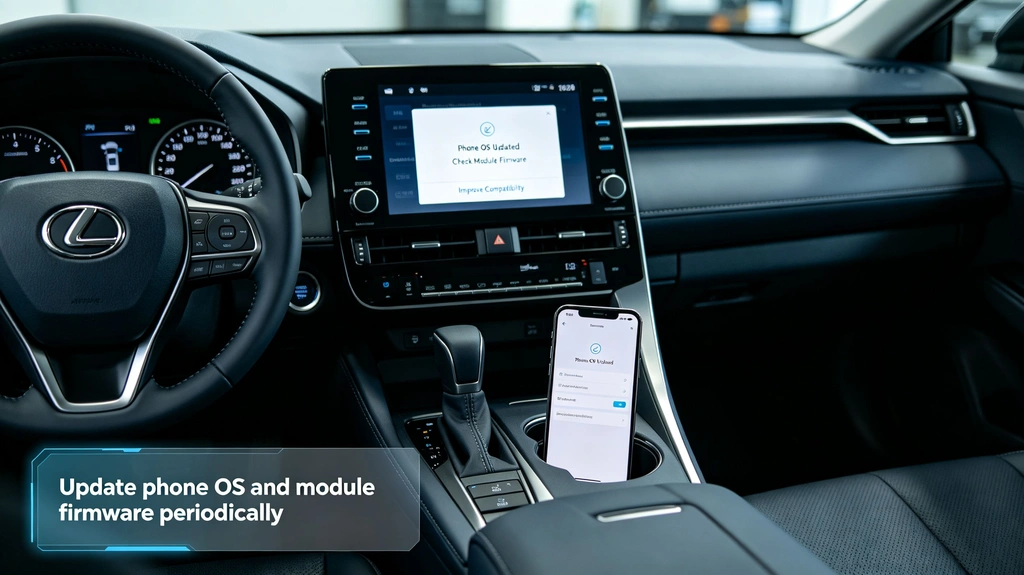
🔋 2. Check for Module Firmware Updates Periodically
Your integration module has its own firmware, separate from your phone. Updates to it typically improve pairing speed, add compatibility with newer phone software, or resolve edge-case bugs discovered after your kit shipped.
Best practice: Check in every few months, or right after a major phone OS update, to see if a firmware update is available for your specific kit. If you’re not sure how to check, our support team can walk you through it in a couple of minutes.
🧹 3. Keep the Physical Installation Area Clean and Clear
The module itself sits behind your dash, out of sight, but that doesn’t mean it’s entirely maintenance-free from a physical standpoint.
Best practice: If you ever have other work done behind your dashboard (a new stereo component, an alarm install, etc.), let the installer know the integration module is back there so it isn’t accidentally disconnected, pinched, or repositioned somewhere with poor airflow.
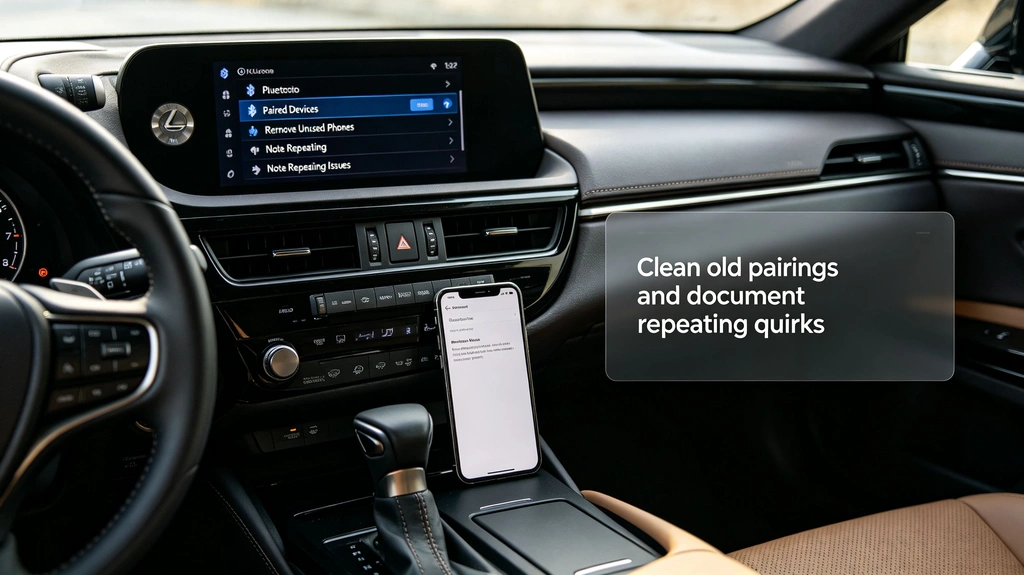
📶 4. Manage Your Paired Device List
Over time, it’s easy to accumulate old paired phones — a previous device, a partner’s old phone, a loaner car phone you tested once. Leftover pairings don’t usually break anything, but they can occasionally slow down which device the system prioritizes when you start the car.
Best practice: Every six months or so, glance through your paired Bluetooth devices and remove anything you no longer actually use in the car.
🔌 5. Treat the USB Port(s) with Basic Care
If your kit includes a USB port for charging or a wired fallback connection, it’s worth treating it the same way you’d treat any port you use daily — which mostly means not forcing a cable in at an angle and keeping it free of dust and debris when not in use.
Best practice: Give USB ports an occasional visual check, especially if you’ve noticed any slower charging or intermittent wired connection issues.
🌡️ 6. Be Mindful of Extreme Heat Exposure
Like any electronics, the module and your phone both perform best within a reasonable temperature range. Extended exposure to extreme heat — think a car parked in direct summer sun for hours — isn’t ideal for long-term component health, whether that’s your phone’s battery or any electronics behind the dash.
Best practice: Where practical, park in shade during extreme heat, and avoid leaving your phone mounted in direct sun for extended periods, which is good practice for phone longevity regardless of your CarPlay setup.
🛠️ 7. Don’t Ignore Small Quirks
An occasional slow reconnect or a single dropped call isn’t necessarily a sign of a failing module — modern wireless systems have the occasional off day, same as home Wi-Fi. But a pattern that repeats consistently (always dropping at the same spot, always failing to reconnect after a specific action) is worth flagging early rather than living with indefinitely.
Best practice: If you notice a repeating issue, note what specifically triggers it before reaching out to support — that detail usually gets you to a fix much faster than “it sometimes disconnects.”
Still Have Questions About Your Specific Setup?
Every Toyota and Lexus model has slightly different quirks, and our support team has likely seen yours before. If something feels off, or you just want a second opinion on whether what you’re seeing is normal, reach out to auveto@gmail.com or message us on WhatsApp — we’re happy to help keep your system running the way it should for years, not just the first few months.