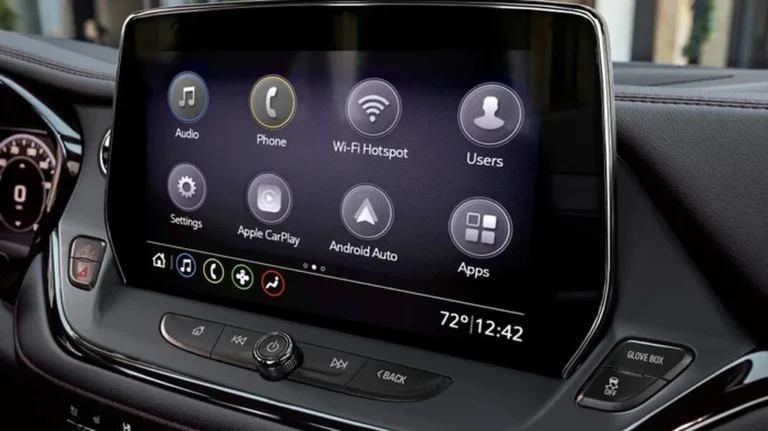
How to Upgrade Your Factory Car Screen with AUVETO’s Wireless CarPlay Kits
If you love your older Toyota or Lexus but wish it had modern smartphone integration, you’re not alone — and you don’t need to rip out your dashboard to get it. AUVETO’s wireless CarPlay and Android Auto kits work directly with your existing factory screen, adding smart features without touching the car’s original look, feel, or controls.
Here’s exactly how the upgrade works, step by step, and what to expect before, during, and after installation.
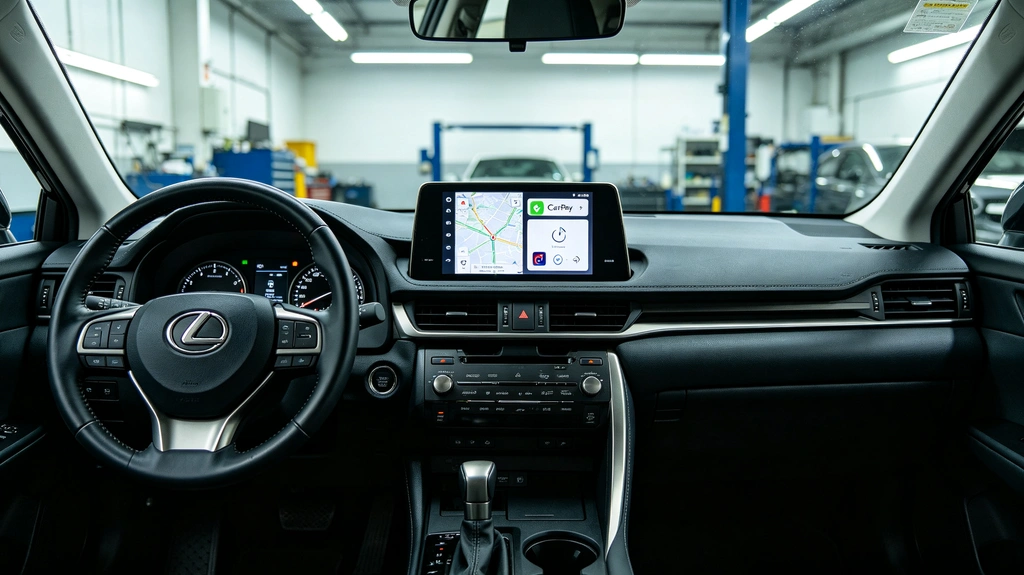
Why Upgrade the Factory Screen Instead of Replacing It?
Most infotainment “upgrades” on the market involve tearing out your original head unit and bolting in an aftermarket touchscreen. It works, but it comes with real trade-offs:
- You lose the factory dashboard aesthetic your car was designed around
- Steering wheel buttons and climate controls often stop functioning correctly
- Camera systems (360°, multi-terrain, backup) can break or need separate adapters
- Premium factory audio integration (like Mark Levinson systems) can be compromised
- Full screen-swap kits typically cost significantly more than a factory-integration module
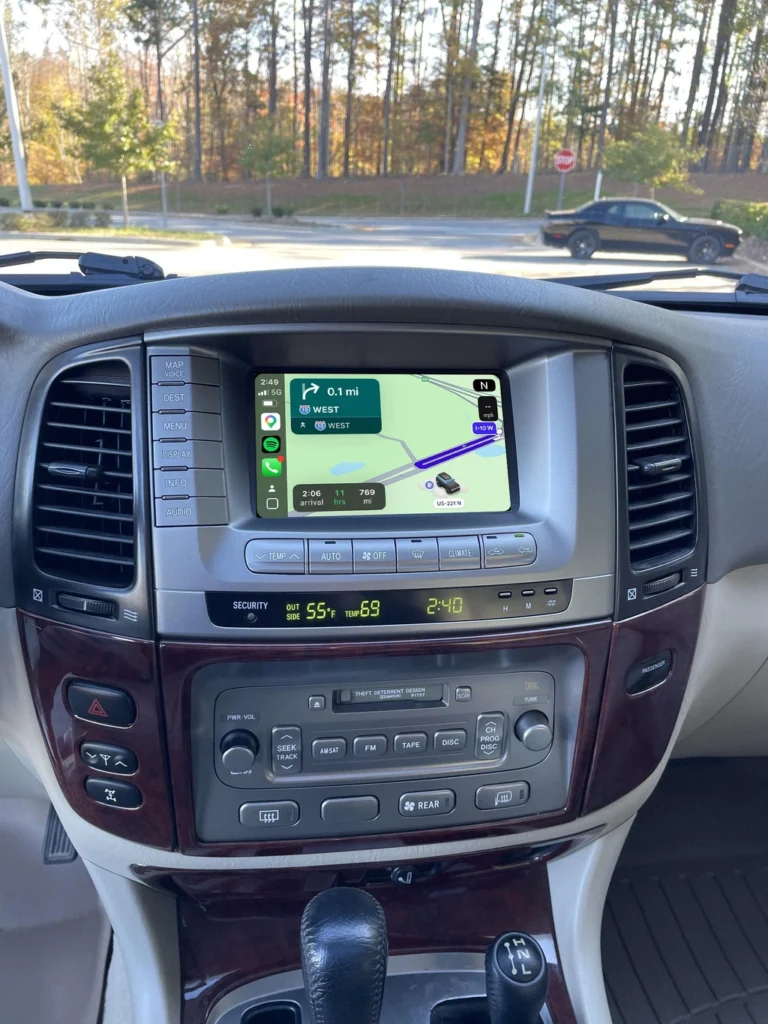
AUVETO takes the opposite approach. Instead of replacing anything, the module connects behind your existing head unit and layers wireless CarPlay and Android Auto on top of the screen you already have — so the upgrade adds capability without subtracting anything that already works.
What’s Actually Inside the Kit
Each AUVETO wireless integration kit is built around three core components:
- A dedicated interface module that bridges your car’s factory head unit with modern smartphone protocols
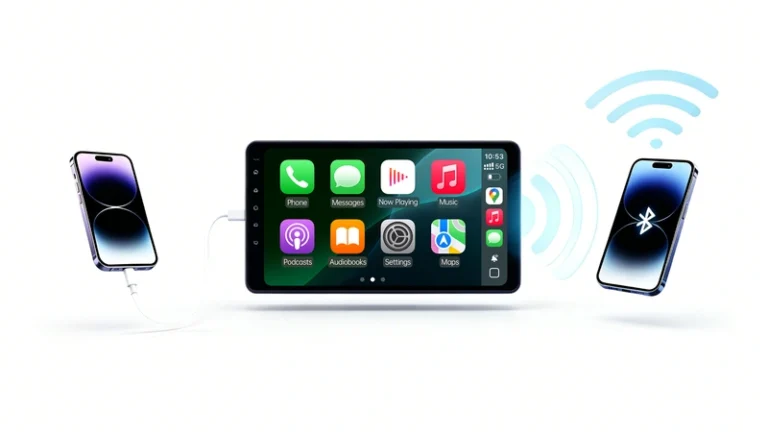
- An independent Bluetooth and high-speed Wi-Fi module, so your phone connects the moment you start the engine — no cable required
- A lightweight, responsive operating system that runs quietly in the background, translating CarPlay and Android Auto into a format your factory screen already understands
Because the kits are engineered per model — not as a universal, one-size-fits-all box — they’re built to match the exact wiring, screen resolution, and control layout of vehicles like the Toyota Crown (GRS180/182/184/186/187, S170 JZS171/JZS175, S200, and S220 generations), the Mark II/JZX110 Verossa VR25, the Lexus GS300/GS430, and older Lexus LX models.
Step-by-Step: How the Upgrade Works
1. Confirm Compatibility
Before anything else, AUVETO’s team manually verifies compatibility for your specific make, model, year, and trim. Infotainment systems can vary even within the same model generation — different screen sizes and regional software versions are common — so this step avoids ordering the wrong kit.
2. Install the Module (1–2 Hours)
Installation is plug-and-play by design. The module connects to your factory wiring harness behind the head unit — no wire-cutting, no soldering, and no permanent modification to the vehicle. Most owners complete the install in one to two hours using the included manual and video guide. If you’d rather not do it yourself, any local auto shop can typically handle the installation just as easily.
3. Pair Your Phone
Once the module is installed, your iPhone or Android device pairs automatically the moment you start the engine, connecting over 5GHz Wi-Fi and Bluetooth. There’s no cable to remember and no manual reconnection each drive — the system syncs in the background before you’ve even pulled out of the driveway.
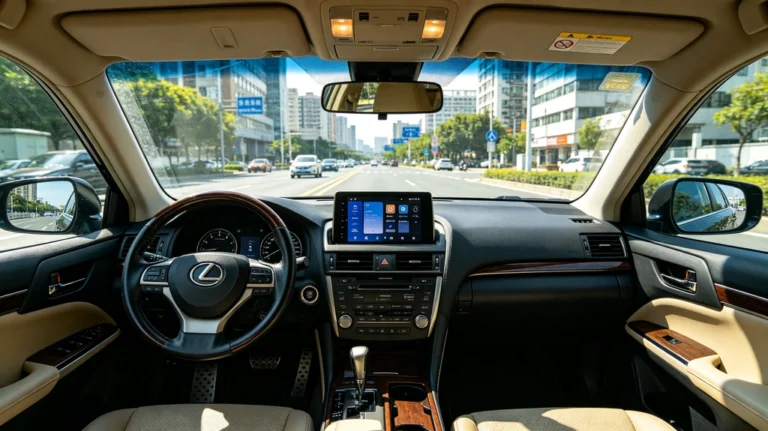
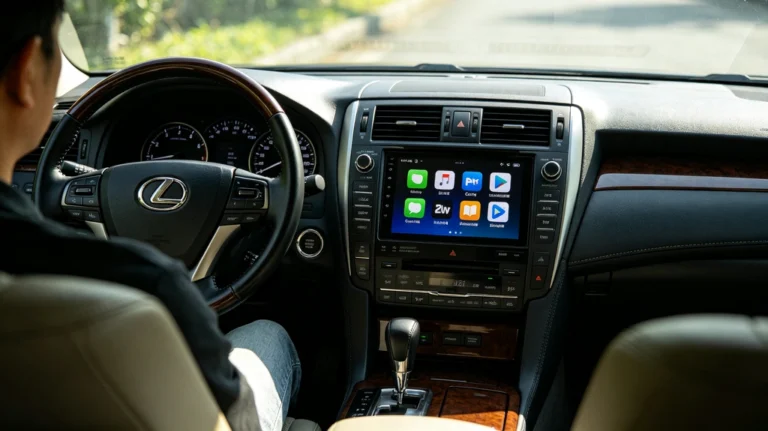
4. Use CarPlay or Android Auto Like Normal — On Your Original Screen
From here, everything runs through your factory display exactly as it would on any modern car:
- Navigate with Google Maps, Waze, or Apple Maps
- Reply to messages hands-free using Siri or Google Assistant
- Stream music through Spotify or Apple Music without a compressed audio profile
- Control it all using your original steering wheel buttons, touchscreen, and console knobs
What Stays the Same (And That’s the Point)
The core promise of a factory-screen upgrade is that nothing about your car’s original character is disrupted:
- Steering wheel controls — volume, track skipping, and voice activation continue to work exactly as before
- Climate control and physical buttons — untouched, since the module doesn’t rewire the dashboard
- Camera systems — 360° panoramic and multi-terrain cameras continue to function normally
- Premium audio — factory amplifiers and sound systems, including Mark Levinson setups, integrate cleanly with no added hiss or noise floor issues
Real owners consistently point to this as the standout result. One driver noted that after installation, “all factory displays and climate control functions continue to operate perfectly — not a single feature was compromised.” Another described the steering wheel talk button instantly activating Siri, letting them dictate messages safely while driving.
Is It Worth It Compared to a Full Screen Replacement?
For most owners, yes — and by a wide margin. A full head unit and screen replacement can run into the thousands of dollars once you account for parts, labor, and the loss of factory-integrated features. A wireless integration kit delivers the same day-to-day benefit — wireless CarPlay and Android Auto — while preserving the original dashboard, at a fraction of the cost and complexity. As one reviewer put it, replacing the entire center console unit “would have cost thousands and lost factory functions,” while the integration kit “retained 100% OEM features.”
Getting Started
If your Toyota or Lexus still has years of mechanical life left in it, there’s no reason its infotainment system should hold it back. The engine, transmission, and chassis were built to last — the dashboard just needs to catch up.
Browse the AUVETO Wireless CarPlay & Android Auto Retrofit Collection to find the kit engineered for your exact model, or reach out to the team via WhatsApp to confirm fitment before you order. Every kit ships with fast worldwide express delivery and 1-on-1 remote installation support, so help is always available if you need it.