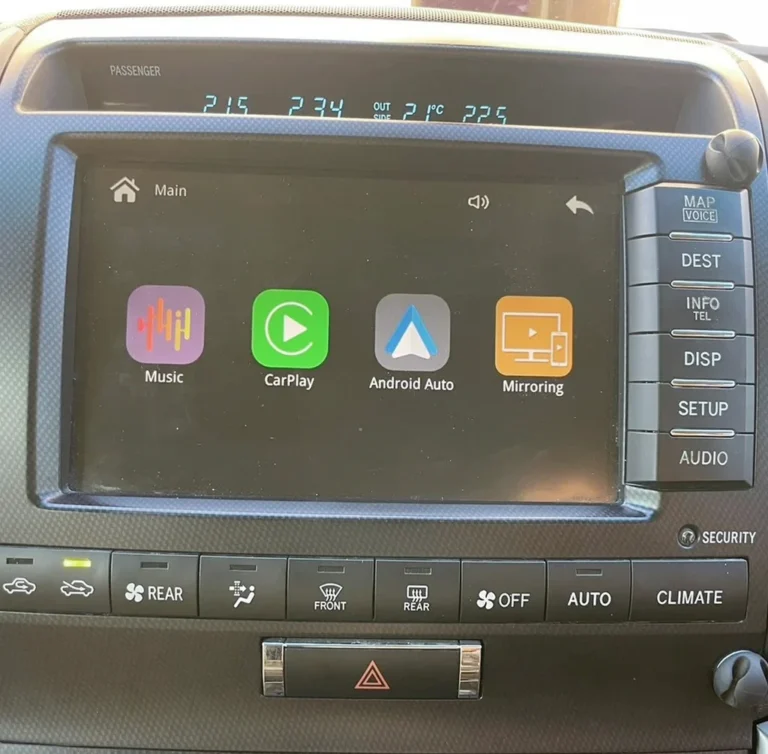
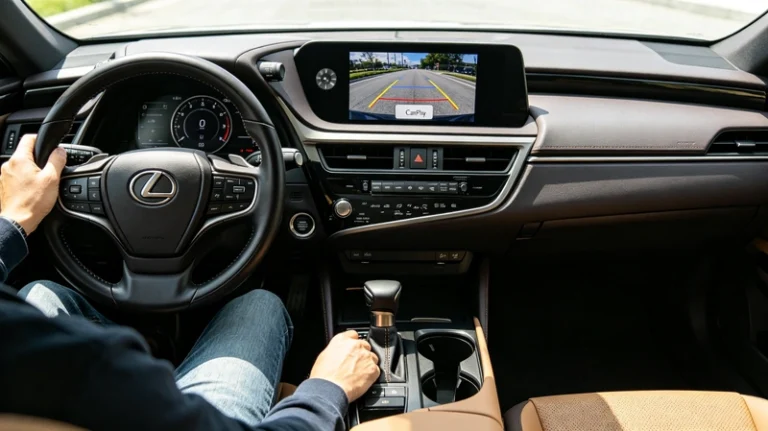
What is the best way to add CarPlay to an older Lexus?
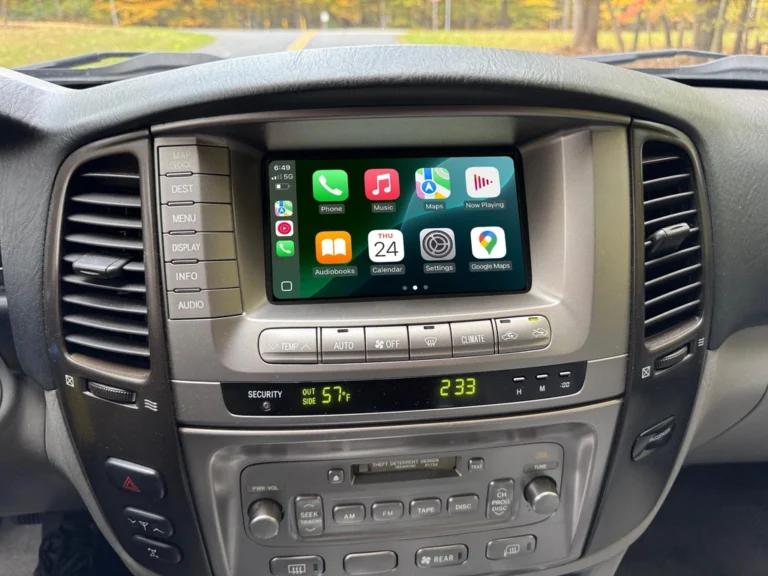
If you’re driving a Lexus from roughly the 2005–2019 era — an LS, GS, IS, ES, GX, or LX — there’s a good chance your factory Enform system has never heard of Apple CarPlay. Lexus didn’t standardize CarPlay support across its lineup until relatively recently, which leaves a huge number of well-built, well-maintained luxury vehicles without a feature most drivers now consider baseline. The good news: adding it properly is very doable. The “properly” part is where most of the decision-making actually happens.
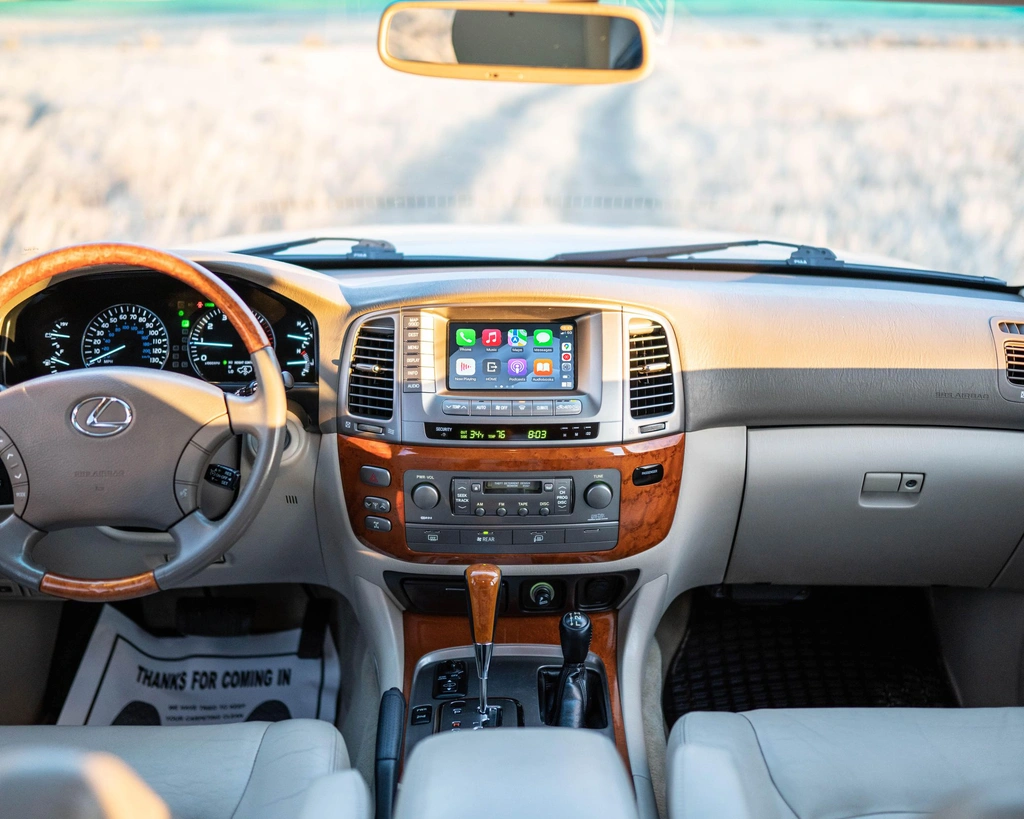
Why This Is a Bit More Involved Than a Typical Toyota Retrofit
Lexus interiors bring a couple of extra considerations that a standard Camry or RAV4 retrofit doesn’t have to deal with:
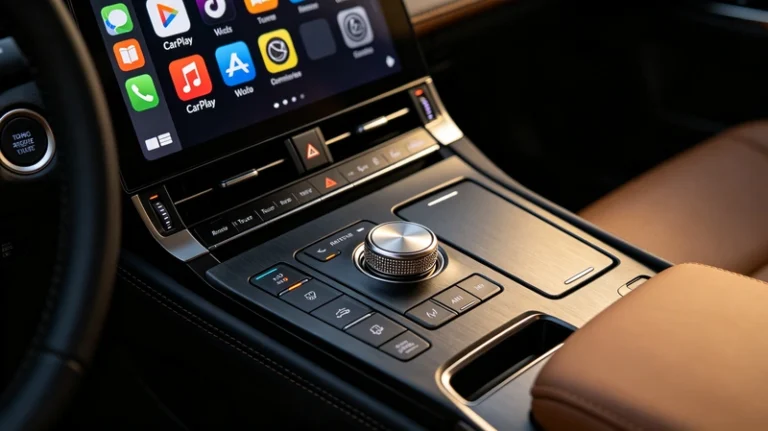
- Remote Touch controllers. Many Lexus models from this era use a mouse-style, joystick, or trackpad controller instead of a touchscreen — meaning any CarPlay solution needs to actually work with that input method, not just assume you’ll be tapping a screen directly.
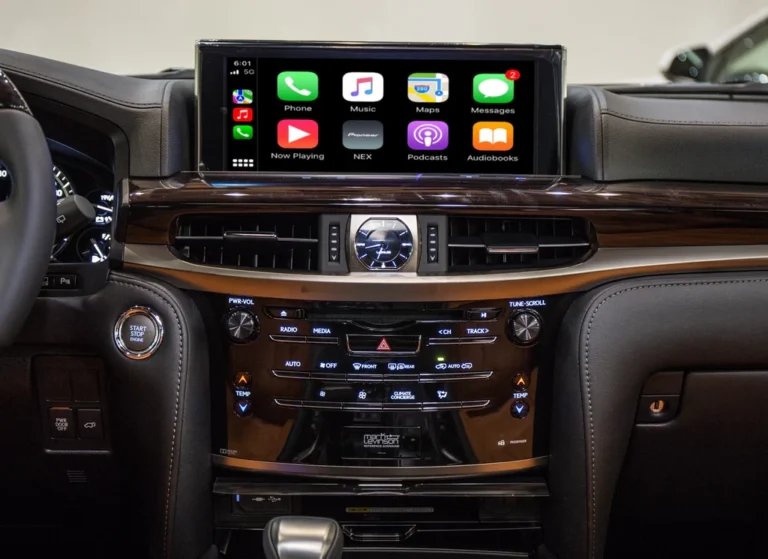
- Premium audio systems. Higher trims often came with Mark Levinson audio — a sound system worth preserving properly, not routing through a compressed Bluetooth connection that undersells what the hardware is actually capable of.
- Multi-terrain and camera systems. GX and LX models in particular often have multi-terrain monitor systems and multiple camera views that any retrofit needs to leave fully intact.
Any of the three general retrofit paths below can technically add CarPlay — but how well each one handles these specific Lexus details varies quite a bit.
Option 1: Budget Universal Decoder Boxes
The cheapest path, generally $90–$150, using a generic decoder box originally designed with mainstream Toyota trims in mind and sometimes marketed as Lexus-compatible as an afterthought. These can work, but Remote Touch compatibility and Mark Levinson audio integration are exactly the kind of detail that gets lost when a product is built to cover dozens of unrelated vehicles rather than being designed around Lexus’s specific interface.
Best for: owners on a tight budget who are comfortable troubleshooting compatibility issues themselves.
Option 2: Full Head Unit / Screen Replacement
Ripping out the factory Enform unit entirely and installing a larger aftermarket touchscreen. This gets you a modern look, but it’s a particularly rough fit for Lexus specifically — replacing a Remote Touch-based system with a touchscreen-first aftermarket unit often means losing the ergonomics the interior was actually designed around, on top of the usual risks of losing steering wheel control mapping or camera integration during the swap.
Best for: owners who specifically want a bigger, modern touchscreen and are fine leaving the original control scheme behind entirely.
Option 3: Vehicle-Specific Integration Kit
A module built specifically for your Lexus model, connecting into the factory wiring harness behind your existing screen — no touchscreen swap, no generic one-size-fits-many hardware. This is the approach that actually accounts for the details above: Remote Touch functionality stays intact because the kit was designed around it, Mark Levinson audio routes through the original amplifier rather than a Bluetooth compression layer, and multi-terrain/camera systems on GX and LX models remain fully functional because nothing about the original hardware was removed.
Best for: owners who want CarPlay added without compromising anything about how the interior already works — which, for most Lexus owners, is the whole point of having bought a Lexus in the first place.
What AUVETO’s Lexus Kits Specifically Support
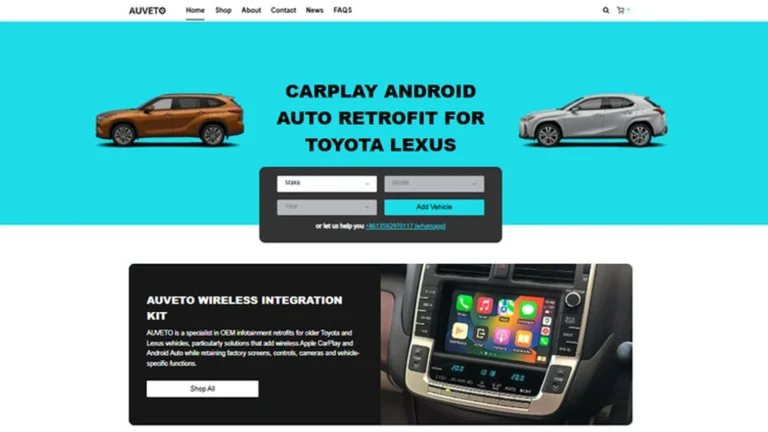
AUVETO’s integration kits currently cover the LX (LX470/LX570), LS (LS430/LS460/LS600h/LS500), GS (S190/L10), GX (GX470/GX460/GX400), IS/IS F (GSE20/GSE30), and ES (XV40/XV60/XZ10) series, including JDM variants, spanning roughly 1999 through 2023 depending on the model. Every kit is built around the specifics above:
- Full Remote Touch mouse, joystick, or touchpad functionality retained
- Mark Levinson and other premium factory audio systems routed through the original amplifier, not Bluetooth compression
- Multi-terrain monitor and camera systems on GX/LX models kept fully intact
- Wireless Apple CarPlay, Android Auto, and Huawei CarLife support via a dedicated Bluetooth & 5GHz Wi-Fi module
So, What’s Actually the Best Option?
If budget is the only constraint and you’re willing to accept some trial and error, a universal decoder box can work. If you specifically want a larger, modern touchscreen and don’t mind losing the original control scheme, a full screen replacement gets you there. But for the majority of Lexus owners — people who chose the brand partly for how well-integrated and refined the interior already feels — a vehicle-specific integration kit is the option that actually respects what you paid for in the first place, while adding the one feature your Enform system was never built with.
Want to confirm your exact model and trim are supported? Send a photo of your center console to auveto@gmail.com or message us on WhatsApp for a free compatibility check.