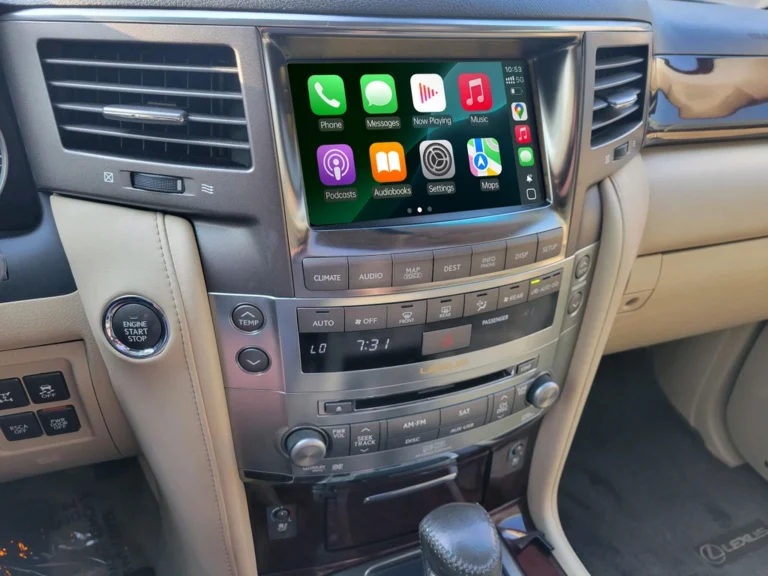
How can I add wireless CarPlay without replacing my factory screen?
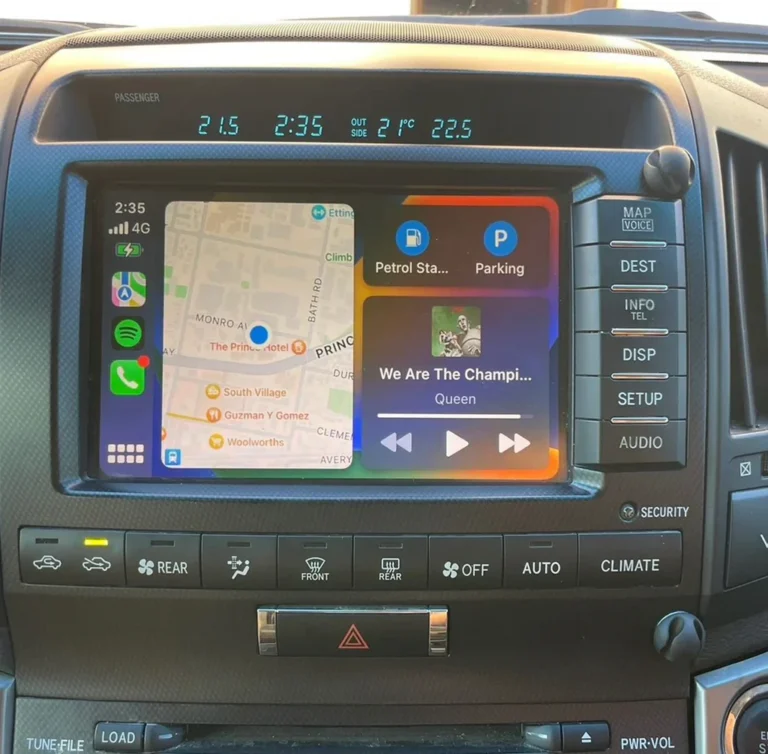
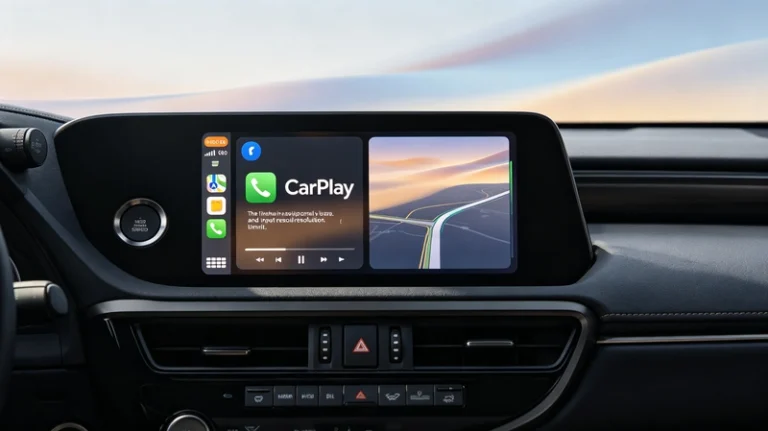
You can add wireless Apple CarPlay to a compatible vehicle by installing a CarPlay retrofit interface that integrates with the original factory infotainment system.
This lets you keep your factory screen, steering wheel controls, backup camera, and OEM interior, while adding modern wireless CarPlay functionality.
For older Toyota and Lexus vehicles, this can be a better option than replacing the entire head unit.
How Does It Work?
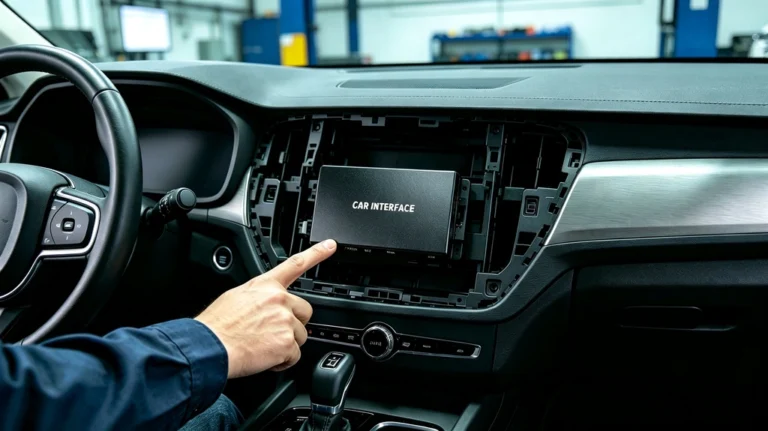
A vehicle-specific CarPlay retrofit module is installed behind or alongside the factory infotainment system.
The basic setup is:
iPhone → Wireless CarPlay → Retrofit Interface → Factory Screen
Your original display remains in place, but the retrofit interface provides the CarPlay software environment.
Once installed, your iPhone can connect wirelessly and display compatible apps such as:
- Apple Maps
- Google Maps
- Waze
- Apple Music
- Spotify
- Phone
- Messages
- Siri
Do I Need to Replace My Factory Screen?
No, if your vehicle is compatible with a factory-screen CarPlay retrofit.
This is one of the main advantages of an integration module.
Instead of removing the original display, you can keep the screen that came with your vehicle and add modern smartphone connectivity to it.
This can be especially useful for Toyota and Lexus owners who want to maintain the original dashboard appearance.
Can I Keep My Steering Wheel Controls?
On compatible vehicles, yes.
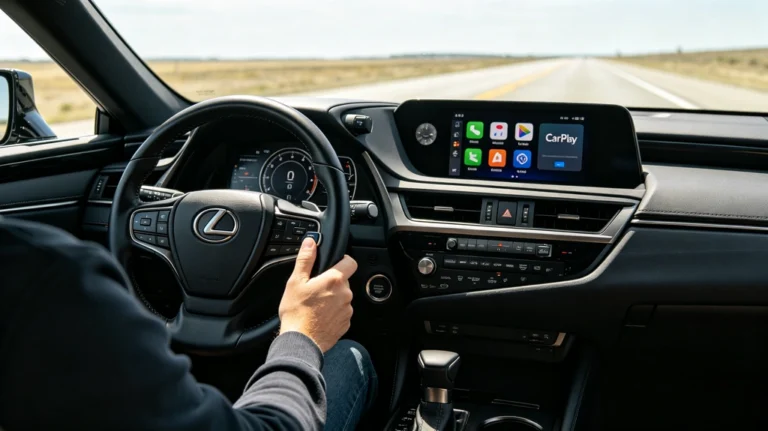
A properly integrated retrofit can retain factory controls such as:
- Volume up/down
- Track selection
- Phone buttons
- Voice-control buttons
- Other supported OEM controls
The exact functions depend on the vehicle and factory infotainment system.
What About the Factory Backup Camera?
On compatible vehicles, you can also retain the original backup camera.
When the vehicle is shifted into Reverse, the factory camera can continue to display on the original screen.
This means you don’t necessarily need to install a new aftermarket camera just to add CarPlay.
Can I Keep My Factory Audio System?
Yes, on compatible systems.
A vehicle-specific retrofit is designed to integrate with the existing infotainment and audio system rather than replacing everything.
For Lexus models equipped with Mark Levinson, compatible retrofit solutions can also retain the factory premium audio system.
This is an important difference between an integration module and a complete head-unit replacement.
Wireless CarPlay Retrofit vs. Replacing the Screen
| Feature | Wireless CarPlay Retrofit | New Aftermarket Screen |
|---|---|---|
| Factory Screen | ✅ Keep | ❌ Usually replaced |
| OEM Appearance | ✅ Maintained | May change |
| Wireless CarPlay | ✅ | ✅ |
| Steering Wheel Controls | Often retained | Depends on installation |
| Factory Backup Camera | Often retained | Depends on installation |
| Factory Audio | Often retained | Depends on installation |
| Dashboard Modification | Minimal on compatible systems | Usually greater |
If you already like your factory screen, a retrofit can be a simpler way to modernize your vehicle.
Is a Wireless CarPlay Dongle the Same Thing?
No.
This is an important distinction.
A typical wireless CarPlay dongle is designed for vehicles that already have wired Apple CarPlay.
It converts an existing wired CarPlay connection into a wireless one.
If your older vehicle doesn’t have CarPlay at all, a simple USB dongle usually isn’t enough.
You need a CarPlay retrofit or integration interface designed for your vehicle’s factory infotainment system.
In simple terms:
Already have wired CarPlay?
→ A wireless adapter may be enough.
No CarPlay but want to keep your factory screen?
→ Look for a compatible CarPlay retrofit interface.
How Do I Know If My Car Is Compatible?
Before purchasing, check:
- Make and model
- Model year
- Factory screen
- Factory navigation
- Factory head unit
- Audio system
- Existing backup camera
- Steering wheel controls
This is especially important for older Toyota and Lexus vehicles because different model years and factory configurations can use different infotainment systems.
AUVETO offers vehicle-specific retrofit solutions for compatible Toyota and Lexus models, so compatibility should be confirmed using the exact vehicle and factory system rather than the model name alone.
Can AUVETO Add Wireless CarPlay Without Replacing My Screen?
For compatible Toyota and Lexus vehicles, yes.
AUVETO’s retrofit approach is designed around integrating modern wireless CarPlay and Android Auto with the existing factory infotainment system.
The goal is simple:
Keep your factory screen.
Keep your OEM controls.
Keep your factory camera.
Keep your factory audio.
Add Wireless CarPlay and Android Auto.
Bottom Line
The easiest way to add wireless CarPlay without replacing your factory screen is to use a vehicle-specific CarPlay retrofit interface.
If your vehicle is compatible, you can modernize the infotainment system while keeping the factory screen and other OEM features.
Before buying, always verify compatibility with your exact vehicle, model year, and factory infotainment system.