Why Are Wireless CarPlay & Android Auto Searches Exploding?
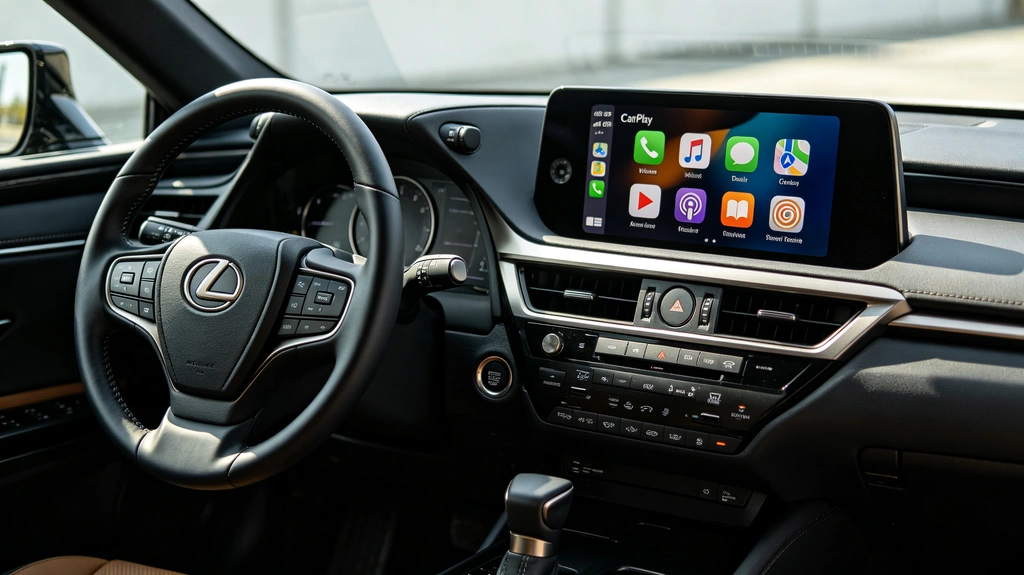
If you’ve noticed more people searching for “wireless Android Auto,” “wireless CarPlay,” and “Android Auto CarPlay adapter,” you’re not imagining it.
Search interest around wireless smartphone integration has grown significantly, with several related queries reaching major peaks in 2025. In one trend dataset, “android auto carplay adapter” increased from a normalized interest of 17 to 100, while wireless Android Auto-related searches also reached their highest levels around August–September 2025.
But what does this growth actually mean?
It isn’t simply that drivers suddenly discovered Android Auto or Apple CarPlay.
More importantly, car owners are looking for a practical way to bring modern smartphone connectivity into cars that were never designed for it.
And behind those searches are some very specific concerns:
- Will wireless CarPlay actually stay connected?
- Is a wireless Android Auto adapter difficult to install?
- Will it work with my factory screen?
- Do I need to replace the entire head unit?
- Will I lose my steering wheel controls?
- Will the sound quality get worse?
- Is a cheap dongle enough?
- What happens if my car has an older factory navigation system?
- Is a retrofit really better than replacing the screen?
These are the questions that matter.
Why Wireless CarPlay and Android Auto Are Becoming So Popular
Modern drivers have become accustomed to having navigation, music, messaging, voice assistants, and other smartphone features available every time they get into a car.
The problem is that vehicle technology doesn’t age at the same speed as smartphones.
A car can still drive perfectly after 10, 15, or even 20 years, while its factory infotainment system may feel extremely outdated.
An older factory screen may still provide:
- GPS navigation
- Radio
- Bluetooth
- CD playback
- Backup camera display
- Vehicle information
But it may not support the smartphone experience drivers now expect.
That’s where wireless CarPlay and Android Auto retrofits come in.
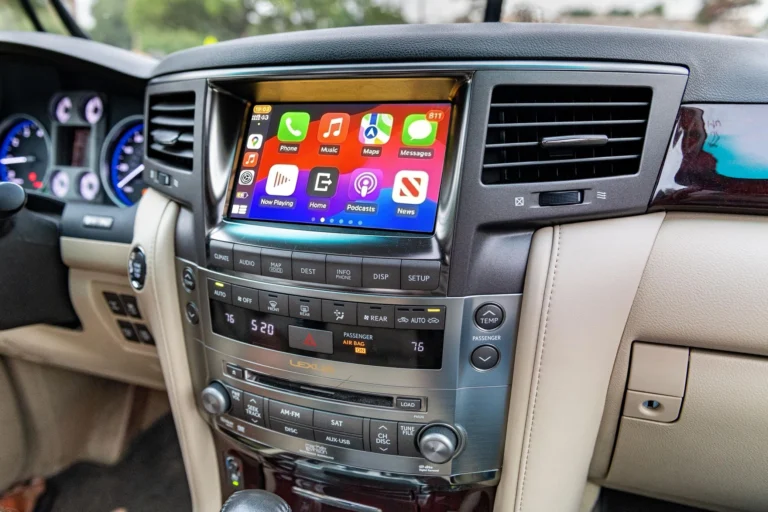
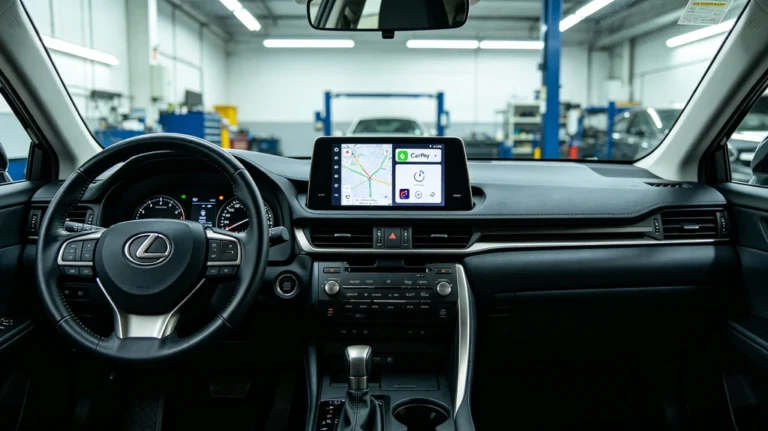
Instead of replacing the entire factory infotainment system, a retrofit module can add modern smartphone connectivity while keeping the original display and many of the vehicle’s existing controls.
For older Toyota and Lexus owners, this distinction is particularly important.
AUVETO, for example, uses vehicle-specific wireless integration kits designed to connect with the factory head unit while retaining the original screen, steering wheel controls, and factory appearance.
What Are Car Owners Really Worried About?
Search volume tells us that people are interested.
But search queries reveal what they are uncertain about.
The biggest concerns can be grouped into five categories.
1. “Will Wireless Android Auto Actually Be Stable?”
This may be the biggest concern of all.
Wireless connectivity sounds convenient, but drivers don’t want to trade a cable for random disconnections, audio stuttering, delayed touch response, or long connection times.
And this concern isn’t purely theoretical.
Users in Google’s Android Auto community have reported problems involving wireless audio stuttering, intermittent connections, and differences between phone models and wireless setups.
That creates an important distinction:
Wireless doesn’t automatically mean reliable.
The quality of the entire integration matters.
A wireless system involves communication between:
Phone → wireless connection → integration hardware → vehicle head unit → display/audio system
If any part of that chain is poorly implemented, the user experience can suffer.
That’s why drivers researching wireless CarPlay and Android Auto are increasingly asking questions about stability, not just compatibility.
What should buyers look for?
Before purchasing a wireless solution, check:
- Vehicle-specific compatibility
- Phone compatibility
- Connection stability
- Boot-up speed
- Audio performance
- Touch responsiveness
- Firmware support
- Installation quality
- Customer support
A device that technically supports Android Auto isn’t necessarily a good solution for every vehicle.
2. “Is an Android Auto CarPlay Adapter Difficult to Install?”
The word “adapter” can be misleading.
Some wireless adapters are simple USB devices designed for cars that already have wired CarPlay or Android Auto.
But that’s very different from retrofitting an older vehicle that doesn’t have CarPlay or Android Auto at all.
This distinction is extremely important.
A wireless dongle is not the same as a CarPlay retrofit.
A USB wireless adapter generally works by converting an existing wired smartphone connection into a wireless one.
A vehicle-specific integration module can go much further.
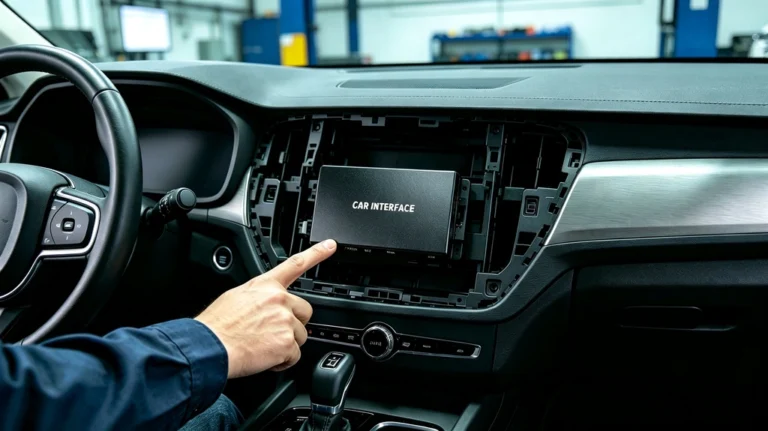
For an older Toyota or Lexus, the module may need to communicate directly with the factory infotainment system and route CarPlay or Android Auto content through the original display.
That is why buyers should ask:
Does my car already have wired CarPlay/Android Auto, or am I trying to add CarPlay/Android Auto to a factory system that never supported it?
The answer determines what type of product you actually need.
AUVETO’s approach is specifically aimed at older Toyota and Lexus vehicles that need a retrofit rather than simply a USB wireless adapter. Its website describes the system as a plug-and-play integration kit designed to add wireless CarPlay and Android Auto to the original factory display.
3. “Will I Have to Replace My Factory Screen?”
This is another major reason searches for retrofit solutions are growing.
Many owners don’t actually want a new screen.
They want new functionality without changing the interior of the car.
Replacing an entire head unit can potentially mean:
- Changing the dashboard appearance
- Losing some factory functions
- Adding aftermarket wiring
- Dealing with fitment issues
- Replacing the original display
- Losing certain OEM controls
For owners of premium vehicles such as Lexus, maintaining the factory appearance can be particularly important.
A retrofit module takes a different approach:
Keep the screen. Upgrade what the screen can do.
AUVETO positions its wireless integration kits around exactly this concept, allowing compatible Toyota and Lexus owners to use CarPlay and Android Auto through their original displays rather than replacing the screen.
4. “Will My Steering Wheel Controls and Factory Features Still Work?”
A modern smartphone interface is only useful if it works naturally with the car.
Drivers don’t want to gain CarPlay and then lose:
- Steering wheel volume controls
- Track controls
- Voice buttons
- Backup camera functionality
- Factory audio
- Climate-control integration
- Original dashboard appearance
This is why OEM integration is becoming an increasingly important search intent.
The best retrofit isn’t necessarily the one with the biggest screen or the most features.
It’s the one that makes the car feel like it came that way from the factory.
AUVETO specifically emphasizes retention of factory screens and OEM controls, including steering wheel buttons and factory audio integration on compatible vehicles.
5. “Will It Sound Worse Than the Factory System?”
Another concern that doesn’t always appear in keyword tools is audio quality.
Drivers may be willing to accept a small difference in interface design.
They are much less likely to accept:
- Hissing
- Static
- Audio delays
- Volume problems
- Poor Bluetooth audio
- Reduced sound quality
This is especially important for Toyota and Lexus owners whose factory sound systems may already be quite good.
A wireless retrofit should therefore be evaluated as an integration product, not simply as a screen accessory.
The goal is to add smartphone functionality while maintaining the vehicle’s existing audio experience.
Wireless Adapter vs. Full CarPlay Retrofit: What’s the Difference?
One of the most important things consumers should understand is that “wireless CarPlay adapter” can refer to different types of products.
| Solution | Best For | Requires Existing CarPlay? | Keeps Factory Screen? |
|---|---|---|---|
| USB Wireless CarPlay Adapter | Cars with wired CarPlay | Usually yes | Yes |
| USB Android Auto Adapter | Cars with wired Android Auto | Usually yes | Yes |
| Aftermarket Head Unit | Cars needing a complete infotainment replacement | No | Usually no |
| Vehicle-Specific CarPlay Retrofit | Older cars without native CarPlay | No | Often yes |
| OEM Integration Module | Owners prioritizing factory appearance | No | Yes |
This is why searching for “Android Auto CarPlay adapter” doesn’t necessarily mean every result is suitable for every car.
The correct solution depends on the starting point.
If your car already has wired CarPlay:
A wireless adapter may be all you need.
If your car has no CarPlay at all:
You may need a CarPlay retrofit or integration module, rather than a simple wireless dongle.
If you want a completely new infotainment system:
An aftermarket head unit may make more sense.
Why Older Toyota & Lexus Owners Have a Different Problem
For many older Toyota and Lexus vehicles, the issue isn’t that the factory system is broken.
It’s simply outdated.
The factory screen may still work perfectly.
The navigation may still work.
The audio system may still sound excellent.
The backup camera may still function.
So replacing everything just to gain Apple CarPlay or Android Auto can feel excessive.
A retrofit takes a different approach:
Keep the vehicle you already like. Modernize the infotainment experience.
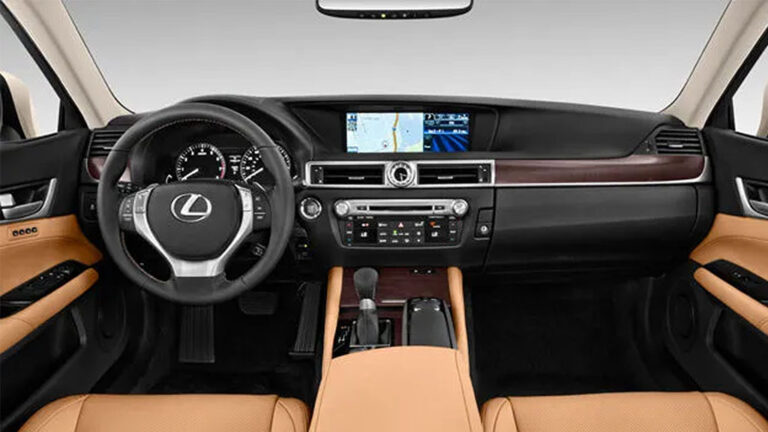
That’s particularly relevant for vehicles such as older Lexus GS and Toyota Crown models, where maintaining the original interior can be a major consideration.
AUVETO currently offers vehicle-specific wireless integration products for a range of Toyota and Lexus applications, including Toyota Crown generations, Toyota Mark II/Verossa, and older Lexus GS models.
Is Wireless CarPlay Actually Worth It?
For the right vehicle, the answer can be yes.
The biggest advantage isn’t necessarily that wireless CarPlay has more features than wired CarPlay.
It’s convenience.
With a properly integrated wireless system:
- You get into the car.
- Your phone connects automatically.
- CarPlay or Android Auto launches.
- Your navigation appears on the factory screen.
- Music and podcasts are available.
- Voice assistants can be used.
- You don’t have to plug your phone in every time.
That small reduction in friction becomes significant when you drive every day.
What Should You Check Before Buying a Wireless CarPlay Adapter?
Before searching for the cheapest adapter, start with compatibility.
Step 1: Identify Your Vehicle
Know:
- Make
- Model
- Year
- Trim
- Factory head unit
- Factory navigation system
- Display type
Two cars with the same model name can have different infotainment systems.
Step 2: Determine Your Starting Point
Ask:
Does my car already have wired CarPlay or Android Auto?
If yes, a wireless adapter may be sufficient.
If no, look for a retrofit solution designed specifically for your factory system.
Step 3: Check What You Want to Keep
If maintaining the original interior matters, look for solutions that support:
- OEM screen
- Steering wheel controls
- Factory audio
- Backup camera
- Original dashboard appearance
Step 4: Check Installation Requirements
Don’t assume every product is truly plug-and-play.
Some systems require only a simple connection.
Others require dashboard access and integration with the factory head unit.
AUVETO states that its compatible kits are designed for clean installation and provides installation manuals, video guides, and remote technical support.
Step 5: Think Beyond the First Connection
A good wireless CarPlay system isn’t just about whether it connects once.
Ask whether it provides a good experience over months and years:
- Does it reconnect automatically?
- Is the connection stable?
- Is audio reliable?
- Does it boot quickly?
- Does it work with your phone?
- Is technical support available?
The Real Reason Wireless CarPlay Searches Are Growing
The increase in searches for “wireless Android Auto,” “wireless CarPlay adapter,” and “Android Auto CarPlay adapter” reflects a broader change in what drivers expect from their vehicles.
People don’t necessarily want a new car.
They want their existing car to work more like a new car.
That’s an important distinction.
The demand is not simply for another gadget.
It’s for:
Modern smartphone connectivity + factory integration + convenience + reliability.
And that explains why retrofit solutions are becoming increasingly relevant for older vehicles.
FAQ: Wireless CarPlay & Android Auto
Is wireless Android Auto reliable?
It can be, but reliability depends on the phone, vehicle infotainment system, wireless hardware, software, and integration quality. User reports show that wireless Android Auto can experience connection or audio issues in some combinations of phones and head units.
Do wireless CarPlay adapters work with every car?
No. Compatibility depends on the vehicle’s factory infotainment system. Many USB wireless adapters require the car to already support wired CarPlay.
Can I add CarPlay without replacing my factory screen?
Yes, on compatible vehicles. A vehicle-specific retrofit module can add CarPlay and Android Auto while retaining the original display.
Is a wireless CarPlay adapter the same as a CarPlay retrofit?
No. A wireless adapter typically adds wireless functionality to a system that already supports wired CarPlay. A retrofit can add CarPlay to vehicles that didn’t originally support it.
Will I lose my steering wheel controls after installing CarPlay?
A properly designed vehicle-specific integration system can retain compatible factory controls. Always verify compatibility for your exact vehicle and head unit before purchasing.
Do older Lexus vehicles support CarPlay?
Many older Lexus models did not originally come with Apple CarPlay. However, compatible models can potentially be upgraded through aftermarket CarPlay retrofit systems without replacing the entire factory display.
Do I need to replace my factory navigation system?
Not necessarily. If the vehicle supports a compatible CarPlay retrofit, you may be able to keep the factory screen and use Apple Maps, Google Maps, Waze, and other smartphone navigation apps through it.
What is the best wireless CarPlay solution for an older Toyota or Lexus?
The answer depends on the exact vehicle and factory head unit. For older Toyota and Lexus models without native CarPlay, a vehicle-specific integration module is generally more appropriate than a simple USB wireless adapter.
Final Takeaway
The rise of searches for wireless Android Auto and Android Auto CarPlay adapters isn’t really about adapters.
It’s about expectations.
Drivers increasingly expect their cars to provide the same seamless smartphone experience they get everywhere else.
But they don’t necessarily want to replace a perfectly good vehicle or destroy its original interior to get it.
For owners of older Toyota and Lexus vehicles, the ideal solution can be much simpler:
Keep the factory screen. Keep the original controls. Add modern wireless CarPlay and Android Auto.
That’s the basic idea behind an OEM-style retrofit—and why this category is attracting so much attention from car owners searching for a better way to modernize their vehicles.
Looking to add wireless CarPlay or Android Auto to your Toyota or Lexus? Start by checking your exact vehicle and factory head unit for compatibility.