Toyota Crown CarPlay Retrofit
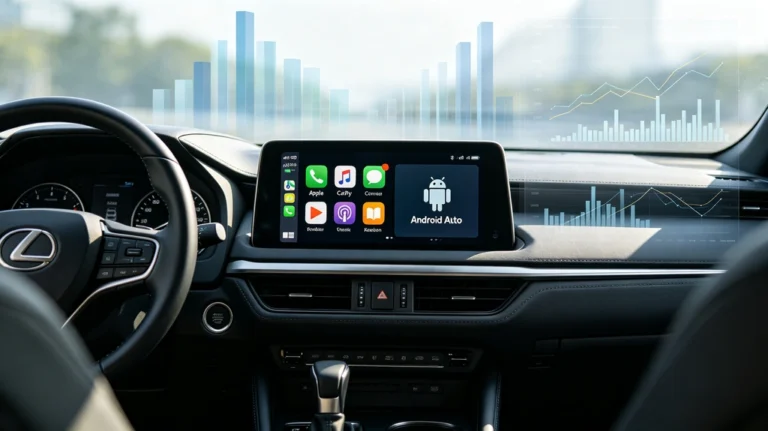
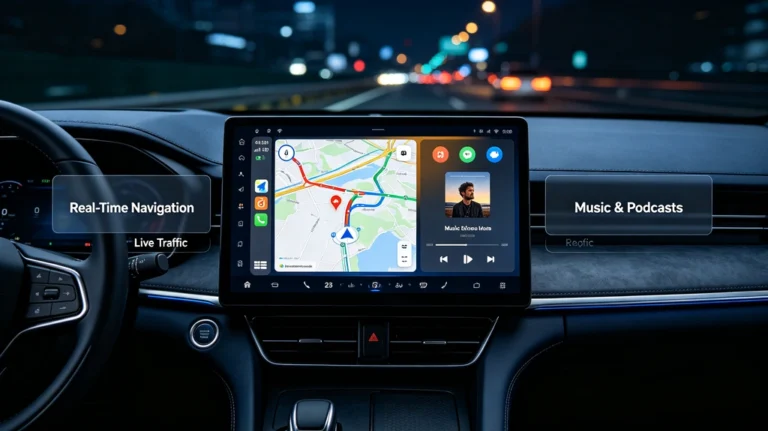
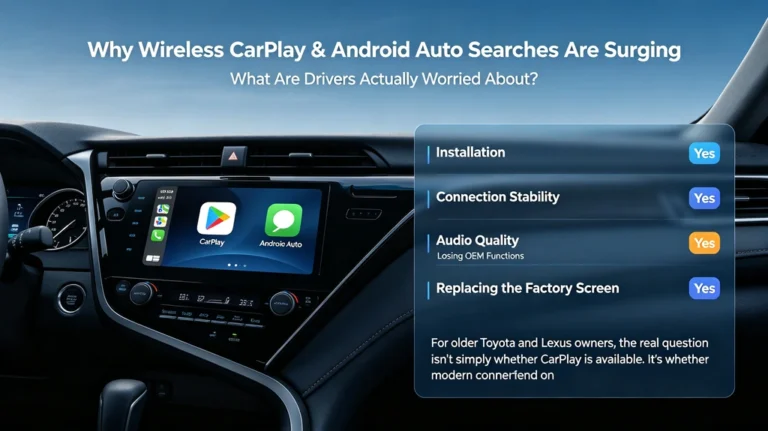
A Toyota Crown CarPlay retrofit can add Wireless Apple CarPlay and Android Auto to a compatible factory infotainment system without replacing the original screen.
For Crown owners who like the original dashboard but want modern smartphone connectivity, a vehicle-specific retrofit can be an alternative to installing a completely new head unit.
What Is a Toyota Crown CarPlay Retrofit?
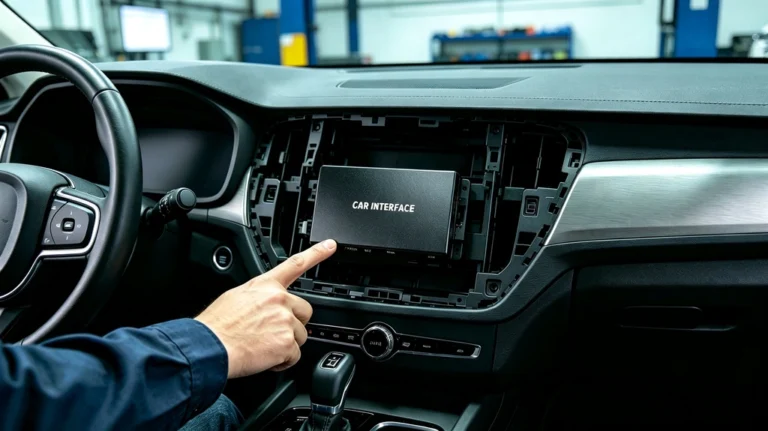
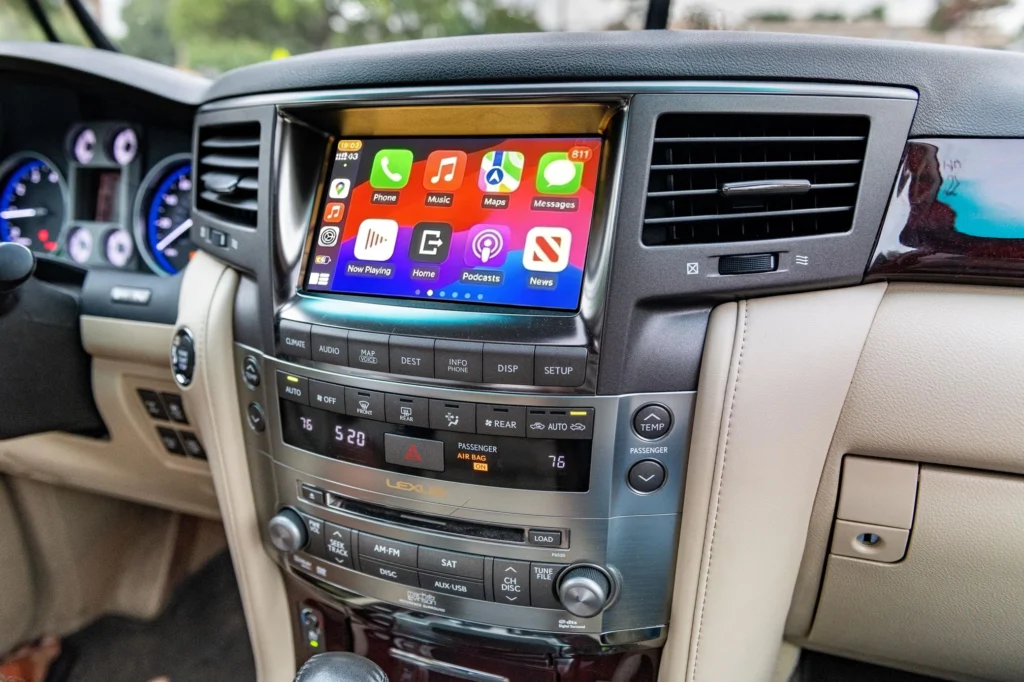
A CarPlay retrofit is an integration interface that connects with the vehicle’s existing infotainment system.
Instead of replacing the factory screen, the retrofit adds smartphone connectivity to the original display.
You can use:
- Wireless Apple CarPlay
- Wireless Android Auto
- Apple Maps
- Google Maps
- Waze
- Spotify and other music apps
- Hands-free calling
- Siri and Google Assistant
Can I Keep the Factory Screen?
Yes, on compatible Toyota Crown systems.
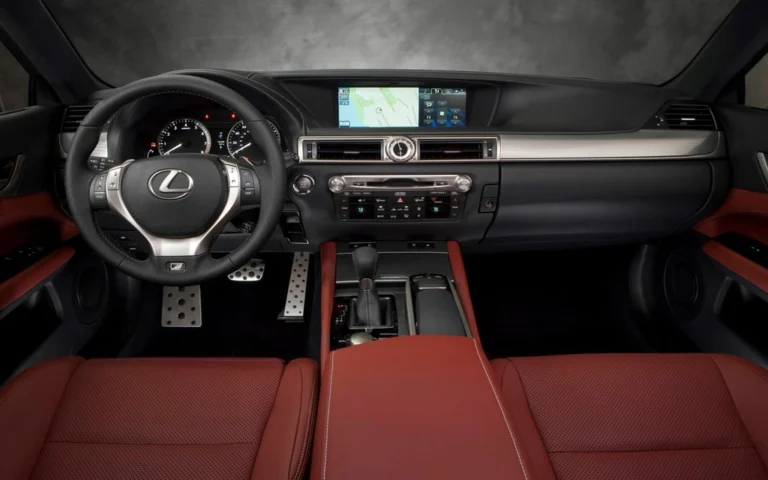
The main advantage of a factory-screen retrofit is that you don’t need to completely redesign the dashboard.
You can keep the original Crown display and add modern CarPlay functionality.
This helps preserve the vehicle’s OEM appearance while upgrading its everyday technology.
Can I Keep the Factory Controls?
On compatible systems, supported OEM controls can continue to work, including:
- Steering wheel volume controls
- Track controls
- Phone buttons
- Voice-control buttons
- Original center-console controls
Exact functionality depends on the Crown’s factory infotainment configuration.
What About the Factory Backup Camera?
The original backup camera can be retained on compatible systems.
When you shift into Reverse, the factory camera can continue to display on the original screen.
You don’t necessarily need to replace a working factory camera simply to add CarPlay.
Does It Support Wireless CarPlay and Android Auto?
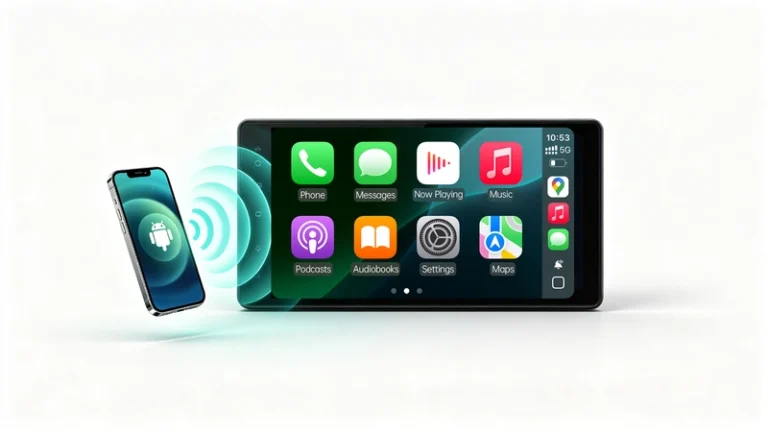
Yes, a compatible AUVETO retrofit can provide both:
iPhone → Wireless Apple CarPlay
Android phone → Wireless Android Auto
This is useful if different drivers in the same Toyota Crown use different smartphone platforms.
Toyota Crown CarPlay Retrofit vs. Screen Replacement
| Feature | CarPlay Retrofit | New Head Unit |
|---|---|---|
| Factory Screen | ✅ Retained on compatible systems | Usually replaced |
| OEM Appearance | ✅ Preserved | May change |
| Wireless CarPlay | ✅ | ✅ |
| Wireless Android Auto | ✅ | Often available |
| Steering Wheel Controls | Supported on compatible systems | Depends on installation |
| Factory Camera | Supported on compatible systems | Depends on installation |
| Factory Audio | Can be retained | Depends on installation |
A retrofit is particularly attractive if your factory screen, audio system, and other OEM features are still working well.
Is Every Toyota Crown Compatible?
No.
Toyota Crown has multiple generations and factory infotainment configurations.
Compatibility can depend on:
- Model generation
- Model year
- Factory screen
- Factory navigation
- Head unit
- Audio system
- Vehicle market
Therefore, don’t purchase a retrofit based only on the words “Toyota Crown.”
The exact factory system should be checked first.
Why Choose a Vehicle-Specific Retrofit?
A generic CarPlay adapter may not communicate correctly with an older factory infotainment system.
A vehicle-specific retrofit is designed around a particular factory configuration.
For compatible Toyota Crown systems, this approach can provide:
Factory screen + OEM controls + factory camera + modern CarPlay/Android Auto
without replacing the complete infotainment system.
How to Check Compatibility
Before ordering a Toyota Crown CarPlay retrofit, prepare:
- Your Crown’s model year
- Vehicle generation
- Photo of the factory screen
- Photo of the center console
- Factory navigation information
- Original audio configuration
If you’re unsure which factory system your Crown has, photos of the dashboard and infotainment controls can help determine compatibility.
Bottom Line
A Toyota Crown CarPlay retrofit is a practical way to modernize a compatible factory infotainment system.
Instead of replacing the original screen, you can add Wireless Apple CarPlay and Android Auto while retaining supported OEM features such as steering wheel controls, factory audio, and the backup camera.
Keep your Toyota Crown’s original interior. Add the CarPlay experience your smartphone already provides.