Does wireless CarPlay have lag?
Yes, wireless CarPlay has a small delay, because the phone and car exchange data over Wi-Fi and Bluetooth instead of a cable. On a healthy setup you will hardly notice it while driving. If you see stuttering, late navigation prompts or dropped connections, the cause is usually interference, an older head unit or a low-quality adapter, and it can usually be fixed.

Key takeaways
- Some delay is normal on any wireless connection and does not mean the product is defective.
- Wired CarPlay still has the lowest latency, but a well-built 5GHz wireless setup feels close for navigation, calls and everyday music.
- Lag usually comes from Wi-Fi interference, single-band hardware, an older head unit or a hot phone.
- Most cases are fixed by re-pairing, updating software or changing where the phone sits.
Why wireless CarPlay has some delay
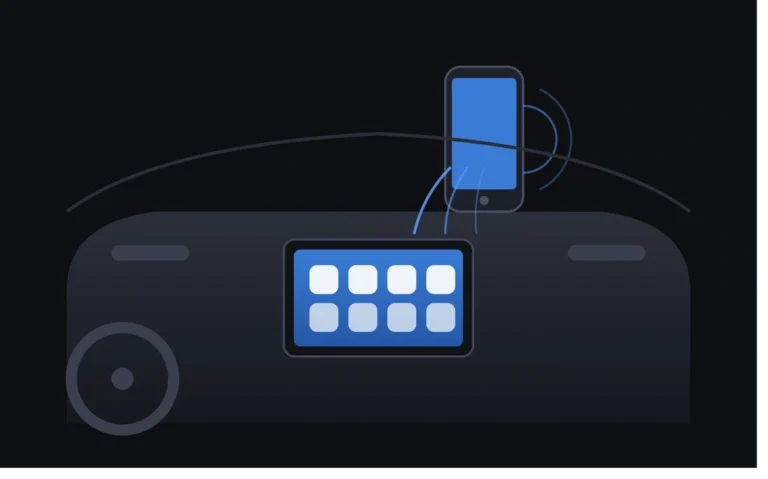
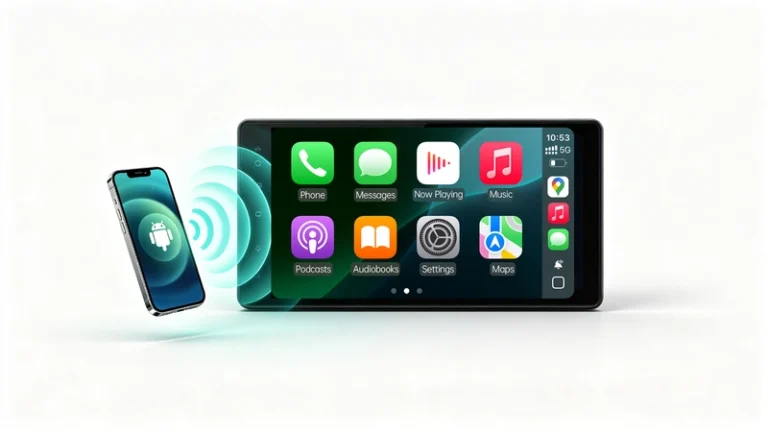
Wireless CarPlay uses two radios. Bluetooth handles the initial handshake, then a dedicated Wi-Fi link carries the screen and audio. Each video frame has to be encoded, sent over Wi-Fi, received, decoded and displayed. Every step takes a little time, so a wireless link is never truly zero latency. A cable skips most of that chain, which is why wired CarPlay remains the benchmark for responsiveness.
What counts as normal lag
The table separates ordinary wireless delay from symptoms that point to a real problem.
| Situation | Normal | Worth investigating |
|---|---|---|
| Skipping tracks or starting playback | A delay of about 0.5 to 2 seconds is generally expected | Repeated waits of several seconds |
| Touchscreen and map scrolling | Very slight delay | Sluggish, jerky or frozen screen |
| Voice prompts and navigation | Prompts arrive on time | Turn instructions come late |
| Music | Plays smoothly | Stutters or falls behind the display |
| Connecting at start-up | A handshake of roughly 5 to 15 seconds each time the car starts | Frequently fails to connect |
If your symptoms sit in the right-hand column, one of the causes below is the likely culprit.
Seven common causes of wireless CarPlay lag
- Wi-Fi interference. Dashcams, Bluetooth headsets and nearby routers can cause packet loss or cut throughput.
- Single-band hardware. A dual-band adapter (2.4GHz and 5GHz) is described as the biggest predictor of a stable link, and budget units limited to 2.4GHz tend to stutter around other radios.
- Older head unit processors. Many factory units were not designed with wireless CarPlay in mind, and decoding a wireless video stream can overwhelm an older processor.
- Unstable Bluetooth. A weak Bluetooth link can delay commands, especially at start-up.
- Outdated software. Old infotainment software is among the most common causes, and an old iOS version or adapter firmware can also matter.
- A hot or busy phone. Direct sun, many open apps or fast charging in a warm cupholder can slow the stream.
- Poor placement. A phone buried in a bag or pocket, or sitting far from the module, weakens the signal.
How to fix wireless CarPlay lag
- Restart the phone and the car. This clears many temporary glitches.
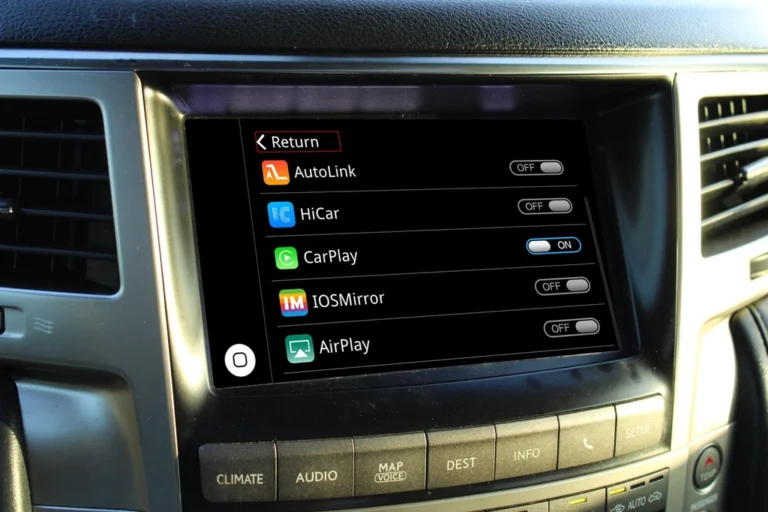
- Forget the car in your phone’s Bluetooth and CarPlay settings, then pair again. This forces a fresh handshake.
- Update iOS or Android, and any interface firmware.
- Turn off unused Bluetooth devices and phone hotspots, and check for dashcams or other Wi-Fi gadgets in the cabin.
- Keep the phone close to the module, out of direct sunlight.
- Close heavy background apps before you start driving.
- Compare with a wired connection. If wired is smooth and wireless is not, the wireless link is the problem. If both lag, look at the phone or the head unit.
Is lag worse on older Toyota and Lexus vehicles?
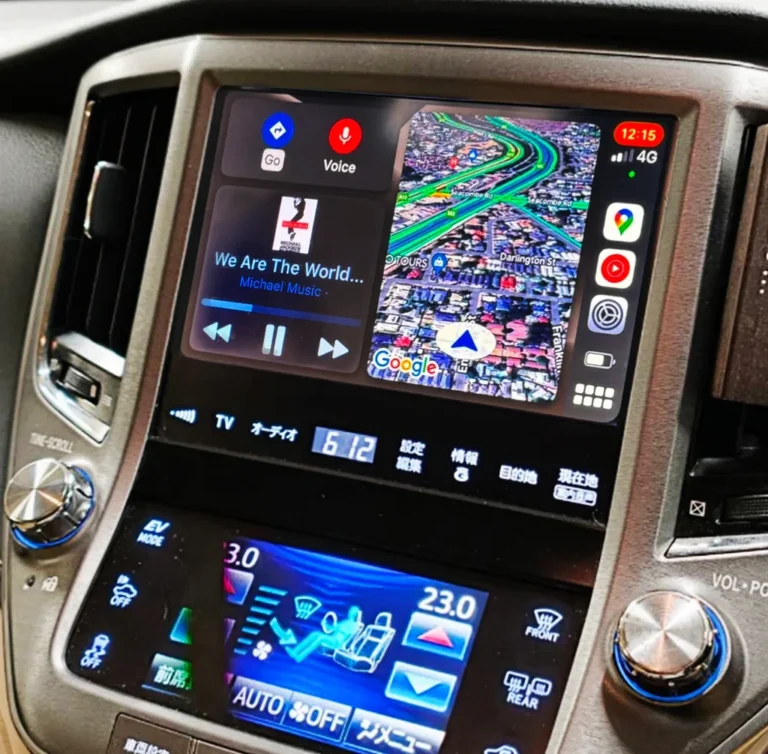
It can be. Older factory head units have slower processors, so how well a retrofit performs depends on the interface module as well as your phone.
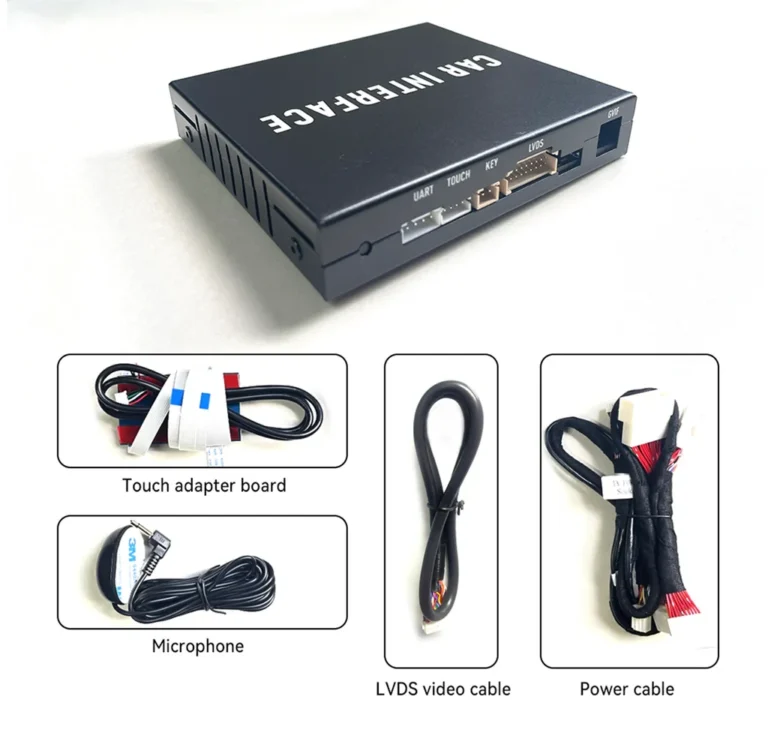
AUVETO modules connect to the factory head unit and keep the original screen, dashboard look and steering wheel controls. Once installed, your phone pairs automatically over 5GHz Wi-Fi and Bluetooth when you start the engine. Each kit comes with manuals and step-by-step video guides, plus 1-on-1 remote tech support if something feels slow.
Wired or wireless?
Wireless suits people who make many short trips and like the phone to connect on its own. Wired suits people who listen to lossless audio, drive long distances (the cable also charges the phone) or want the lowest possible latency. For navigation, calls and everyday music, a well-built wireless setup is comfortable for most drivers.
Not sure your vehicle is compatible?
Toyota and Lexus screens vary by model, market and software version. Browse the AUVETO collection for your vehicle, or contact the team for a fitment check before you order.
FAQ
Does wireless CarPlay have lag?
A small amount. Wireless transmission adds a slight delay compared with a cable. On a well-built 5GHz setup it is minor in everyday driving.
Is wireless CarPlay slower than wired?
Technically yes, because the signal is encoded, sent over the air and decoded. Most drivers only notice it when they skip tracks or scroll a map quickly.
Why is my wireless CarPlay audio delayed?
Audio and data travel over Wi-Fi with buffering. A delay of roughly 0.5 to 2 seconds when skipping tracks or starting playback is generally expected. Longer delays usually point to interference, outdated software or weak hardware.
Why is wireless CarPlay laggy on my old Toyota or Lexus?
Older head units have slower processors and were not built for wireless streaming. A quality interface module and a cabin with little interference both help.
How can I reduce wireless CarPlay lag?
Restart your phone, re-pair the connection, update software, remove sources of interference, keep the phone close and cool, and use a dual-band interface that supports 5GHz.
Should I switch back to wired CarPlay?
Only if you want the lowest latency, lossless audio or constant charging. If wired is smooth and wireless is not, troubleshoot the wireless link first.