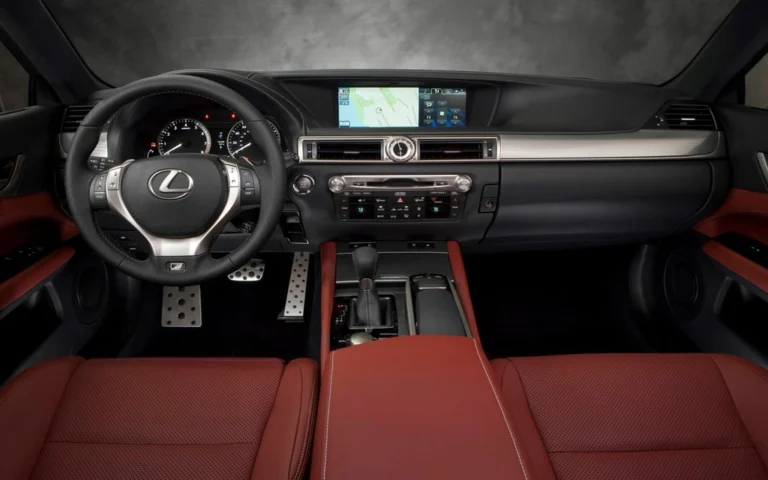
Can I add wireless CarPlay to my factory screen?
In most cases, yes. If your car has a factory screen but no CarPlay, an interface module connects to the head unit and adds wireless CarPlay to the original display, so you do not have to replace the screen. If the car already has wired CarPlay, a plug-in adapter makes it wireless. Whether it works for you depends on your model, year, screen and software version.
Key takeaways
- You do not need to replace the head unit to get wireless CarPlay on a factory screen.
- The right product depends on whether your car has no CarPlay, wired CarPlay or wireless CarPlay already.
- Compatibility varies by make, model, year, screen size and software version, so check fitment before you order.
- Installation on many vehicles takes around 1 to 2 hours, and a local auto shop can do it if you prefer.
Which product does your car need?
| Your car today | What you need | Notes |
|---|---|---|
| No CarPlay or Android Auto | An interface module that connects to the factory head unit | The most common case for older Toyota and Lexus models |
| Factory wired CarPlay | A plug-in wireless adapter | The adapter uses the existing CarPlay USB port |
| Factory wireless CarPlay | Nothing | Already wireless |
A plug-in adapter only works in cars that already have wired CarPlay, so it will not help a car that never had it. If your screen predates CarPlay, the module route is the one to look at.
How an interface module works
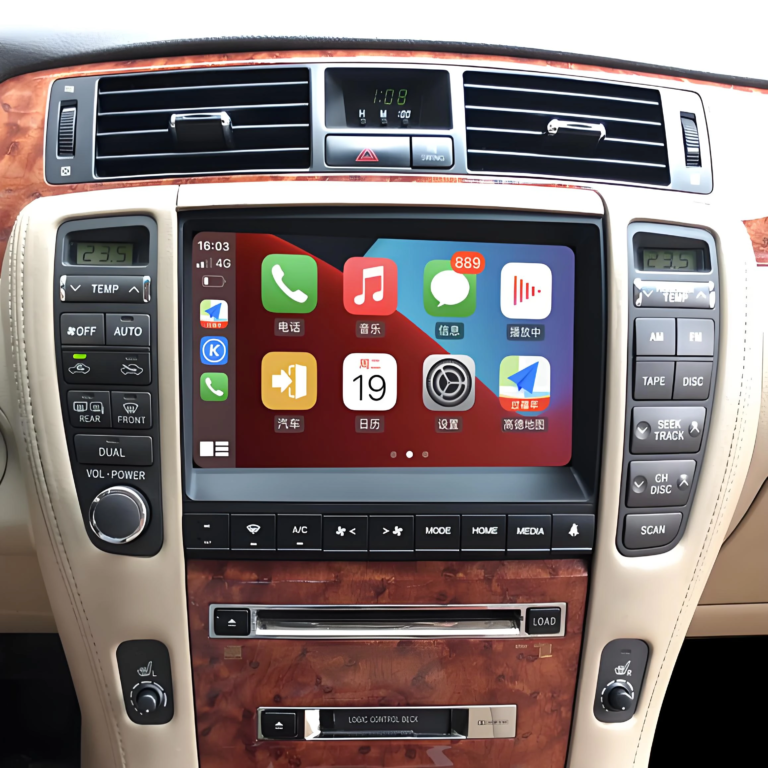
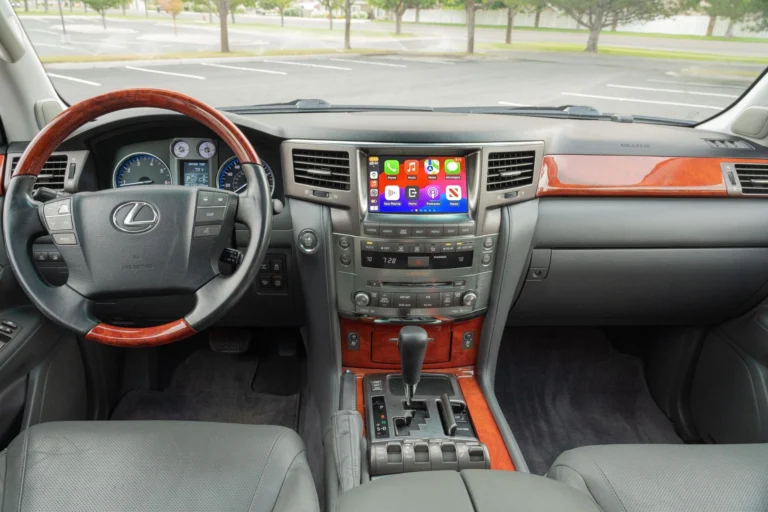
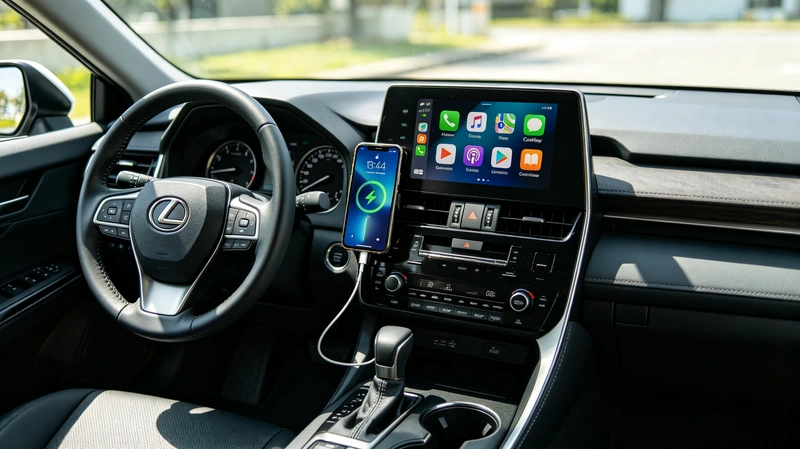
The module installs behind the factory head unit and links to it, so CarPlay appears on your original screen. You keep the dashboard look, the steering wheel controls and the factory knobs and touchscreen behavior. Once installed, the phone pairs automatically over 5GHz Wi-Fi and Bluetooth when you start the engine, and navigation, calls, music and voice assistants show up on the factory display.
AUVETO builds modules of this type for Toyota and Lexus. The kits avoid cutting wires and replacing the screen, and every kit comes with manuals and step-by-step video guides plus 1-on-1 remote tech support.
What decides whether it fits your car
Compatibility is not just a matter of make and model. Toyota, for example, used several Entune screen sizes, including 6.1 inch, 7 inch and 8 inch versions, along with different software versions depending on the market. Two cars from the same year can need different kits.
The details that matter are:
- Make, model and year
- Trim level and market
- Screen size
- Software version of the head unit
- Whether the car has factory navigation
Because of this, the safest step is a fitment check before you order. AUVETO’s team verifies compatibility manually.
What to expect after the upgrade
Most of what you use every day keeps working, including the original screen, steering wheel controls and climate functions. Camera support depends on the model, so check your vehicle’s details before ordering.
One limit to know about: on some vehicles the factory screen accepts only lower-resolution video input, so CarPlay can look less sharp than the car’s own graphics. If picture quality matters to you, ask about your specific screen before you buy.
Installing it yourself or at a shop
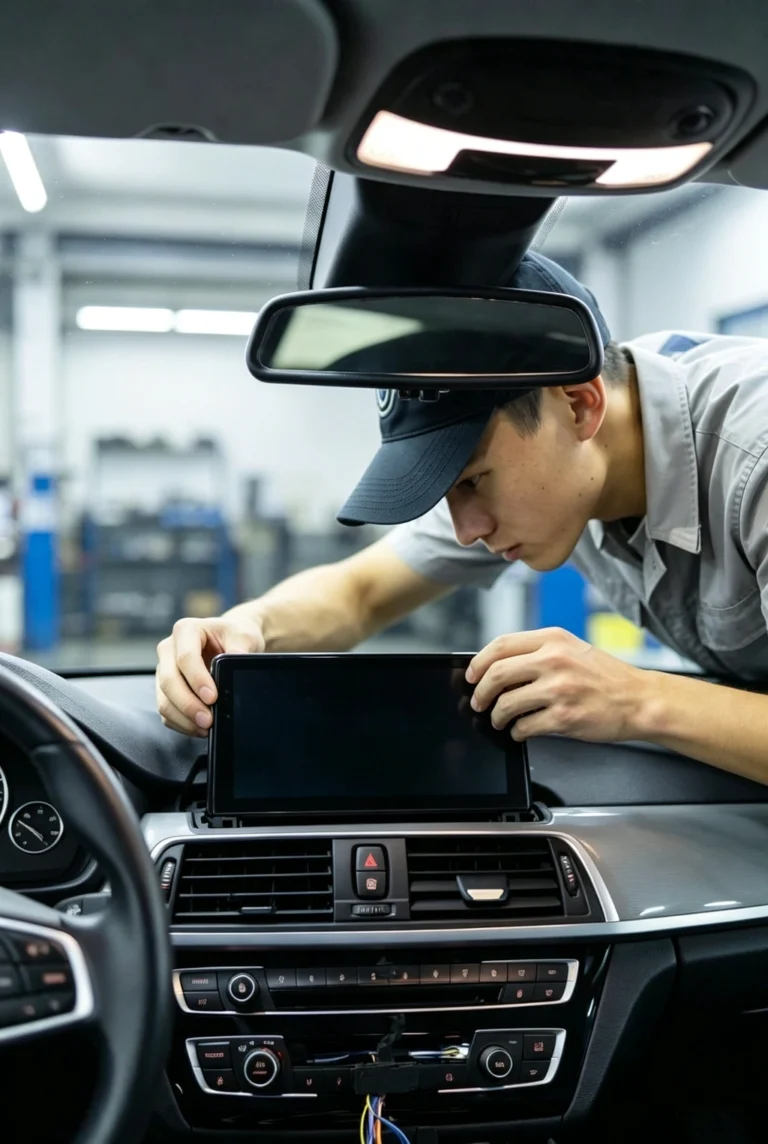
Many owners install the kit themselves in about 1 to 2 hours by following the manuals and video guides. If you would rather not open the dashboard, any local auto shop can handle the installation, and AUVETO’s remote support is available either way.
How it compares with replacing the head unit
Replacing the whole head unit is another route, but it changes the look of the dashboard and can affect factory features. A module leaves the original hardware in place, which is why many owners of well-kept older cars choose it.
Before you order: a quick checklist
- Write down your make, model, year and trim.
- Find out your screen size and whether the car has factory navigation.
- Check whether the car already has wired CarPlay, which changes the product you need.
- Contact the team with those details for a fitment check.
Not sure your vehicle is compatible?
Toyota and Lexus screens vary by model, market and software version. Browse the AUVETO collection for your vehicle, or contact the team for a fitment check before you order.
FAQ
Can I add wireless CarPlay to my factory screen?
In most cases, yes. An interface module connects to the factory head unit and adds wireless CarPlay to the original display. Compatibility depends on your model, year, screen and software version, so check fitment first.
Do I need to replace my head unit to get CarPlay?
No. An interface module works with the original head unit, so the factory screen, dashboard look and steering wheel controls stay in place.
Will my steering wheel controls still work?
Yes, on supported vehicles the original steering wheel controls keep working with CarPlay, along with the factory knobs and touchscreen. Confirm the details for your model before ordering.
Can I install a CarPlay module myself?
Many owners do. Installation takes around 1 to 2 hours with the manuals and video guides, and a local auto shop can also handle it.
Does it also add Android Auto?
AUVETO describes its modules as adding both CarPlay and Android Auto to the factory screen. Check the product page for your model to confirm the details.
Why might the picture look less sharp than the factory display?
Some factory screens accept only lower-resolution video input, which can make CarPlay look softer than the car’s own graphics. Ask about your specific screen before buying.