
Can I Add CarPlay to a Toyota Crown?
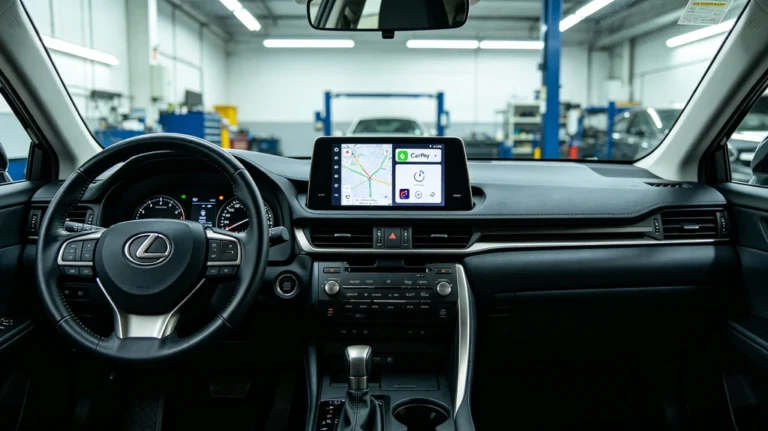
Yes. You can add Apple CarPlay to a compatible Toyota Crown using a vehicle-specific CarPlay retrofit interface.
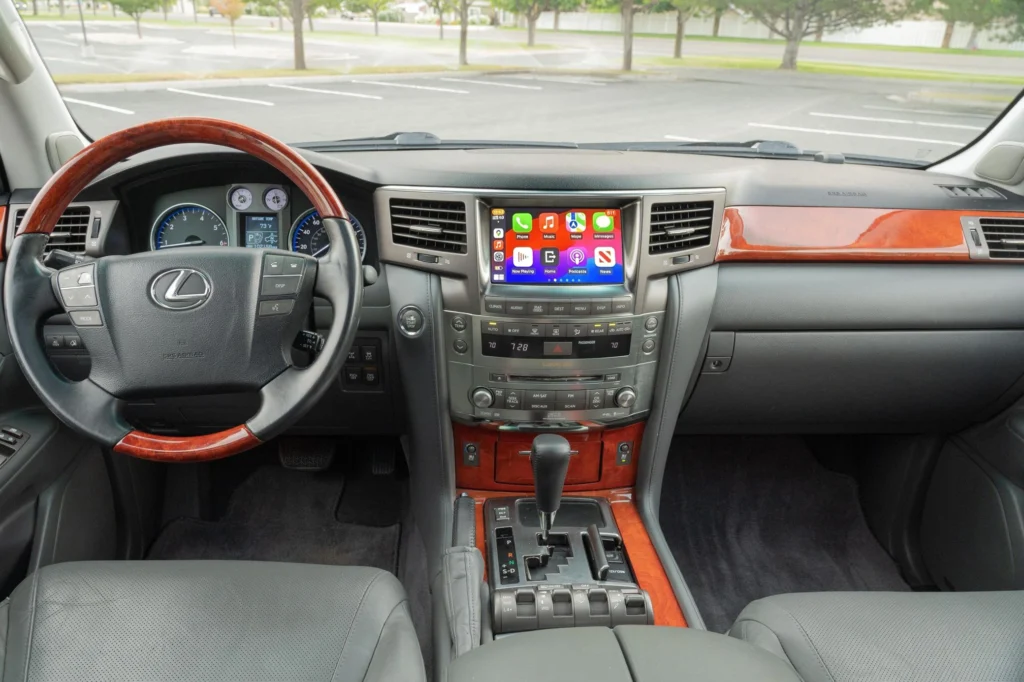
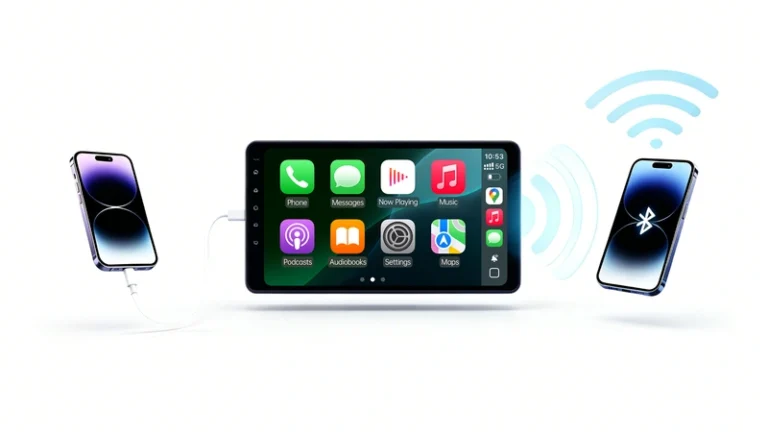
For older Toyota Crown models, a retrofit can add Wireless Apple CarPlay and Android Auto while allowing you to keep the original factory screen and OEM-style controls.
Can I Keep the Factory Screen?
Yes, on compatible Toyota Crown systems.
Instead of replacing the entire head unit, a CarPlay retrofit interface can integrate with the existing factory infotainment system.
This allows you to keep the original dashboard appearance while adding modern smartphone features such as:
- Wireless Apple CarPlay
- Wireless Android Auto
- Apple Maps
- Google Maps
- Waze
- Spotify and other music apps
- Hands-free calling
- Siri and Google Assistant
Will My Steering Wheel Controls Still Work?
On compatible Toyota Crown configurations, the retrofit can retain supported factory steering wheel controls, including functions such as volume, track selection, phone controls, and voice control.
Exact functionality depends on the Crown’s model year and factory infotainment system.
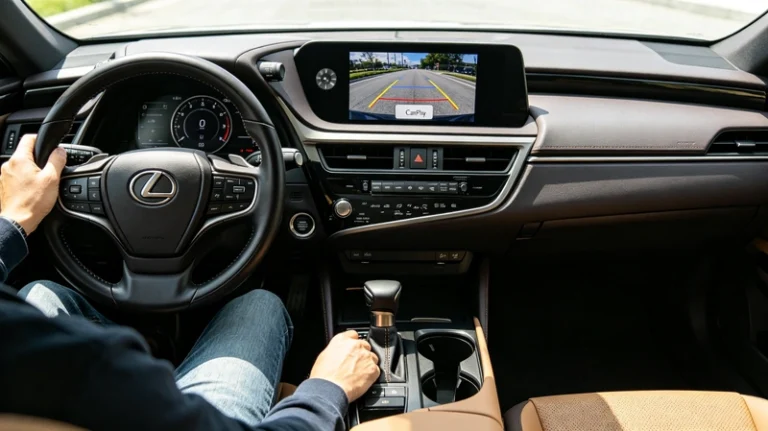
Can I Keep the Factory Backup Camera?
Yes, on compatible systems.
A vehicle-specific CarPlay retrofit can allow you to continue using the original backup camera rather than installing a new aftermarket camera.
The factory camera can continue to display when the vehicle is shifted into Reverse, provided the original camera and infotainment configuration are supported.
Do I Need to Replace the Factory Head Unit?
Not necessarily.
If your Toyota Crown has a compatible factory infotainment system, an integration interface can add CarPlay without replacing the complete factory system.
This is particularly useful for owners who want modern connectivity but prefer to preserve the original Crown interior.
Is Every Toyota Crown Compatible?
No.
Toyota Crown has been produced across multiple generations, with different factory navigation systems, displays, and electronics.
Compatibility can depend on:
- Toyota Crown generation
- Model year
- Factory screen
- Factory navigation
- Head unit
- Audio system
- Vehicle market and configuration
For this reason, you should verify the exact factory system before purchasing a CarPlay retrofit.
Toyota Crown CarPlay Retrofit vs. Screen Replacement
| Feature | CarPlay Retrofit | Screen Replacement |
|---|---|---|
| Factory Screen | Usually retained | Replaced |
| OEM Appearance | Preserved | May change |
| Wireless CarPlay | ✅ | ✅ |
| Android Auto | ✅ | Often available |
| Steering Wheel Controls | Supported on compatible vehicles | Depends on installation |
| Factory Camera | Supported on compatible vehicles | Depends on installation |
| Factory Audio | Can be retained | Depends on installation |
Bottom Line
Yes, you can add CarPlay to a Toyota Crown without necessarily replacing the factory screen.
For a compatible Crown, a vehicle-specific retrofit can add Wireless Apple CarPlay and Android Auto while preserving supported OEM features such as the factory display, steering wheel controls, backup camera, and audio system.
Can I add Android Auto to a Toyota Crown?
Before purchasing, check your Toyota Crown’s exact model year, factory screen, and infotainment system to confirm compatibility.
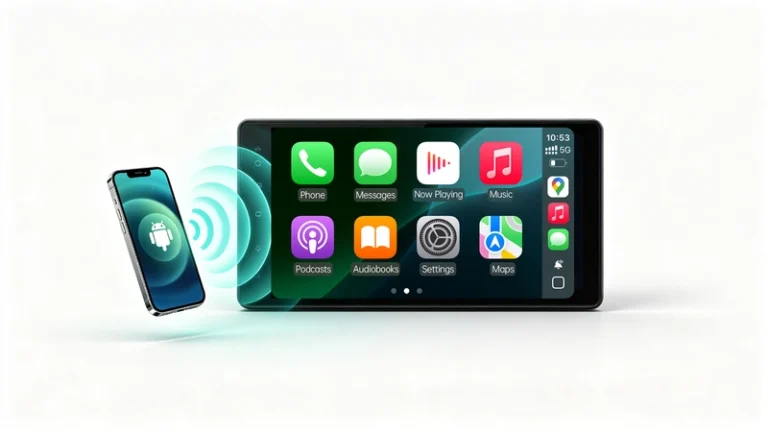


Yes, you can.