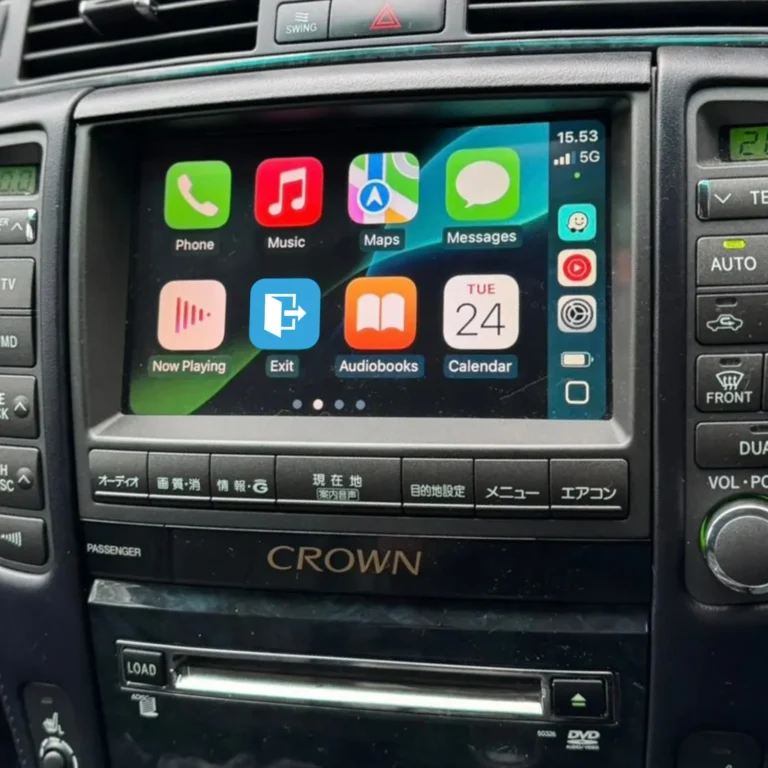
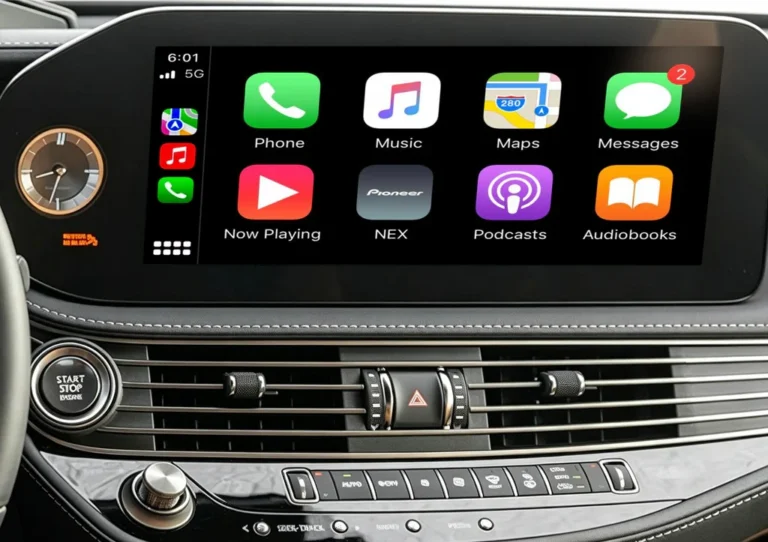
Add Apple CarPlay and Android Auto to your Toyota Land Cruiser LC200
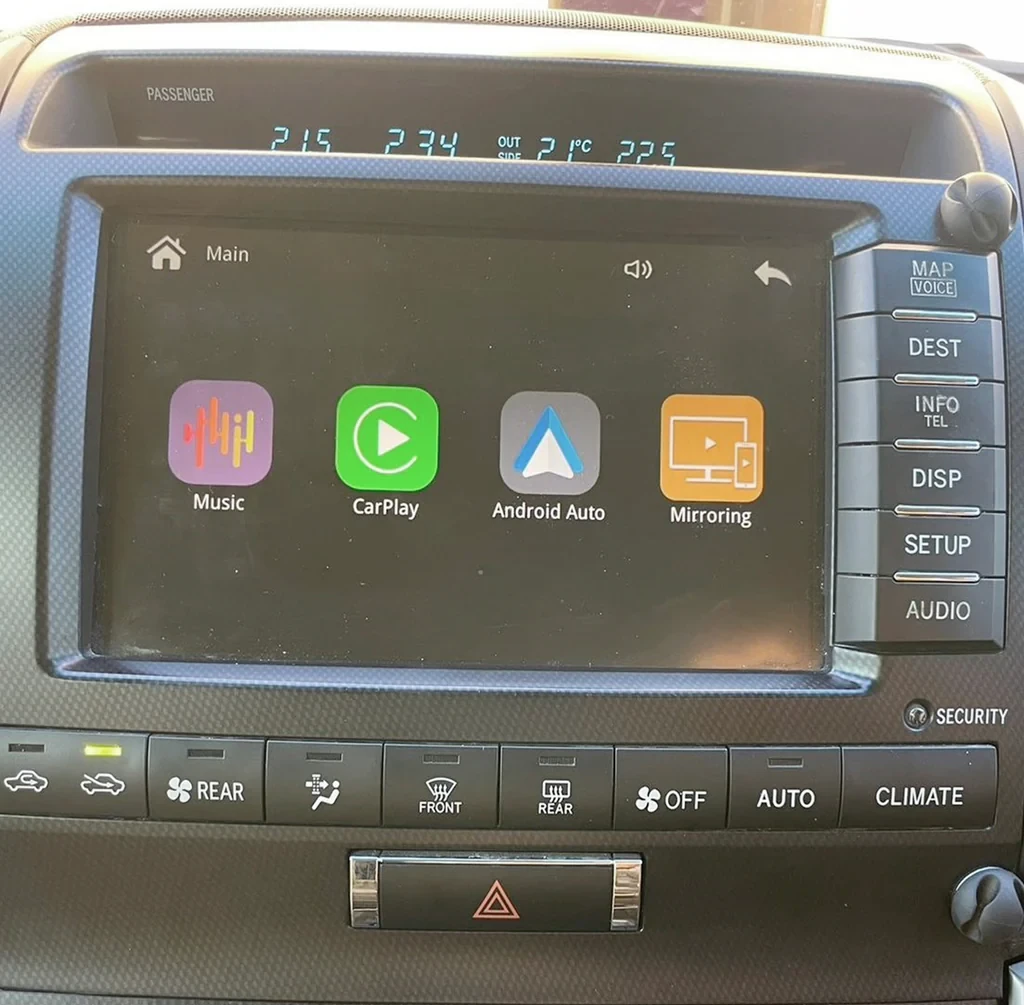
If your LC200 doesn’t have CarPlay, or only has an outdated wired version, the AUVETO kit adds wireless Apple CarPlay and Android Auto to your factory screen. It covers every LC200 year and trim, keeps the original dashboard and steering wheel controls, and installs in about 1 to 2 hours without cutting a single wire.
Key takeaways
- One kit works across all Land Cruiser LC200 years and trims, so you don’t need to match a specific facelift or screen version.
- The factory screen, steering wheel controls, backup or 360-degree camera, and JBL sound system all keep working.
- The phone connects automatically over 5GHz Wi-Fi and Bluetooth once you start the engine.
- Every kit ships with manuals, step-by-step video guides and 1-on-1 remote tech support, so you can install it yourself or hand it to a local shop.
Why the LC200 needs help getting CarPlay
The LC200 was built and sold across many markets and model years, and Toyota changed the infotainment hardware more than once during its run, including a shift from a resistive to a capacitive touchscreen partway through production. That’s part of why aftermarket CarPlay solutions for the LC200 often split into separate kits by year range. AUVETO’s kit is built to work across the whole lineup instead, so you don’t have to figure out which sub-generation of screen you have before ordering.
What stays the same after installation
- The factory screen and dashboard. Nothing is cut or replaced. The module connects behind the factory head unit and adds CarPlay and Android Auto as a new source.
- Steering wheel controls. The original buttons keep working, including the voice button, which activates Siri.
- The backup or 360-degree camera. The camera view still takes over automatically when you shift into reverse.
- The factory JBL sound system. Audio routes through the original amplifier and speakers, so the sound stays clear with no added hiss or noise floor issues.
- The factory radio and settings. CarPlay is added as a source, so you can still switch back to the original system.
How it connects
Once the kit is installed, your phone pairs automatically over 5GHz Wi-Fi and Bluetooth as soon as you start the engine. No cable is required for daily use, though a wired connection is also available if you’d rather charge the phone on a long drive.
Installing it
Most owners install the kit themselves in around 1 to 2 hours, guided by the included manuals and step-by-step videos. If you’d rather not open the dashboard, any local auto shop can do the installation, and AUVETO’s 1-on-1 remote support is available either way if you get stuck or want a second set of eyes on the wiring.
Before you order
Because the kit covers all LC200 years and trims, there’s less to check than with most aftermarket options. It’s still worth confirming a few things before you buy:
- Confirm you have a Toyota Land Cruiser 200 series (LC200), not the newer LC300 or the LC Prado.
- Note your model year and trim in case AUVETO’s support team needs it for setup guidance.
- If you already have factory wired CarPlay, mention that when you order, since the module route differs from a plug-in adapter.
Not sure your vehicle is compatible?
Browse the LC200 kit on the AUVETO collection, or contact the team with your vehicle details for a fitment check before you order.
FAQ
Does AUVETO’s kit work with every LC200 year and trim?
Yes. The kit is built to cover the full Land Cruiser LC200 lineup, so you don’t need to match a specific facelift or screen generation.
Will I lose my steering wheel controls?
No. The original steering wheel buttons keep working, including the voice button, which activates Siri.
Will my backup camera or 360-degree camera still work?
Yes. The camera view still takes over automatically when you shift into reverse.
Does it work with the factory JBL sound system?
Yes. Audio routes through the factory amplifier and speakers, so the sound system keeps its original quality.
Do I need to cut any wires or replace my screen?
No. The module connects behind the factory head unit, and the original screen and dashboard stay unchanged.
Can I install it myself?
Many owners do, in about 1 to 2 hours using the included manuals and video guides. A local auto shop can also install it, and remote tech support is available either way.